37
BLUETOOTH MUSIC MODE
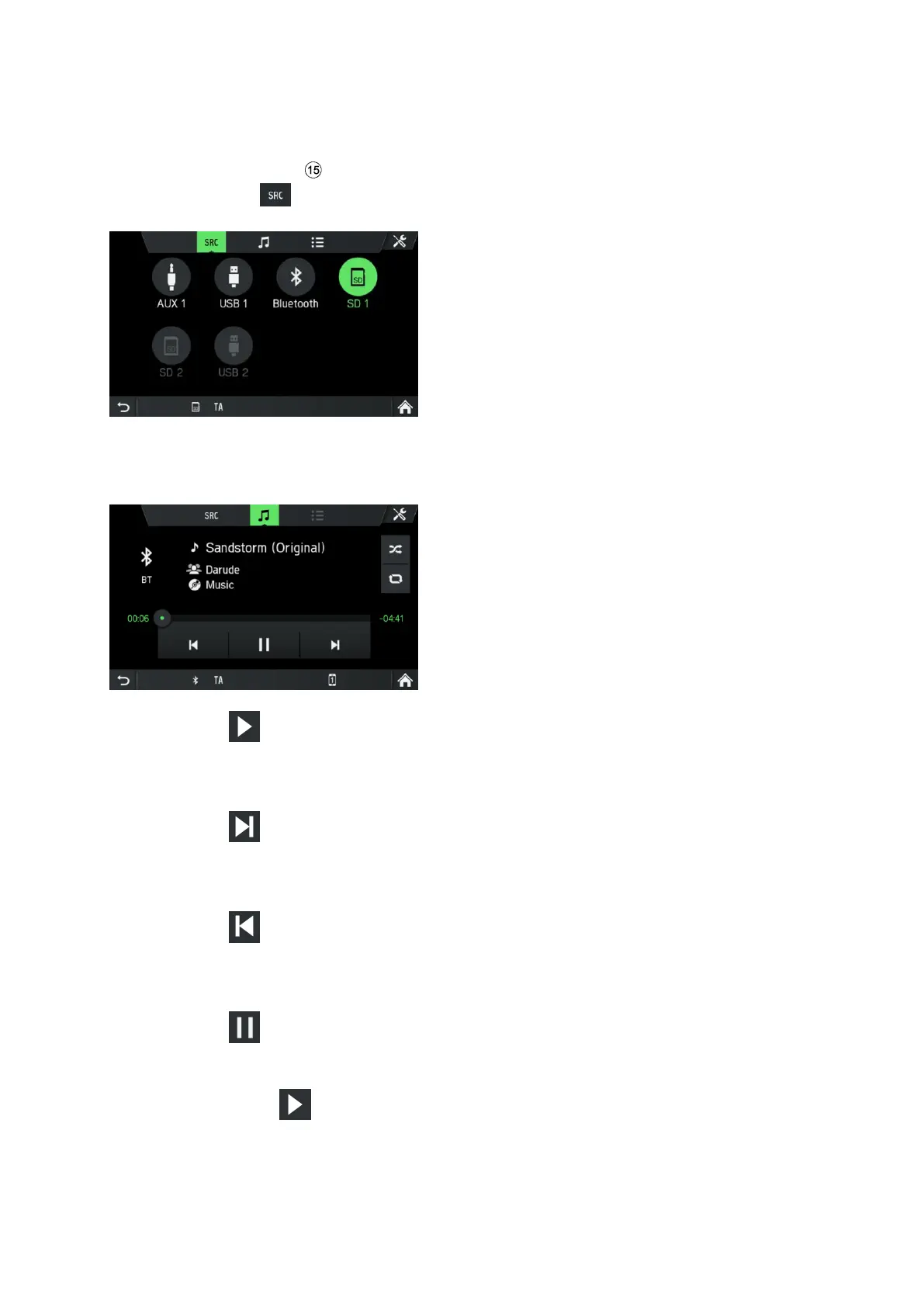
Activating Bluetooth music mode
• Press the
MEDIA
button.
• Tap on the button.
• Select the Bluetooth
button to activate Bluetooth music mode.
The external audio source can now be operated via the infotainment system.
• Tap on .
Audio track is played.
Play the next audio track:
• Tap on .
The next audio track is played.
Play the previous audio track:
• Tap on .
The previous audio track is played.
Pause audio playback:
• Tap on .
Resume playback:
• Tap again on .



 To Next Page