- Every alternative route is displayed with a star rating, a distance and driving
time. The highest rated route is the one with the lowest fuel consumption.
- The map displays the overview of the alternative routes with the colour of
the different route types.
• Tap on the desired alternative route (Eco route, Shortest route or Fastest
route).
• The route guidance is started.
POI - Point of Interest
• In Navigation Screen press the
NAVI
button and tap on the icon .
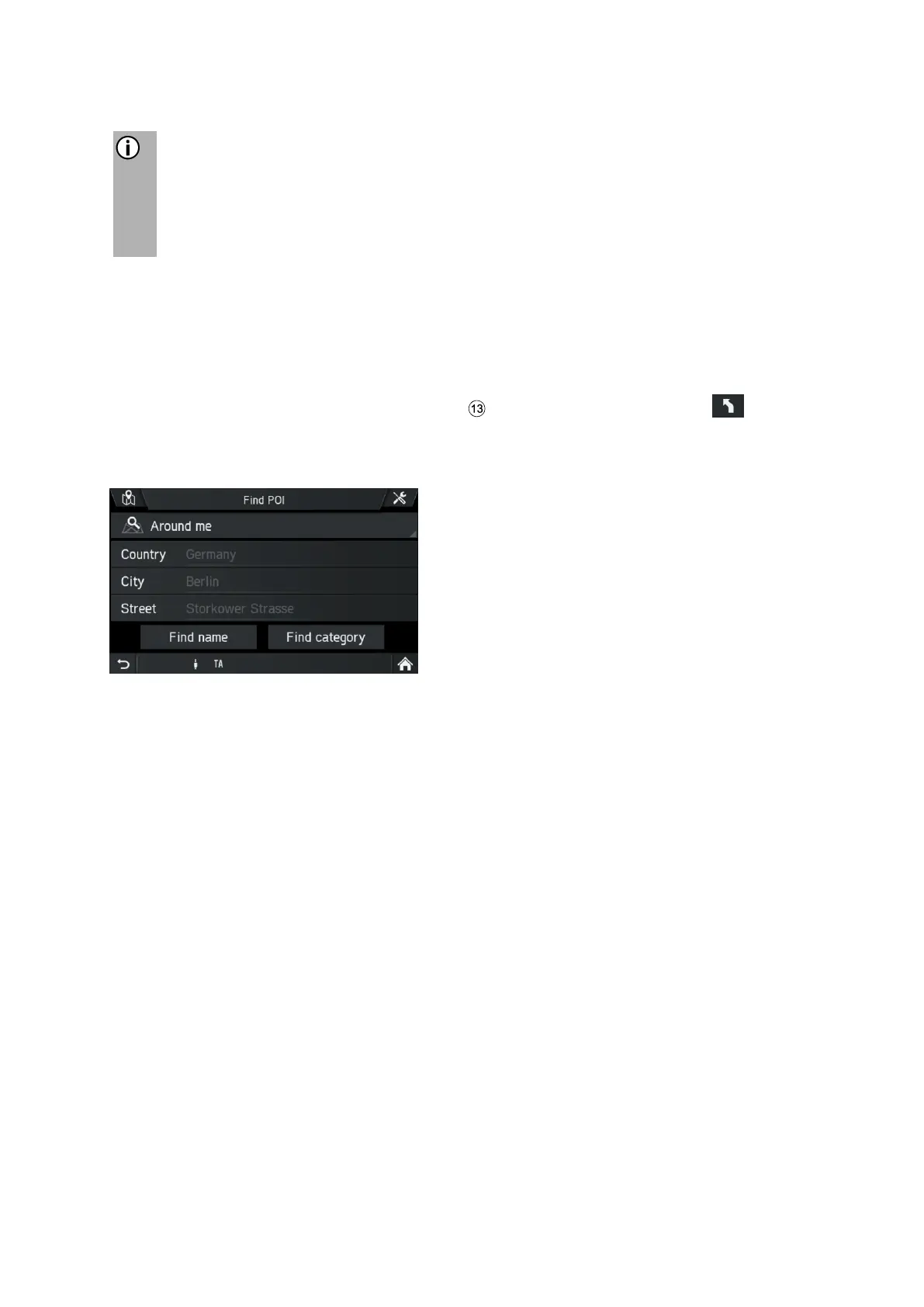
• Tap on Find POI.
Menu FIND POI is displayed.
- Around me
Displays POIs around your current position.
- Near address
Use this option to display POIs near an entered address.
- Near destination
Use this option to display POIs near the destination.
- Along route
If route guidance is active this option becomes visible. Displays POIs along current
route.
• Choose if you want to search the POI by name (text input) or category
(Regular POIs, Truck POIs, Dealers).



 To Next Page