Toll and vignette roads are a form of road pricing for vehicles additionally to
the road tax.
- Toll roads: Road pricing calculated on distance travelled
- Vignette: Permission for using roads for a certain period of time
Sometimes (depending on the route) it is not possible to match every set
truck profile and avoid option. You will be informed about with a vehicle
attribute warning screen. You always need to obey given local traffic
regulations.
• Select the desired avoidances.
The selected avoidances are each indicated by a red prohibition sign.
Settings have to be confirmed by Button or icon - otherwise they
will not be stored.
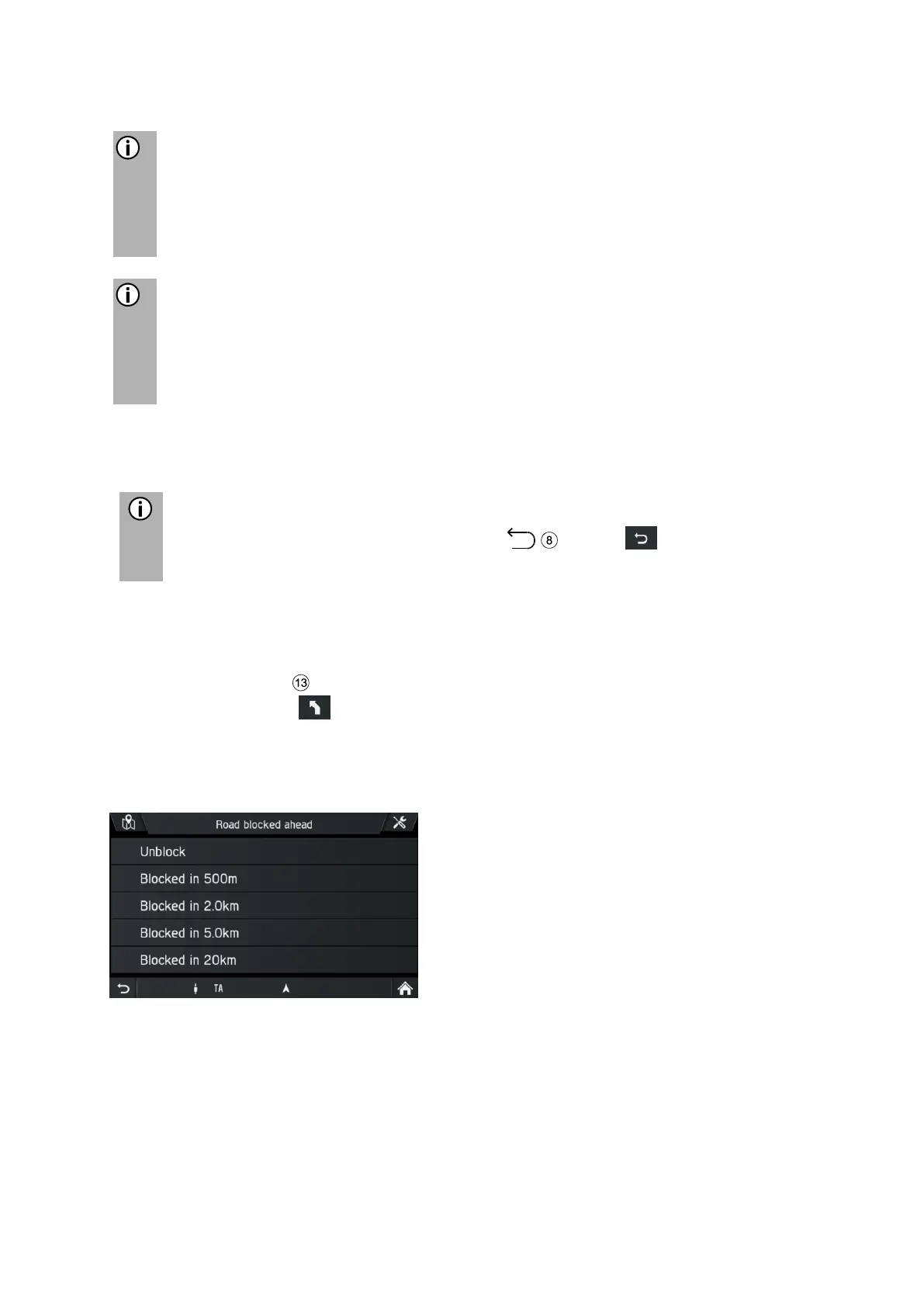
Block ahead
Use this menu to exclude selected roads in a section of the guidance.
• Press the
NAVI
button during a currently running route.
• Tap on the icon .
The ROUTE OPTIONS menu is displayed.
• Tap on Block ahead
The menu BLOCK ROUTE SECTION is displayed.
The following menu options are available:
- Unblock
- Blocked in 500 m
- Blocked in 2.0 km
- Blocked in 5.0 km
- Blocked in 20 km
• Select an option.



 To Next Page