43
For details, see the chapter "Media", sub-chapter "Bluetooth audio connection”,
“Connecting a Bluetooth device" on page 36.
Connection to another paired device
• Tap in the BLUETOOTH SETTINGS menu on List of paired devices.
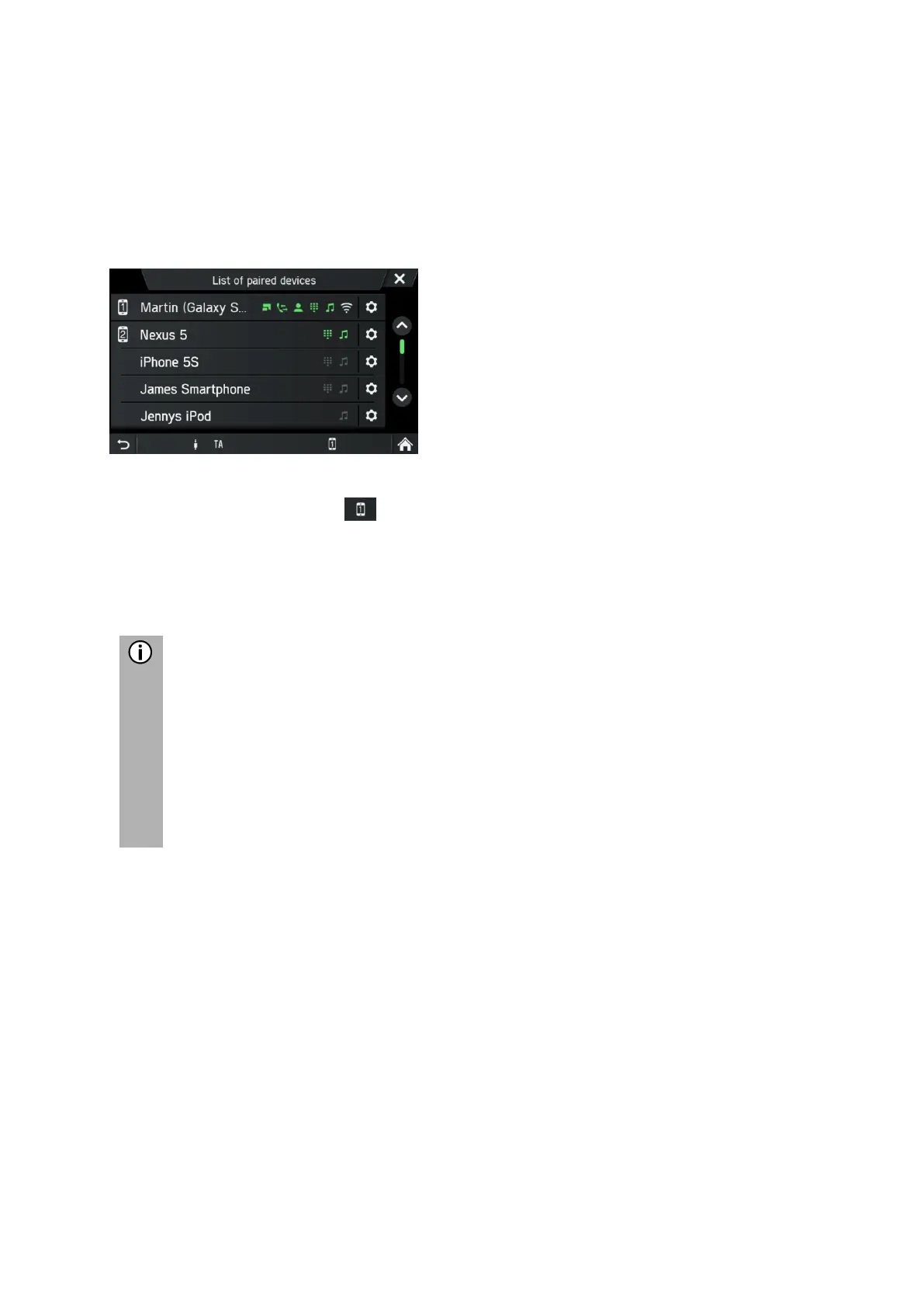
A list of all Bluetooth devices paired with the infotainment system is displayed.
The Bluetooth device currently connected to the infotainment system is
displayed by the icon .
• Select the desired Bluetooth device.
The selected Bluetooth device is connected to the infotainment system.
A confirmation is displayed when the Bluetooth connection is successfully
established.
- If another Bluetooth device was previously connected to the infotainment
system, it is now separated.
- There can be up to 2 Bluetooth devices connected to the infotainment
system, regardless of whether they are audio streaming devices, mobile
telephones or combination devices (e.g. mobile telephones with integrated
MP3 player).
- If the Bluetooth connection fails, perform the pairing process again or read
the instructions for the Bluetooth device.



 To Next Page