64
Destination and POI Options
POI Options are enabled, if the address of the destination is assigned as
POI.
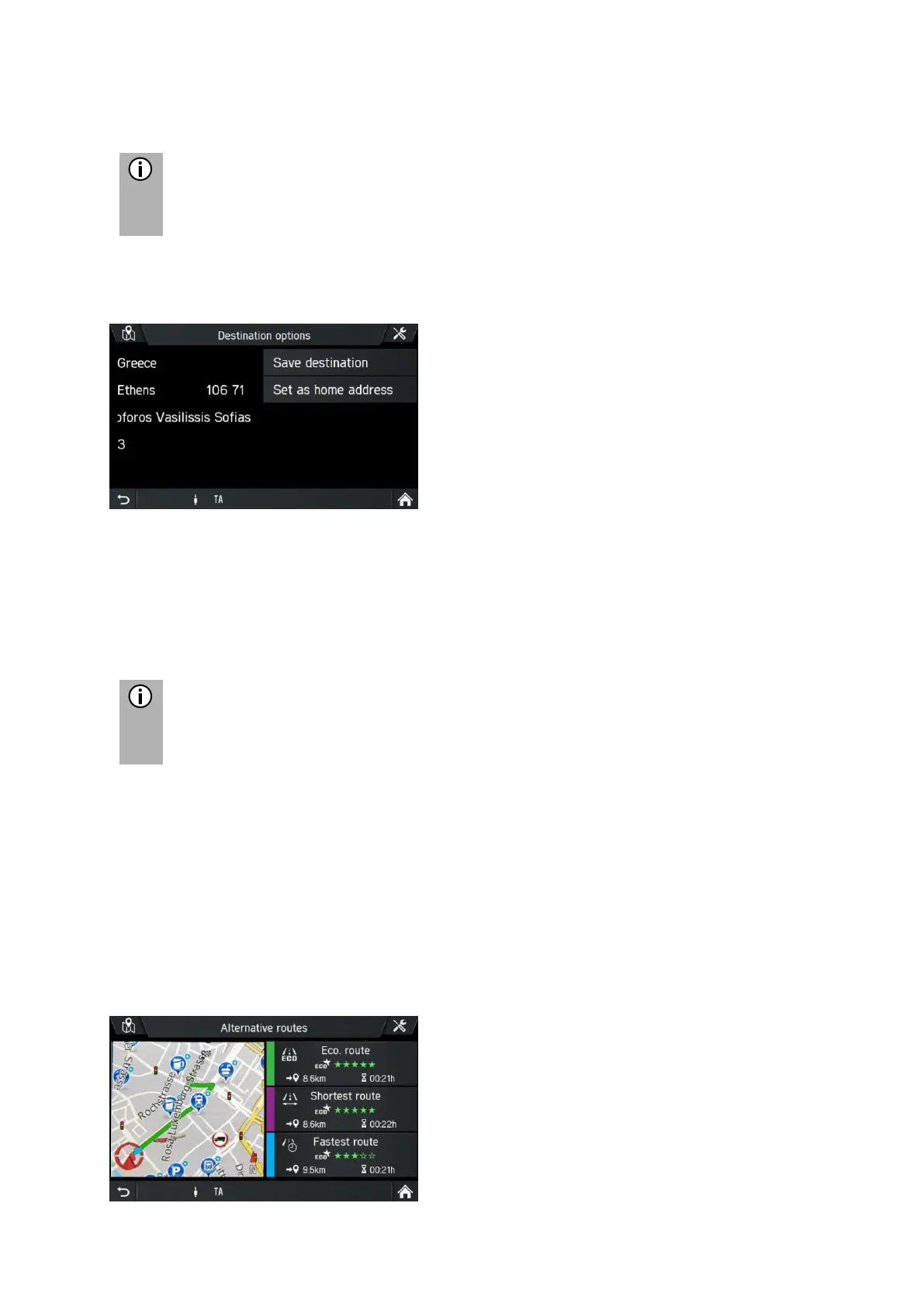
• Tap in menu CONFIRM DESTINATION on Options.
Destination or POI Options are shown.
- Save destination
Tap this option to save the displayed destination data in the saved destinations.
- Set as home address
Tap this option to save the displayed destination as home address.
- Phone number/ Call POI
Tap on the telephone number to make an outgoing telephone call to the POI.
Only if a mobile telephone is connected to the infotainment system via
Bluetooth and the POI is equipped with a telephone number.
Alternative route
Use this menu to calculate alternative routes (Eco route, Shortest route or Fastest
Route).
• Insert the destination address, see Destination entry
• Tap on Confirm destination.
The CONFIRM route menu appears and displays the route.
• Tap on Alternative route.
Alternative routes are calculated.



 To Next Page