96
CARPLAY®
CarPlay® enables the integration of iPhone® devices in the vehicle and the screen
as well as shared applications from Apple devices are shown on the display.
CarPlay® only appears when an Apple device is connected to the device's
USB connection via a lightning connection.
TURN ON CARPLAY
• Tap on the icon to open the HOME menu.
• Tap on the icon in order to display the APPS menu.
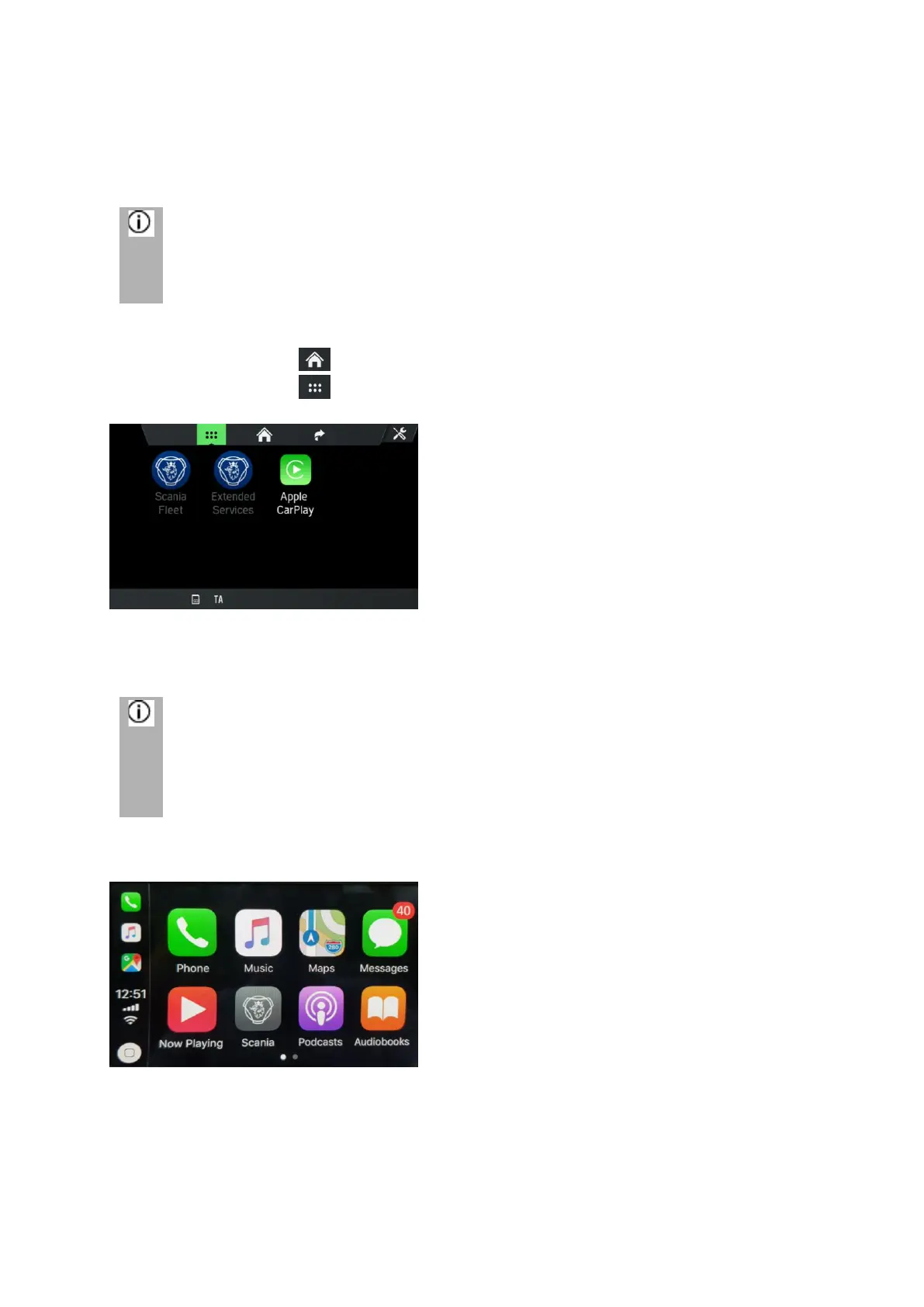
• Tap on the CarPlay button.
The CarPlay® function starts.
All Bluetooth connections are terminated as soon as CarPlay® is activated.
The internal telephone, Bluetooth and Bluetooth Audio do not function
together with CarPlay®.
The following screen appears.
CarPlay® enables the integration of Apple devices in the vehicle and the screen as
well as shared applications from Apple devices are shown on the display.
Once a connection has been successfully established, the supported CarPlay apps
(telephone, music, maps and news) can be operated via the touchscreen or via voice
input (Siri).



 To Next Page