77
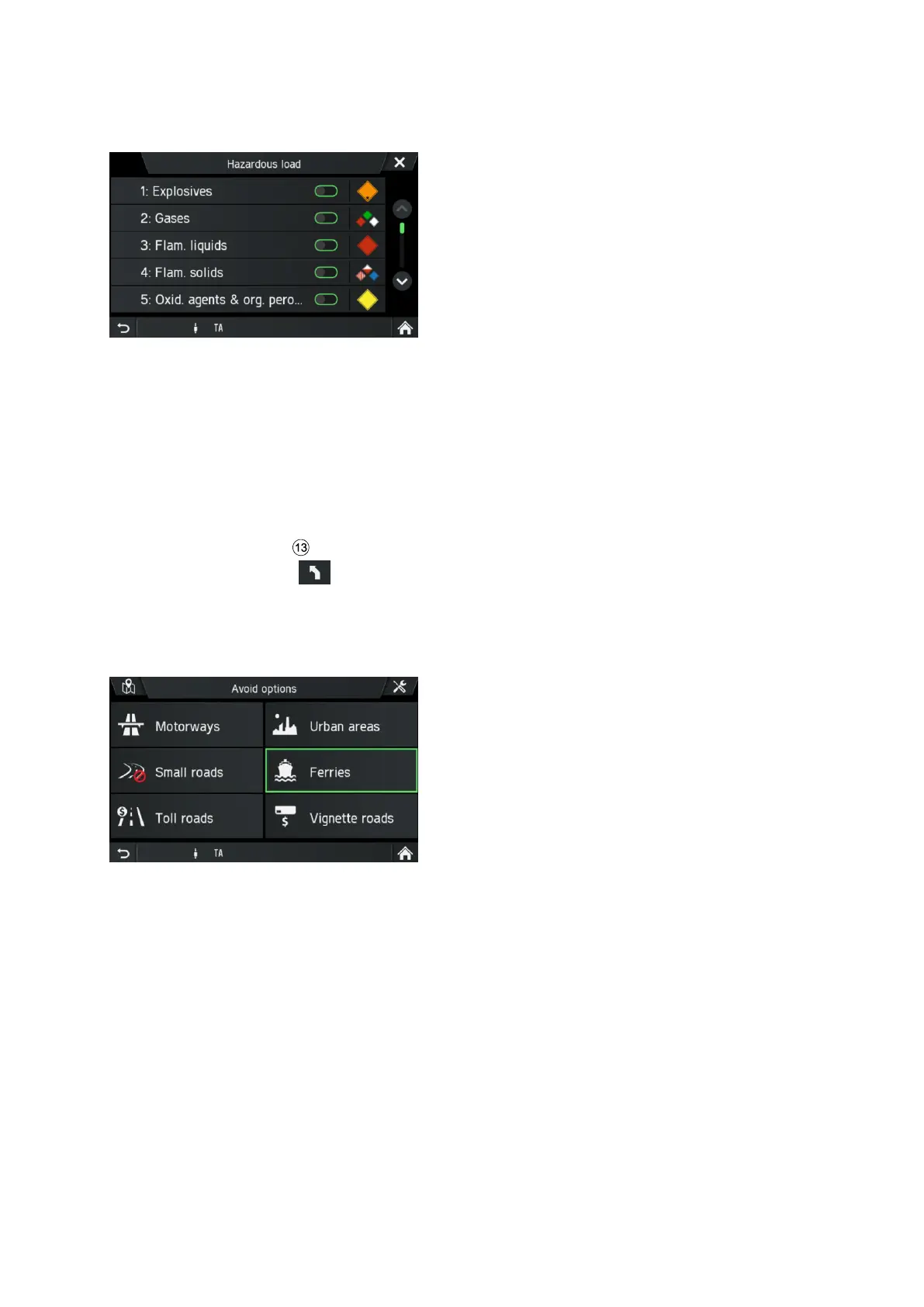
In the menu HAZARDOUS LOAD you can select hazardous material by classes.
Tapping an icon opens a description of the respective hazardous material class.
If your vehicle carries hazardous loads, activate the respective checkboxes. It is
possible to activate more than one class if several hazardous loads are transported.
• When hazardous goods are loaded, select the respective check box/es.
Avoid options
Use this menu to avoid certain areas or road segments.
• Press the
NAVI
button during a running route.
• Tap on the icon .
The ROUTE OPTIONS menu is displayed.
• Tap on Avoid options.
The AVOID OPTIONS menu is displayed.
The following avoid options are available:
- Motorways
- Urban areas
- Small roads
- Ferries
- Toll roads
- Vignette roads



 To Next Page