46
OPERATION
When the Bluetooth connection has been established, you can perform the functions
in your telephone through the infotainment system.
When the Bluetooth connection is established between the mobile telephone and the
infotainment system, the mobile telephone data are sent to the infotainment system.
This process may take some time. The period depends on the mobile telephone and
the amount of data being sent. The operation of mobile telephones on the
infotainment system may be restricted during this time.
Control elements on the control panel
- Left rotary encoder for volume control.
- The
TELEPHONE
button displays the telephone menu.
HANDS-FREE MODE
• Make sure that the Bluetooth feature is activated on the infotainment system.
• Make sure that the Bluetooth function is activated on the telephone (to activate
Bluetooth, see instructions for use of the device).
• The mobile telephone must be set to "visible" (see instructions for the device).
• The mobile telephone must be connected to the infotainment system. For
details, see the chapter "Media", sub-chapter "Bluetooth audio connection”,
“Connecting a Bluetooth device".
Activate hands-free mode
•
Press the
TELEPHONE
button
.
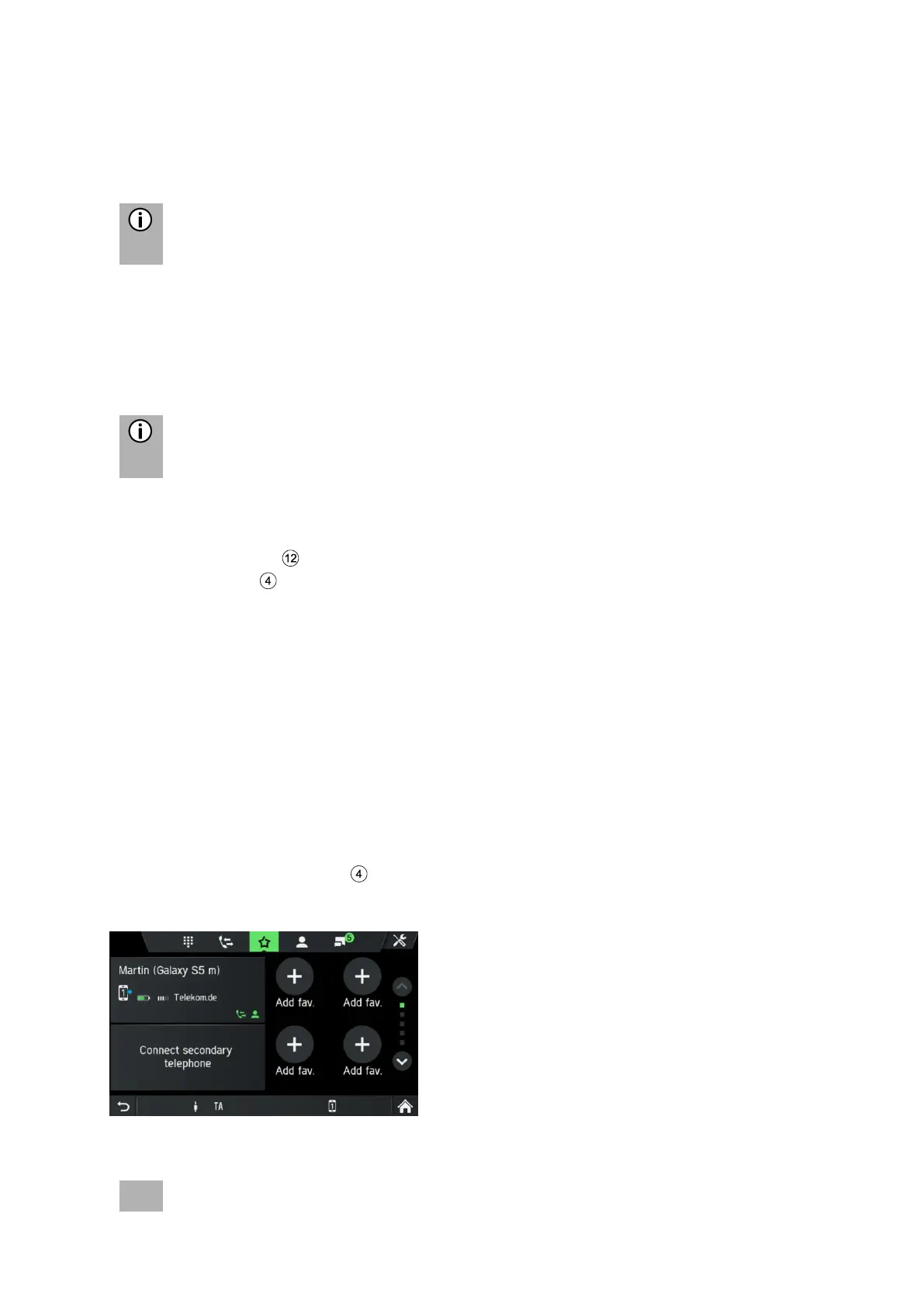
The TELEPHONE menu is displayed.



 To Next Page