19
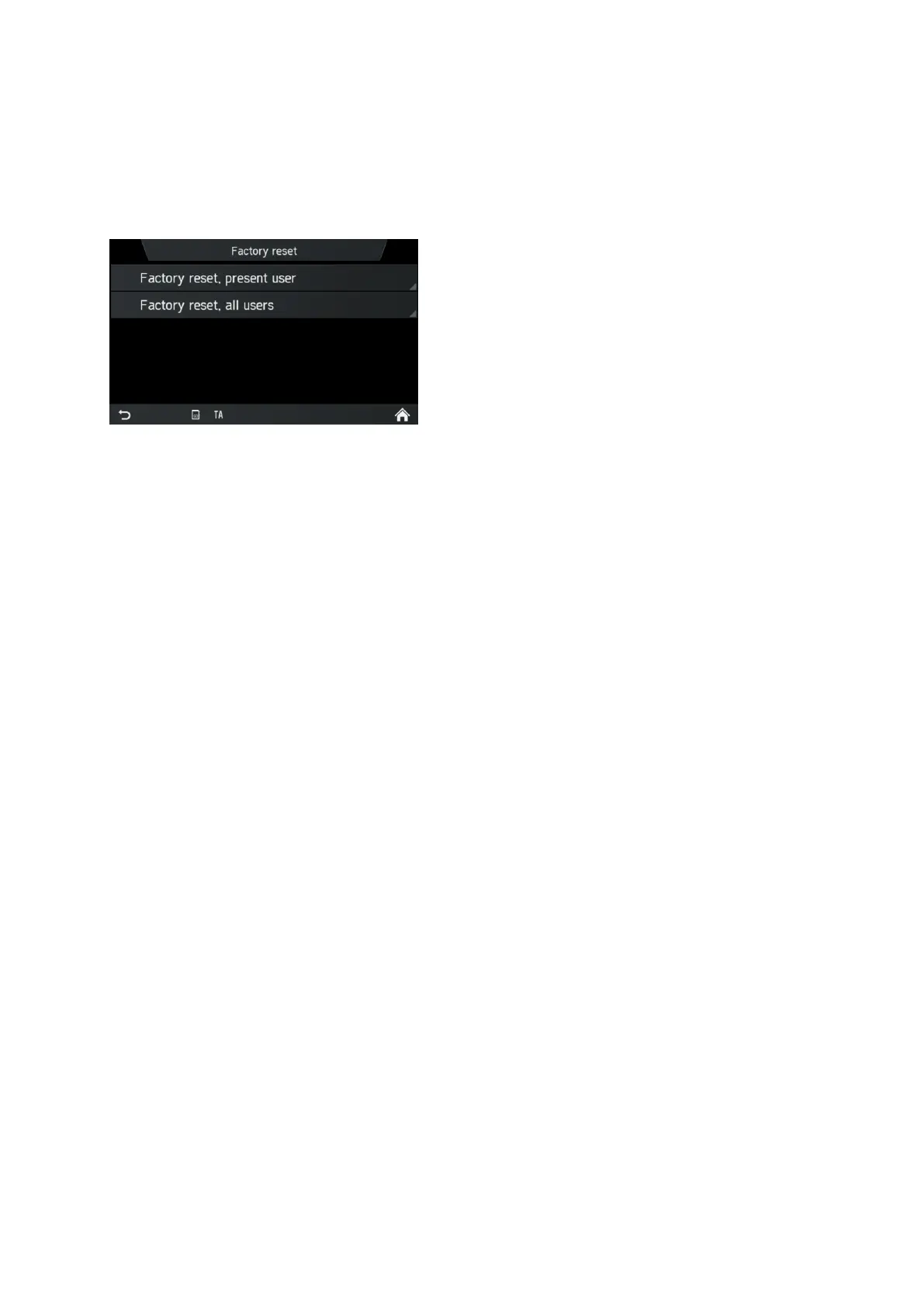
Factory reset
This menu entry provides option to either delete all personal data of individual driver
or settings common to all the vehicle driver ID holders.
• Select the menu item Factory reset.
A screen is asking for user’s acknowledgement.
- Factory reset, present user = Deleting all personal data.
After choosing yes in the “factory reset, present user” pop up, “All personal
data will be deleted and system will be restarted” pop up will be shown during
data deletion process.
Another popup informs the user that personal data has been deleted
- Factory reset, all users = Deleting personal data of current user and also all
other users
- After choosing yes in the “factory reset, all user” pop up, “All personal data
will be deleted and system will be restarted” pop up will be shown during data
deletion process
SW vers.
This menu entry displays you the current installed software version.
BLUETOOTH AND PHONE
For details, see the chapter "Media", sub-chapter "Bluetooth audio connection" on
page 35 or the chapter "Telephone*", sub-chapter "General information" on page 41.



 To Next Page