66
- Regular POIs
Use this option to display regular POIs (e.g. parking, night stop, restaurants etc.).
- Truck POIs
Use this option to display truck specific POIs (e.g. truck parkings, truck repair
shops, petrol/gasoline stations etc.).
- Dealers
Use this option to display dealer specific POIs.
POIs will be displayed in Menu POI RESULTS.
• Tap on By Name or By Distance to sort the determined POIs.
• Select POI from the list.
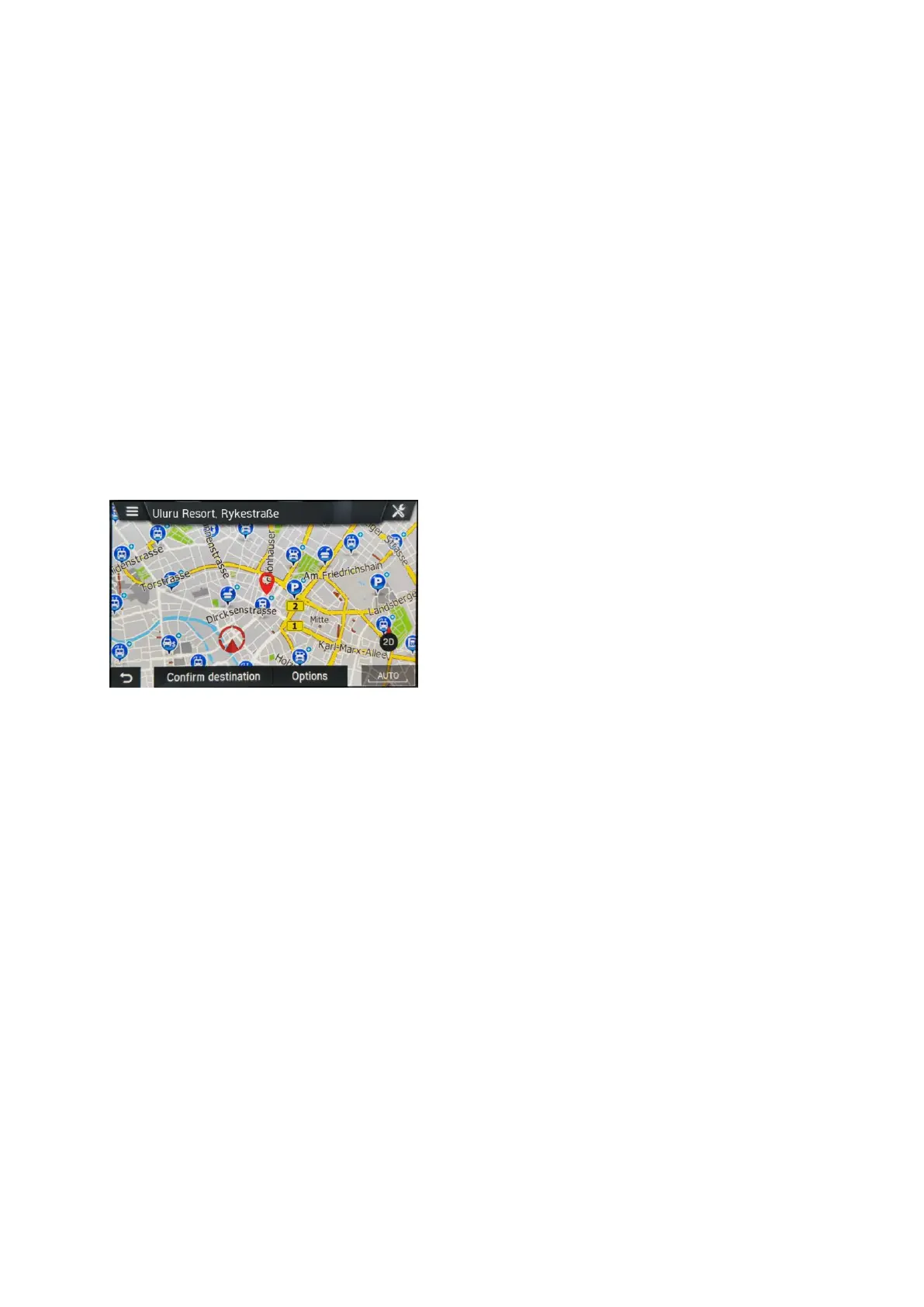
The navigation system displays a map view of the area around the previously
entered address.
A red marker indicates the new destination.
The information bar contains the POI name, street name and city of the
destination.
• Tap on Confirm Destination.
The route is calculated.



 To Next Page