89
- Show traffic events
You can enable or disable the visibility of the selected event types in the navigation
screen. Following options amongst others are possible:
Traffic flow
Accidents
Closure
Heavy traffic
Heavy vehicles
Informational
Lane restrictions
Roadworks
Security
Slow traffic
Weather
The navigation setup option Show traffic info completely enables/disables the
visibility.
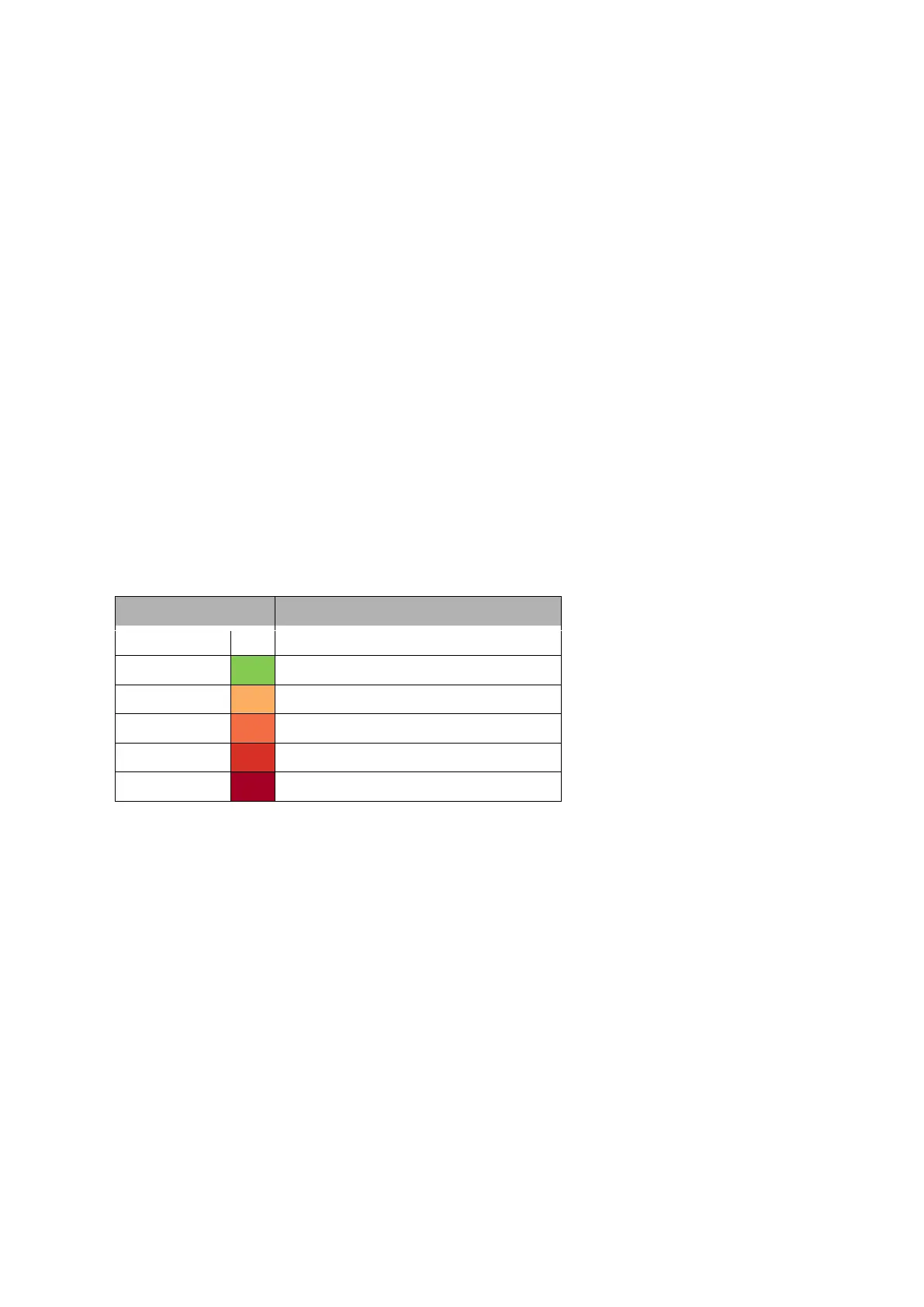
Traffic flow information (only for TPEG)
In active route guidance the route may be displayed in different colours. These
colours give information about the immediate traffic flow of definite streets/ route
segments.



 To Next Page