120
www.sauservice.com
FIG. 16. 1 a
16. TROUBLESHOOTING
In case a problem occurs, first check wiring connector connections.
● In order to prevent electric shock and short circuit, be sure to turn power off before
performing work.
● Be careful not to damage the wires. Damaged wires may cause electric shock or
short circuit or present a fire risk.
● After removing the cause of the functioning of the Circuit Protector, reinstate the
Circuit Protector. Depending on the cause of the functioning, using the Circuit Pro
-
tector as is without removing the cause can cause generation of heat and fire hazard.
PROBLEMS CAUSE COUNTERMEASURES
With Main SW
ON, no activation.
The color on
PTV screen is
incorrect.
Color deviation
on PTV screen.
Power is not supplied.
Power supply/voltage is not correct.
The Circuit Protector functioned
due to the momentary overload.
Image adjustment is inappropriate.
Affected by peripheral machines or
the building's steel frames.
Securely insert the power plug into the plug
socket.
Make sure that power supply/voltage is
correct.
After eliminating the cause of overload,
reinstate the AC Unit's Circuit Protector
(see 7 , Section 6, Refer to the following).
Adjust appropriately (see Sec. 12).
Perform convergence adjustment
(see Sec. 12).
Change installation direction or position.
Move the machine which causes the
problem.
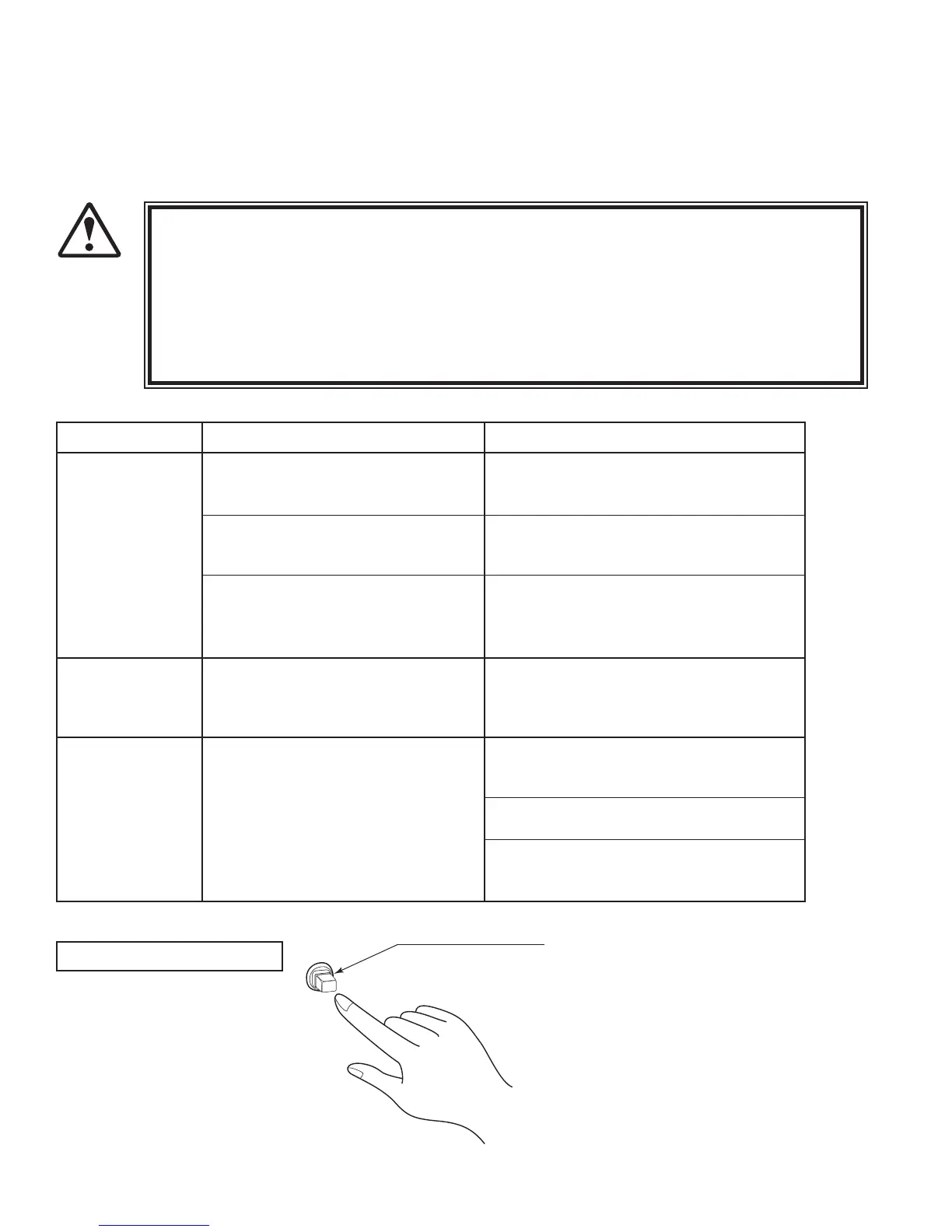
TABLE 16. 1 a
CIRCUIT PROTECTOR
Functions due to the activation of
bimetal. To restore the function,
wait for approximately one minute
or longer until the bimetal cools
off. (Press the Button.)
CIRCUIT PROTECTOR
16-1 PROBLEMS NOT INVOLVING THE GAME BOARD
WARNING!













 To Next Page