Date Code 20110408 Instruction Manual SEL-551 Relay
Section 6
Front-Panel Interface
Overview
This section describes how to get information, make settings, and execute
control operations from the relay front panel. It also describes the default
displays.
Front-Panel Pushbutton Operation
Overview
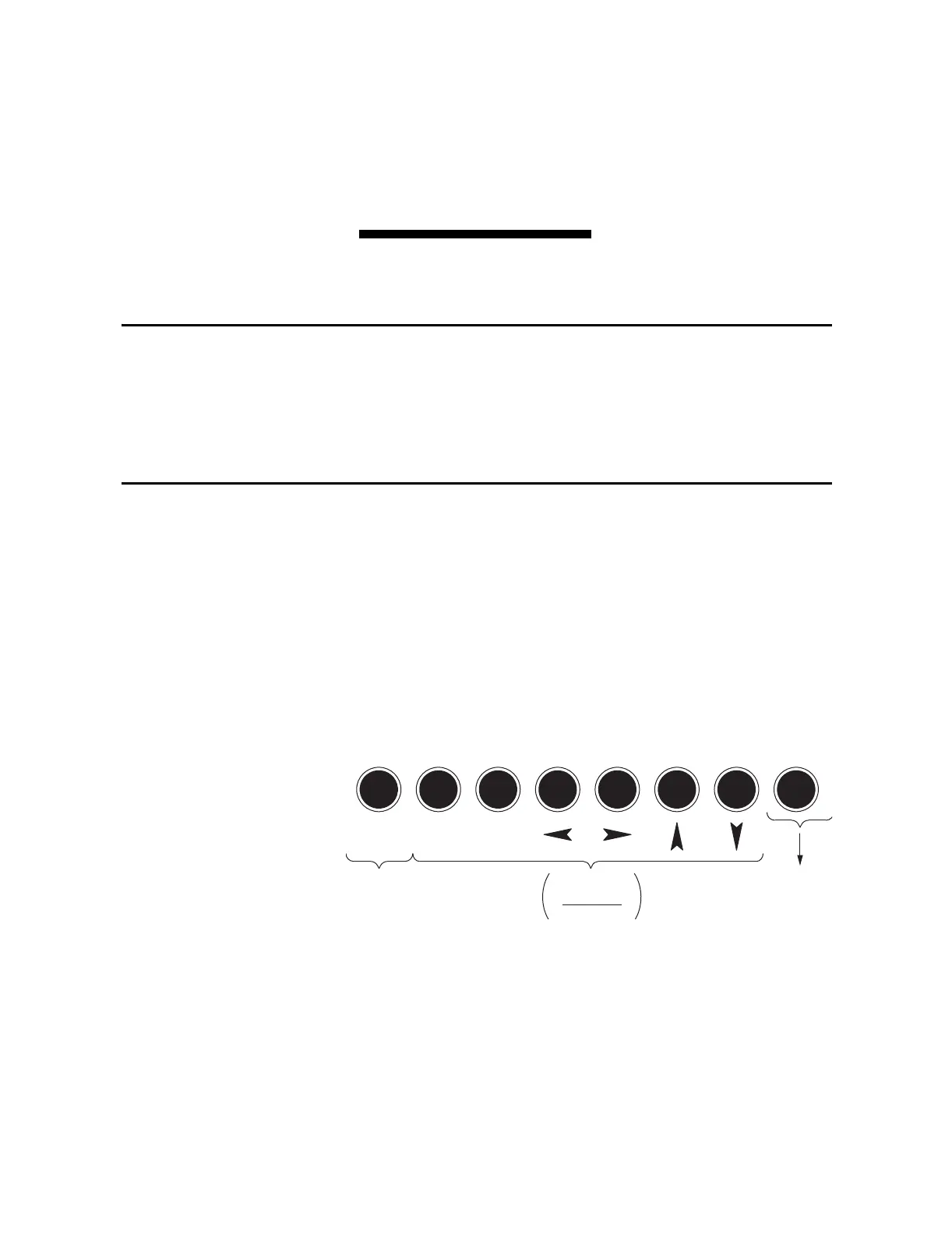
Note in Figure 6.1 that most of the pushbuttons have dual functions (primary/
secondary).
A primary function is selected first (e.g., {METER} pushbutton).
After a primary function is selected, the pushbuttons then revert to operating
on their secondary functions ({CANCEL}, {SELECT}, left/right arrows, up/down
arrows). For example, after the {METER} pushbutton is pressed, the up/down
arrows are used to scroll through the front-panel metering screens. The
primary functions are activated again when the present selected function
(metering) is exited (press {EXIT} pushbutton) or the display goes back to the
default display after 15 minutes of no front-panel activity.
q See Figure 6.3.
Figure 6.1 SEL-551 Front-Panel Pushbuttons—Overview
Primary Functions
Note in Figure 6.2 and Figure 6.3 that the front-panel pushbutton primary
functions have correspondence to serial port commands—both retrieve the
same information or perform the same function. To get more detail on the
information provided by the front-panel pushbutton primary functions, refer to
the corresponding serial port commands in Section 5: Serial Port
Communications and Commands. For example, to get more information on
LAMP
TEST
CANCEL SELECT
TARGET
RESET
EVENTSMETER
EXIT
SETSTATUS OTHER
CNTRL
Dual Function
Primary
Secondary
Also has
Secondary
Function q
Single
Function



 To Next Page