6.3
Date Code 20110408 Instruction Manual SEL-551 Relay
Front-Panel Interface
Front-Panel Pushbutton Operation
q Front-panel pushbutton functions that correspond to Access Level 1 serial port
commands do not require the entry of the Access Level 1 password through the
front panel.
w Front-panel pushbutton functions that correspond to Access Level 2 serial port
commands do require the entry of the Access Level 2 password through the front
panel if main board jumper JMP24 is not in place.
e Output contacts are pulsed for only one second from the front panel.
r Local control is not available through the serial port and does not require the
entry of a password.
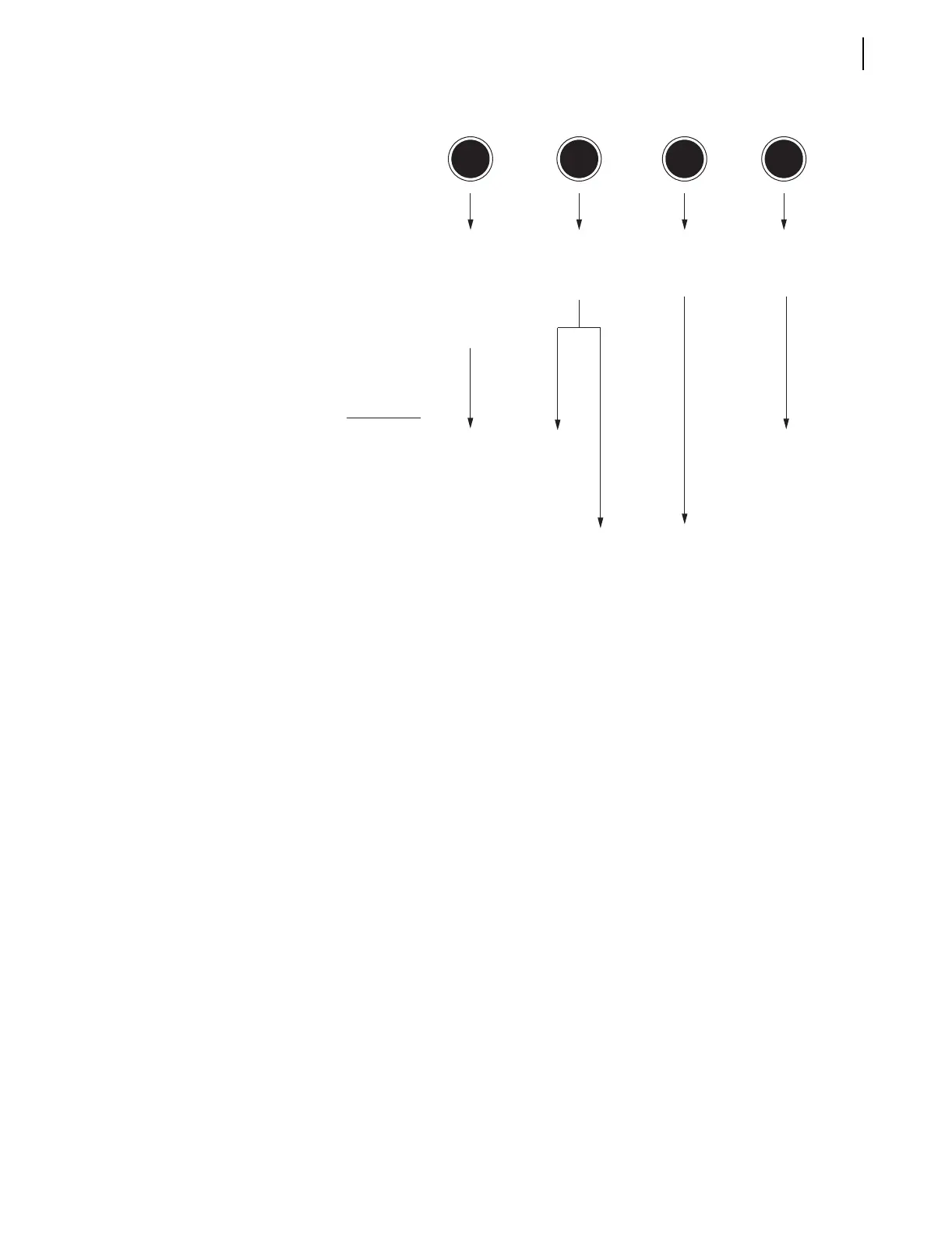
Figure 6.3 SEL-551 Front-Panel Pushbuttons-Primary Functions
(continued)
Secondary Functions
After a primary function is selected (see Figure 6.2 and Figure 6.3), the
pushbuttons then revert to operating on their secondary functions (see
Figure 6.4).
Use the left/right arrows to underscore a desired function. Then press the
{SELECT} pushbutton to select the function.
Use left/right arrows to underscore a desired setting digit. Then use the up/
down arrows to change the digit. After the setting changes are complete, press
the {SELECT} pushbutton to select/enable the setting.
Press the {CANCEL} pushbutton to abort a setting change procedure and return
to the previous display.
Press the {EXIT} pushbutton to return to the default display and have the
primary pushbutton functions activated again (see Figure 6.2 and Figure 6.3).
CNTRLSET EXIT
Corresponding
Serial Port
Commands at:
Access Level q
Access Level 2 w
PULSE
QUIT
Exit Entirely and
Return to Default
Display
Pulse Output
Contacts e
View or Operate
Local Control r
Function
Description
View or Change
Settings for Relay or
Serial Port
OTHER
View or Change
Date or Time; View
Asserted Relay
Word Bits; View
Reclosing Relay
Shot Counter
Action
SET
SET P
SHOWSET n
SHOWSET P
DATE
TIME
TARGET



 To Next Page