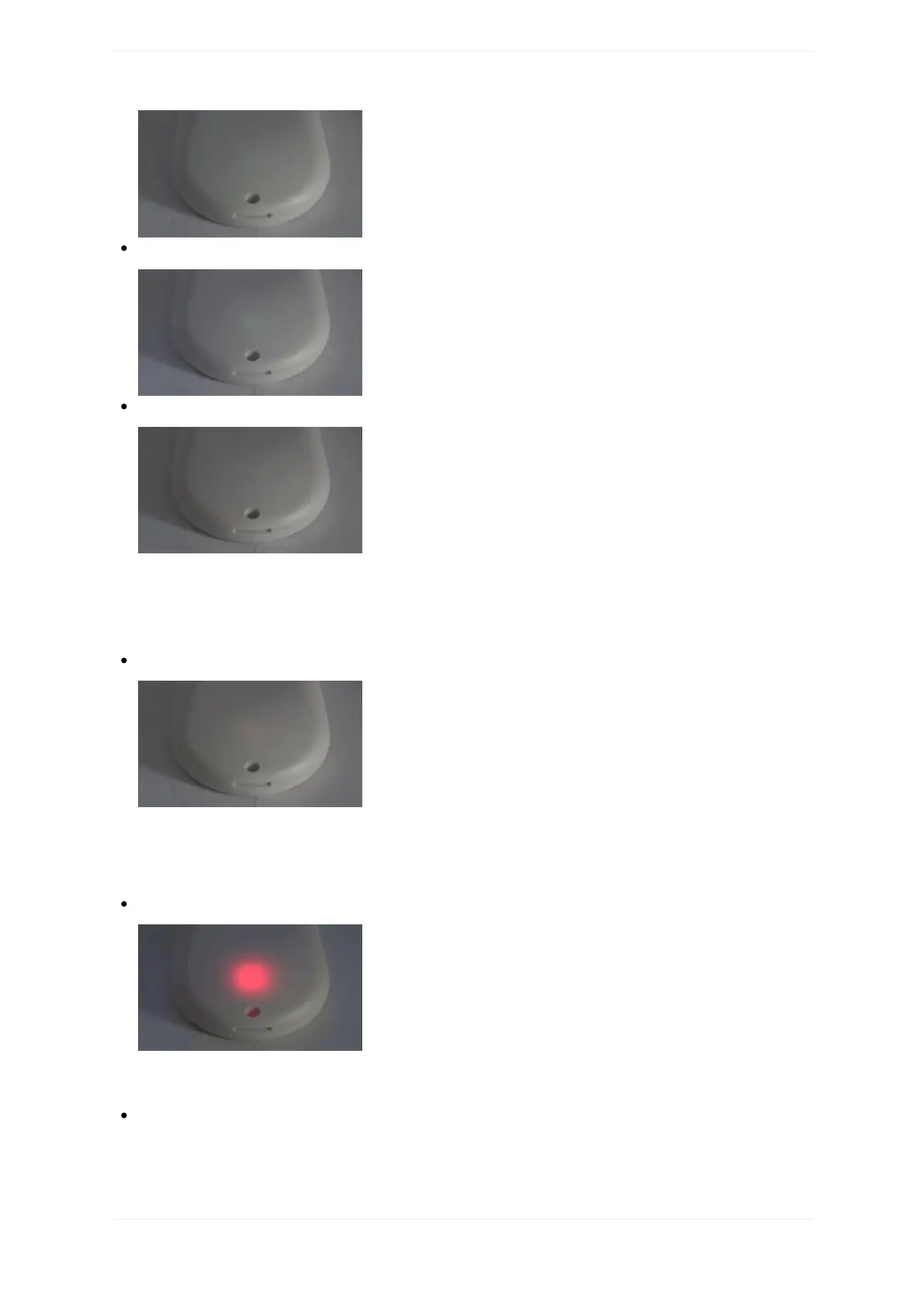
openSPOT3isconnectedtotheselectedserverandisinpowersavemode:
openSPOT3isconnectedtotheWi-Finetwork,butthere'saproblemwiththeinternetconnection:
TheLEDwillshowthisstateiftheopenSPOT3isconnectedtoaWi-Finetwork,tryingtoconnecttothe
selectedserver,butitcan'tbecausethere'saproblemwiththeinternetconnection.Thiserrorcanbecaused
iftherouter,network,ortheinternetserviceproviderisusingaproxyorsomekindoftrafficfilteringwhich
blockstheopenSPOT3fromconnecting.
UpgradingWi-Fimodulefirmware:
TheLEDmayshowthisstatefor1-2minutesafterasuccessfulfirmwareupgrade,ifthere'sanewWi-Fi
modulefirmwareisavailableandbeingflashedtotheopenSPOT3'sWi-Fimodule.
DoNOTunplugtheopenSPOT3duringtheupgrade!
Modemtransmitting:
AbriefyellowLEDduringtransmissionsignalsaninvalidreceivedpacketsequencenumber(whichmeans
networkpacketloss).
Modemtryingtotransmit,butanactiveBCLOispreventingit:



 To Next Page