11 Error Messages and Remedying Errors
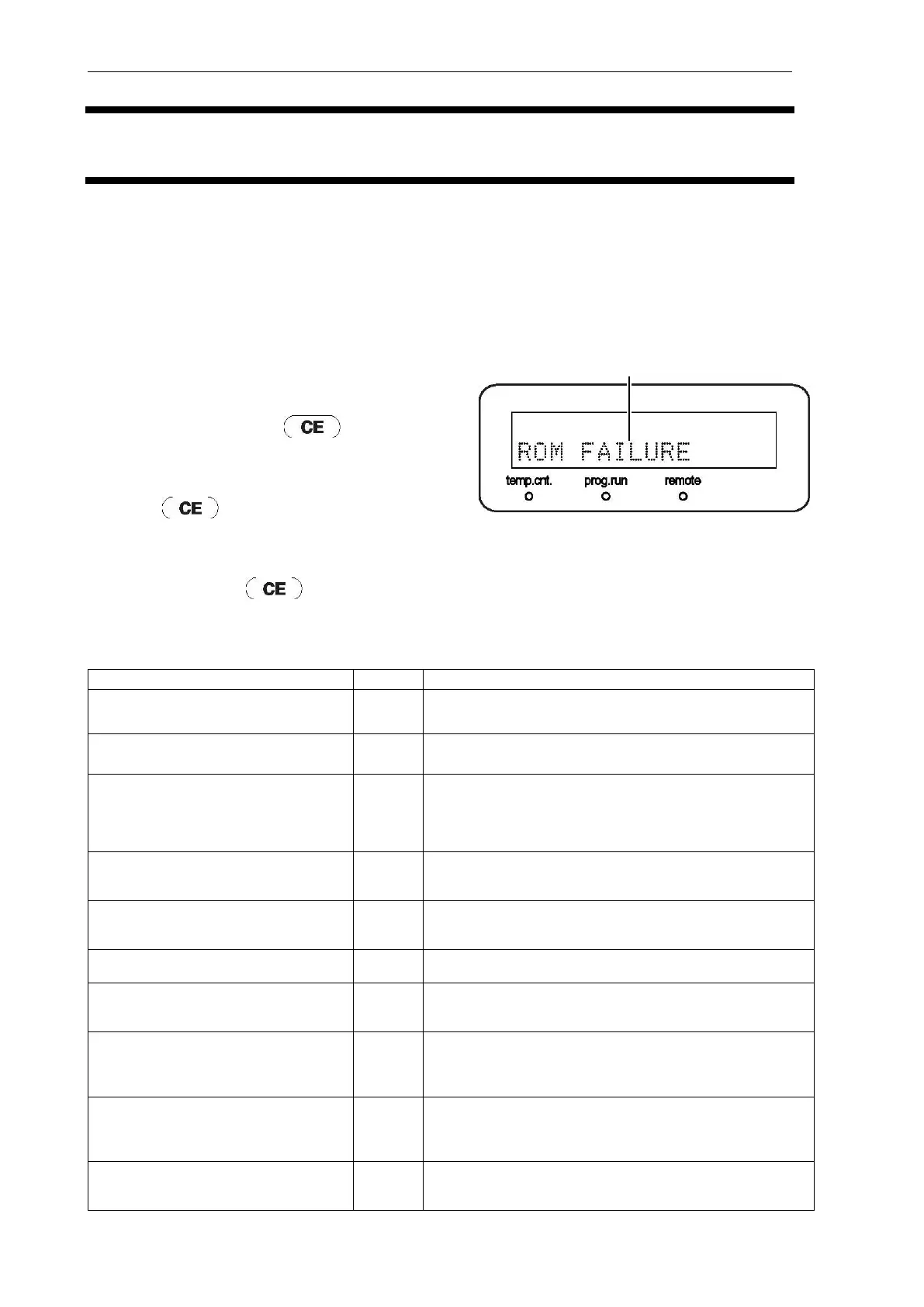
This instrument has self-diagnostic functions. When an error occurs, a buzzer sounds, and an error
message is displayed on the display. The following explains the causes of each error message and
how to remedy errors.
Note
"Type" below indicates the type of error message.
Fatal: Instrument operation stops. This
error message cannot be canceled
even by pressing .
Alarm: Instrument operation stops. This error
message can be canceled by pressing
.
Warning: Instrument operation does not stop.
This error message can be canceled
by pressing .
11.1 FATAL Messages
ROM is in error. Turn the power OFF and then restart the
instrument.
RAM is in error. Turn the power OFF and then restart the
instrument.
ERR LM HOME (home position sensor
error)* RF-20AXS only
This error is displayed when the home position sensor of the
lamp mirror motor malfunctions. Turn the power OFF and
then restart the instrument.
ERR EX HOME POS (home position
sensor error)
This is displayed when the home position sensor of the
excitation-side grating motor malfunctions. Turn the power
OFF and then restart the instrument.
ERR EM HOME POS (home position
sensor error)
This is displayed when the home position sensor of the
emission-side grating motor malfunctions. Turn the power
OFF and then restart the instrument.
ERR EEPROM WRITE (EEPROM write
error)
An EEPROM write error occurred. Turn the power OFF and
then restart the instrument.
SYSTEM ERROR (SYSTEM error)
This is displayed when an unexpected error occurs internally
on the system. Turn the power OFF and then restart the
instrument.
ERR COOLER (cooler error)
This is displayed when the flow cell temperature does not
reach the preset temperature 30 minutes or more after the
power is turned ON. Turn the power OFF and then restart
the instrument.
ERR HEATER (heater error)
This is displayed when the flow cell temperature does not
reach the preset temperature 30 minutes or more after the
power is turned ON. Turn the power OFF and then restart
the instrument.
(overheat error)* In RF-10AXL
compatible mode
This is displayed when heat buildup inside the instrument is
abnormal. In this state, the Xenon lamp can no longer light.
Make sure that the cooling fan is operating.



 To Next Page