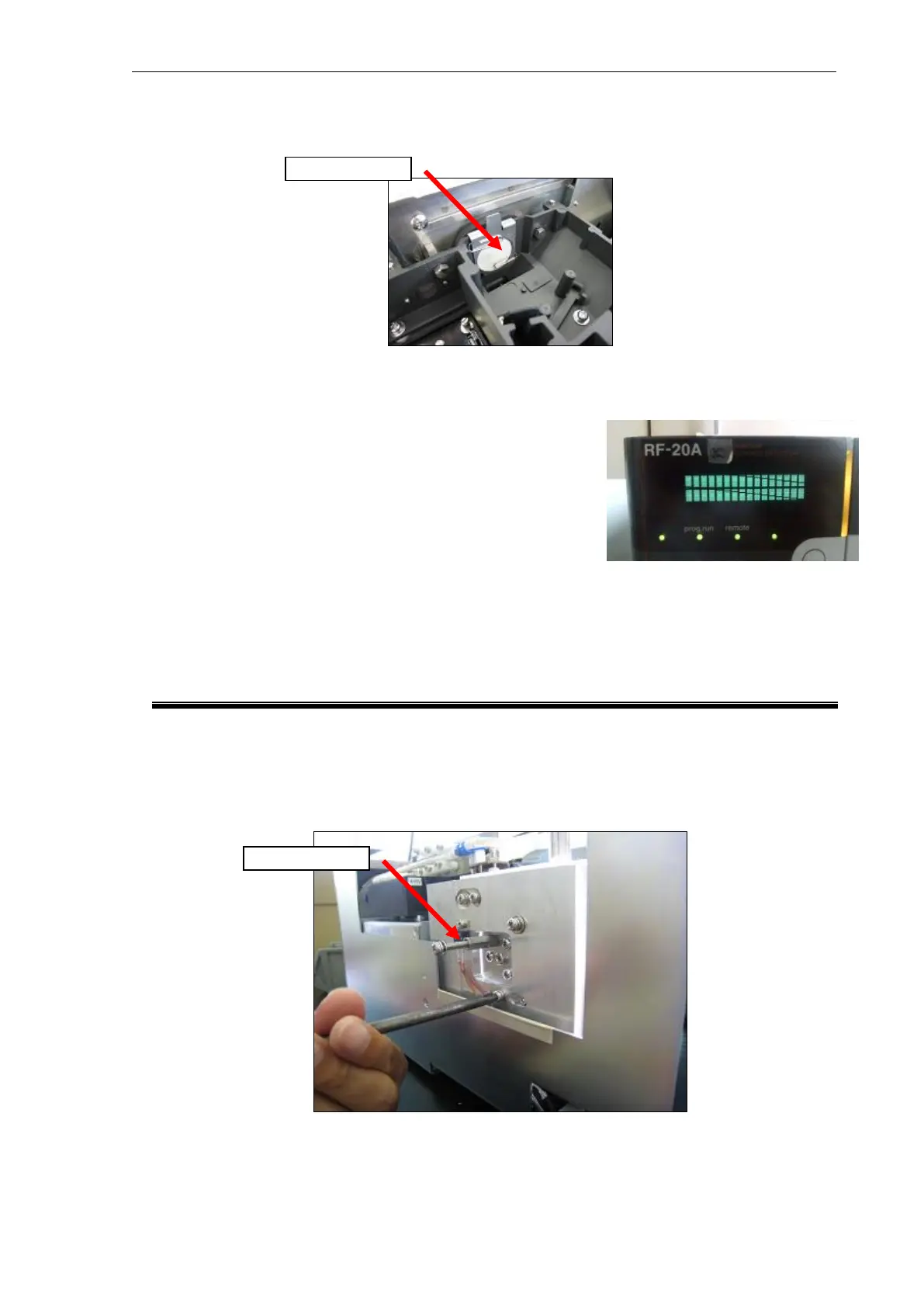
(7) To prevent burns or burning of the cell position target (graph paper) by 0-order light, attach
the EX filter (mesh filter) at the position in the photo.
(8) Turn the instrument ON with the [Back] button held down, and light the Xenon lamp.
When the Xenon lamp lights, the instrument is restarted. Hold down the [Back] button while the
instrument is being restarted.
(When the screen changes as follows, the [Back] button may
be kept held down.)
When the instrument is turned ON with the [Back] button held
down, the home position of the grating, for example, is not
actuated and no errors are generated.
(9) In the case of the XS, immediately set CELL TEMP to "0" (OFF).
When cell temperature adjustment is ON, the Peltier will generate abnormal heat, resulting in
generation of the CELL TEMP ERROR.
6.5 Rough-Adjustment of the Light Source Mirror (Oval Surface Mirror)
(1) Remove the screw in the photo and screw in the M4 spacer by about five threads instead.
(This is used as a handle when moving the light source mirror.)



 To Next Page