Installation
6.2 Installing SIMATIC MV420/SIMATIC MV440
SIMATIC MV420 / SIMATIC MV440
Operating Instructions, 04/2013, A5E02371045-06
115
Mounting the SIMATIC MV440
1. Remove the "protective cap of the lens threaded connector", see section: Dimension
dra
wings (Page 361)
2. Ins
tall the following:
– Your selected lens
②
– The built-in ring light
①
– The protective lens cover ∅ 65
⑤
3. Select a suitable location to install the device.
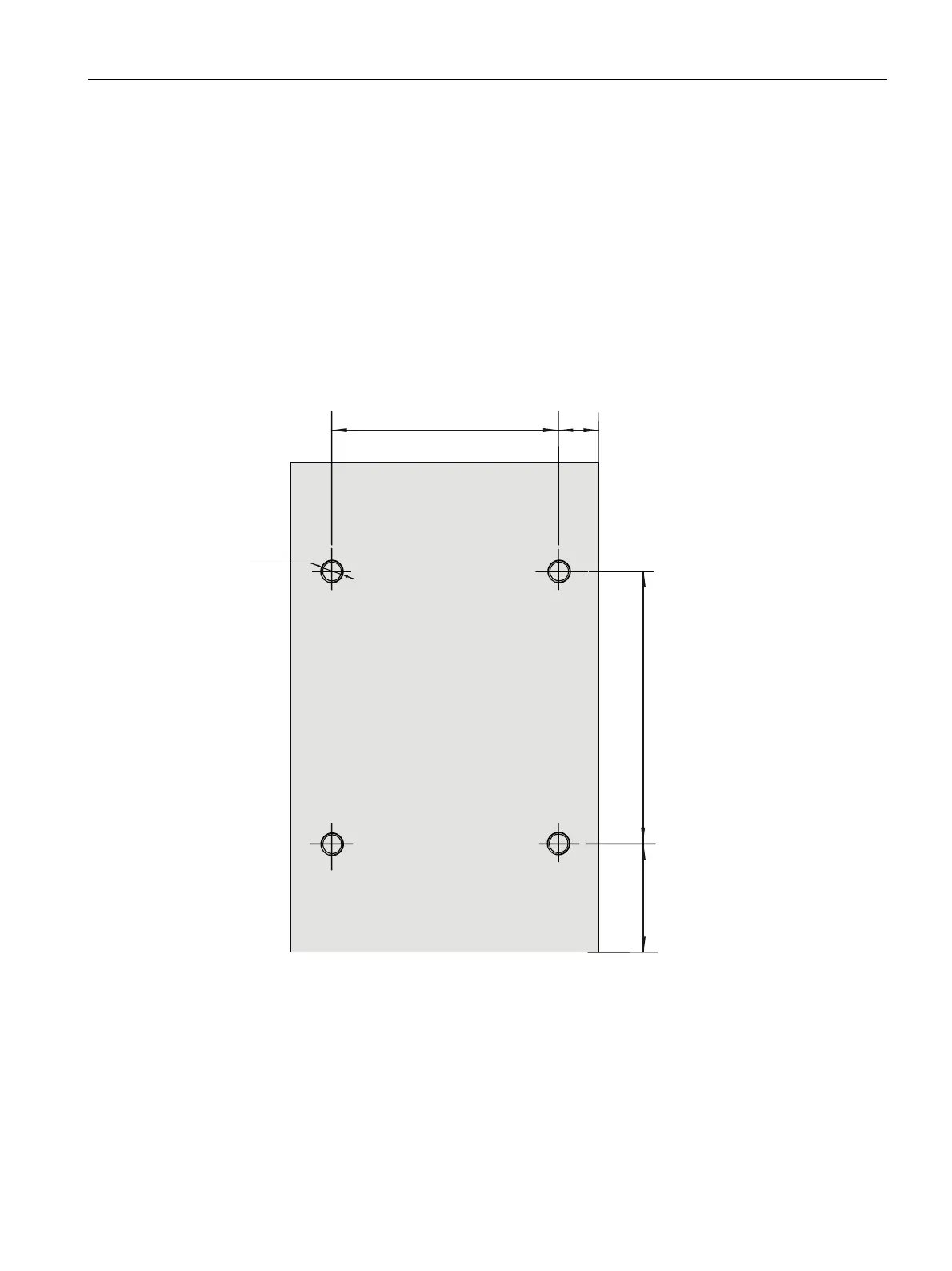
4. Drill four holes with the following dimensions at the installation site/use the optional
mounting bracket.
[
Figure 6-2 SIMATIC MV440 reader drilling template
5. Mount the reader.












 To Next Page