Operator control and monitoring
9.2 Working with the user interface
SIMATIC MV420 / SIMATIC MV440
204 Operating Instructions, 04/2013, A5E02371045-06
9.2.7 Run
The change to "processing mode" means the start of the evaluation.
The selected program is run and the read results displayed. Machine-readable codes and/or
plain text can be read, compared and checked depending on the task of the selected
program.
The result of processing is displayed in processing mode.
Note
Operating and monitoring via the user interface can lead to longer cycle times.
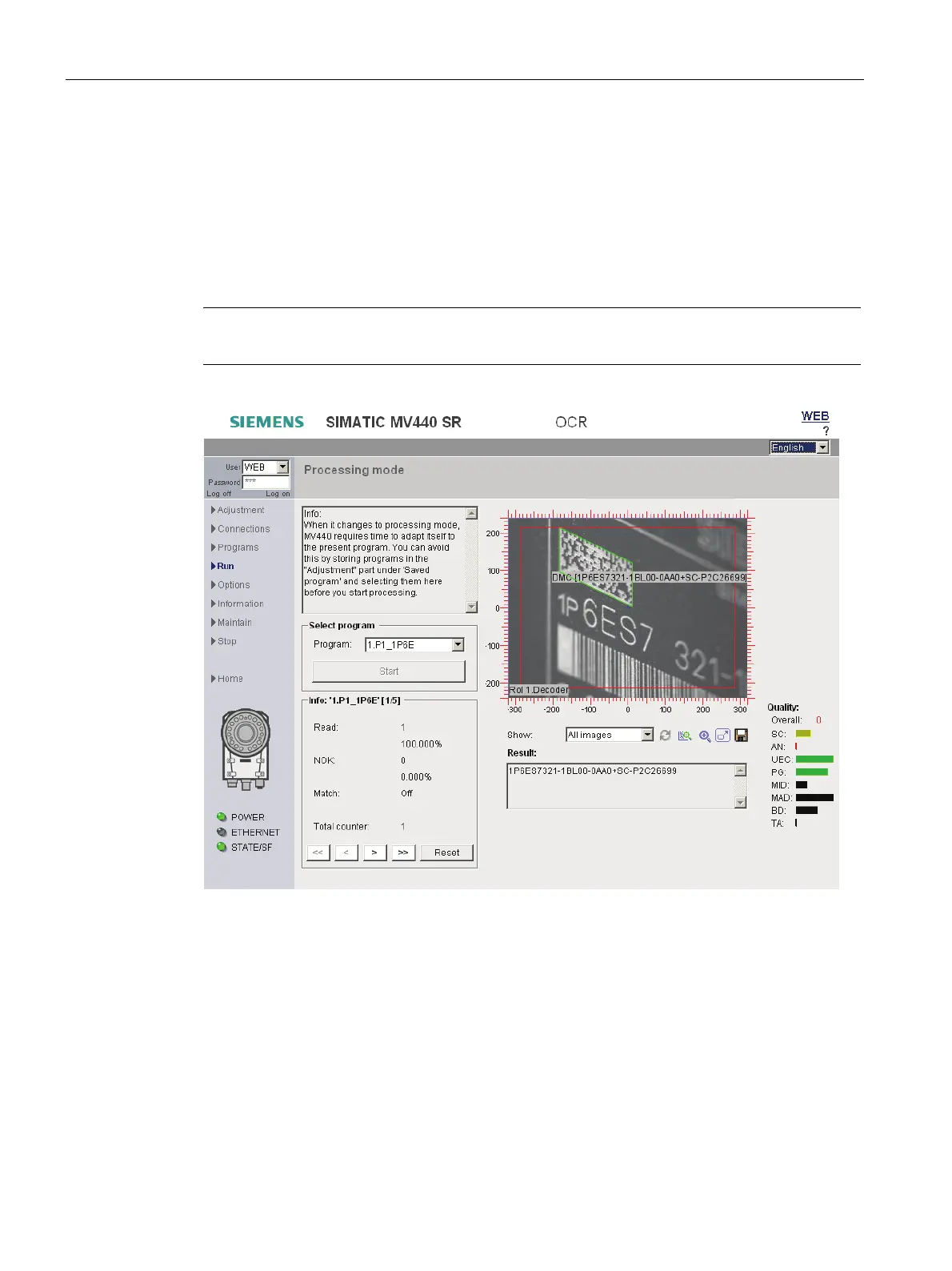
Figure 9-32 Processing mode
Text box
At the top left of the dialog you will see a static text with important information on the
processing mode.
"Program" drop-down list ("program sequence" for program sequence mode)
Select the program you want to start.












 To Next Page