Process interfacing via an automation system (PLC, PC)
10.7 Scanner portal application
SIMATIC MV420 / SIMATIC MV440
Operating Instructions, 04/2013, A5E02371045-06
319
10.7.1 Configuration
Slave and master
Both on the slave readers and on the master, you need to make the following settings in the
adjustment support.
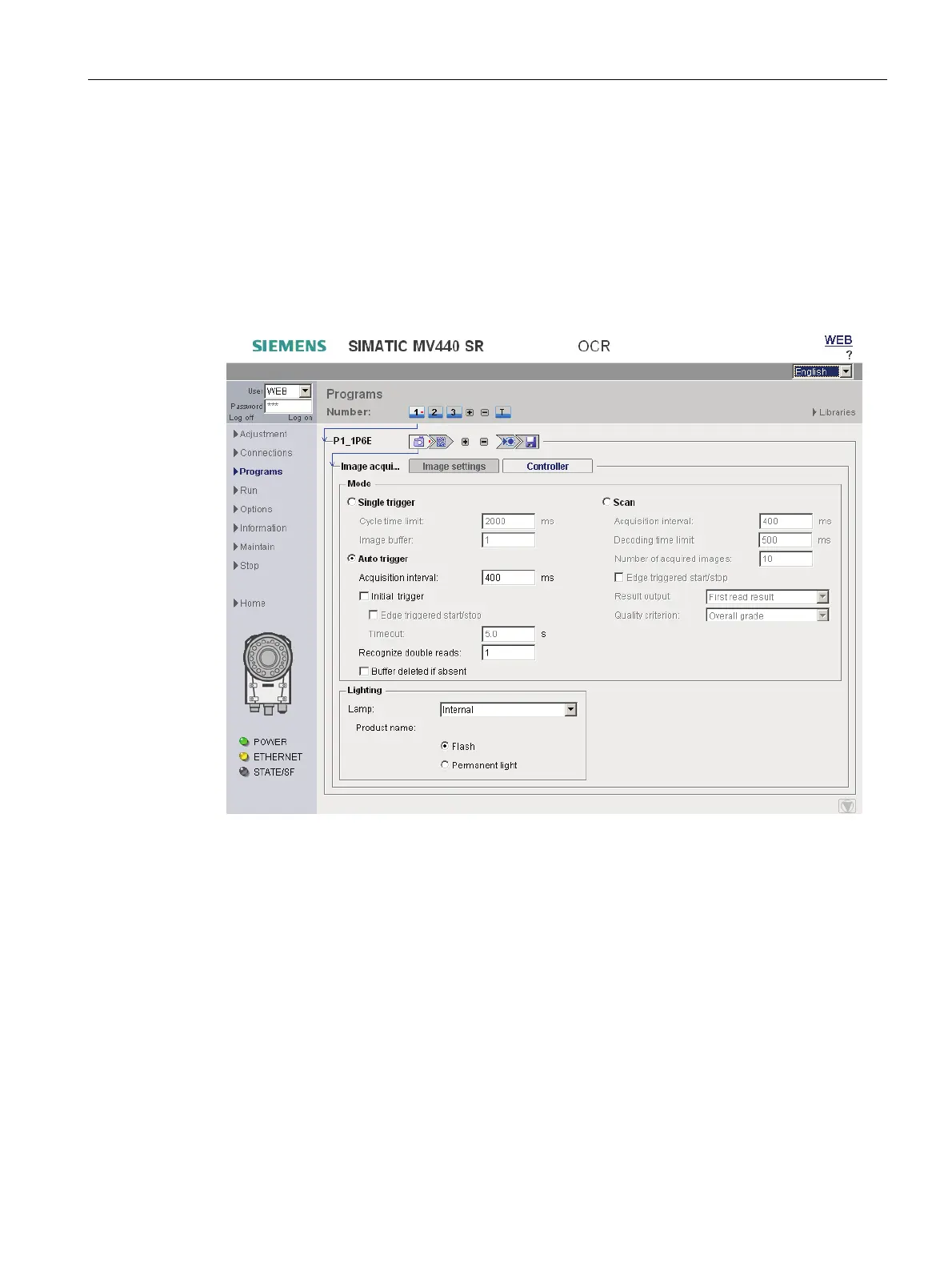
Image acquisition, "Control" tab
● To control the image acquisition, select the "Auto trigger" mode (without "Initial trigger").
"Recognize double reads" must be set to 1 in this case.
The acquisition interval must be adequately high so that 1D/2D codes can be read in the
image. The interval must be identical on all slave and master devices.












 To Next Page