Operator control and monitoring
9.2 Working with the user interface
SIMATIC MV420 / SIMATIC MV440
168 Operating Instructions, 04/2013, A5E02371045-06
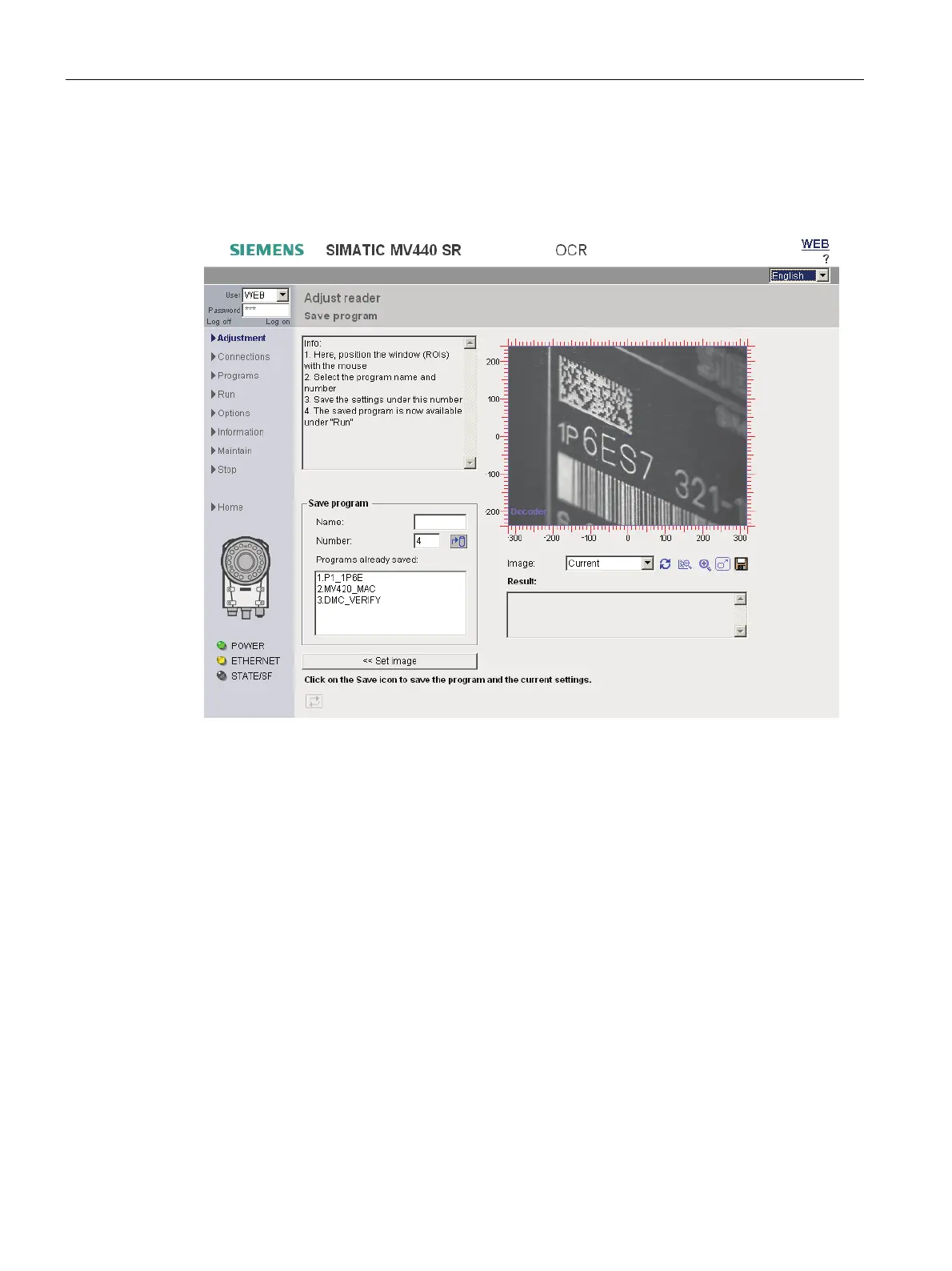
9.2.3 Adjustment - Save program
You reach this page by pressing the "Save program>>" button on the "Adjustment - Set
image" page.
Figure 9-6 Adjust reader - Save program
In this step, you once again have the option of positioning the ROIs (Regions Of Interest) for
the current task and current image.
The ROIs are predefined in the template and can be accessed using the "Programs" task.
Save programs:
● To be able to use the code or plain text saved as a reference for match mode.
● To be able to toggle the reader between different programs for adjustment to various
different batches, recipes, modules and workpiece types.












 To Next Page