Operator control and monitoring
9.2 Working with the user interface
SIMATIC MV420 / SIMATIC MV440
Operating Instructions, 04/2013, A5E02371045-06
171
9.2.4 Connections
The Connections task consists of the following three parts:
● Interfaces
● Integration
● Digital I/O
Interfaces
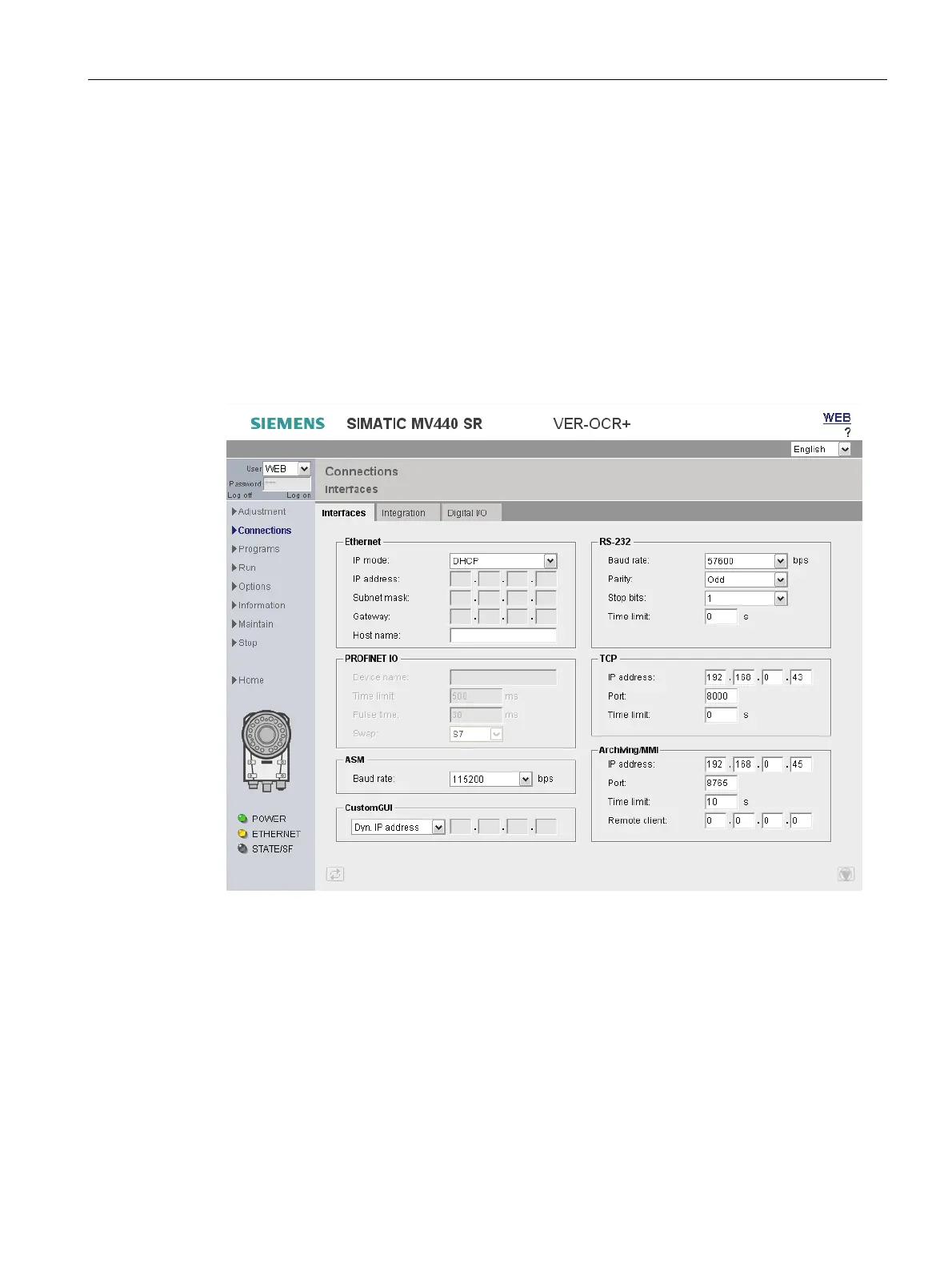
On the "Interfaces" tab, you specify the communications interfaces and the parameters for
the interfaces.
Figure 9-8 Connections - "Interfaces" tab
The "Interfaces" tab has the following group boxes:
Ethernet
● Here, you set the parameters for the Ethernet port.
PROFINET IO
● Here, you set the parameters for the PROFINET IO interface. These input boxes are
enabled when you select "PROFINET mode" in the "IP mode" drop-down list.












 To Next Page