Operator control and monitoring
9.2 Working with the user interface
SIMATIC MV420 / SIMATIC MV440
Operating Instructions, 04/2013, A5E02371045-06
207
9.2.8 Options
In the dialog windows for the options, you make settings applicable to the entire device:
● For lighting which you cannot select directly by order number.
● For user authorizations
● For saving information for diagnostic purposes.
● Extra functions
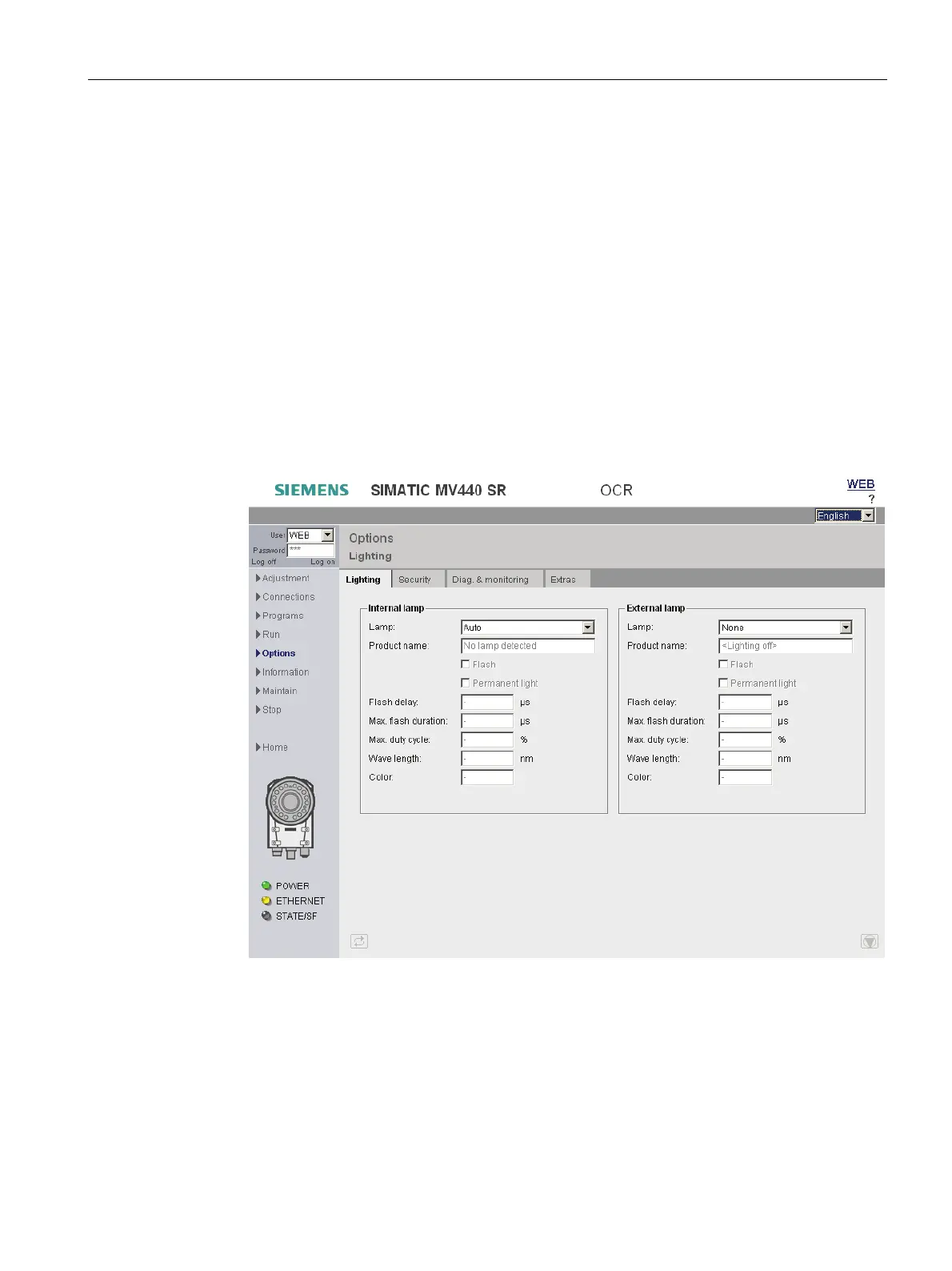
Lighting
These settings are only required if you are connecting lighting which cannot be selected by
its order number:
● In the image acquisition/control step in the Lighting group, select "Other (int.)" or "Other
(ext.)" as lighting. The lighting parameters set here will be used.
Figure 9-33 Options - "Lighting" tab












 To Next Page