Operator control and monitoring
9.2 Working with the user interface
SIMATIC MV420 / SIMATIC MV440
182 Operating Instructions, 04/2013, A5E02371045-06
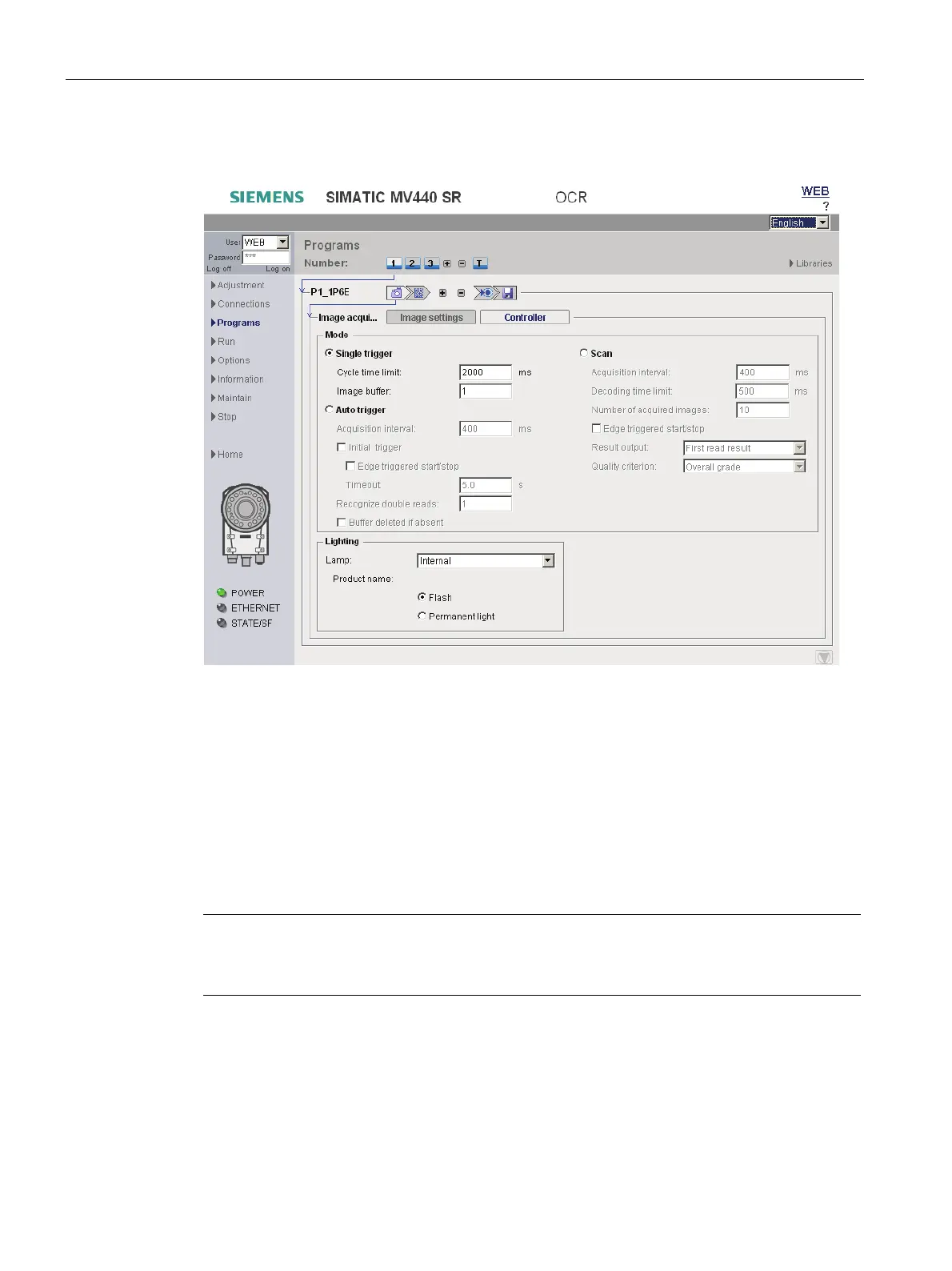
Image acquisition step - "Control" tab
Figure 9-15 Image acquisition - "Control" tab
You can define exactly how the reader acquires images.
The most important settings:
● Single trigger
● Autotrigger
● Scan
This is also where you specify the lighting connected:
further information in available in Image processing/image acquisition (Page 85)
Note
Detailed description of parameters in the online help
For a detailed description of the parameters and possible values, refer to the online help.












 To Next Page