Operator control and monitoring
9.2 Working with the user interface
SIMATIC MV420 / SIMATIC MV440
Operating Instructions, 04/2013, A5E02371045-06
211
Extras
You can specify the additional functions you want to use for image processing on the
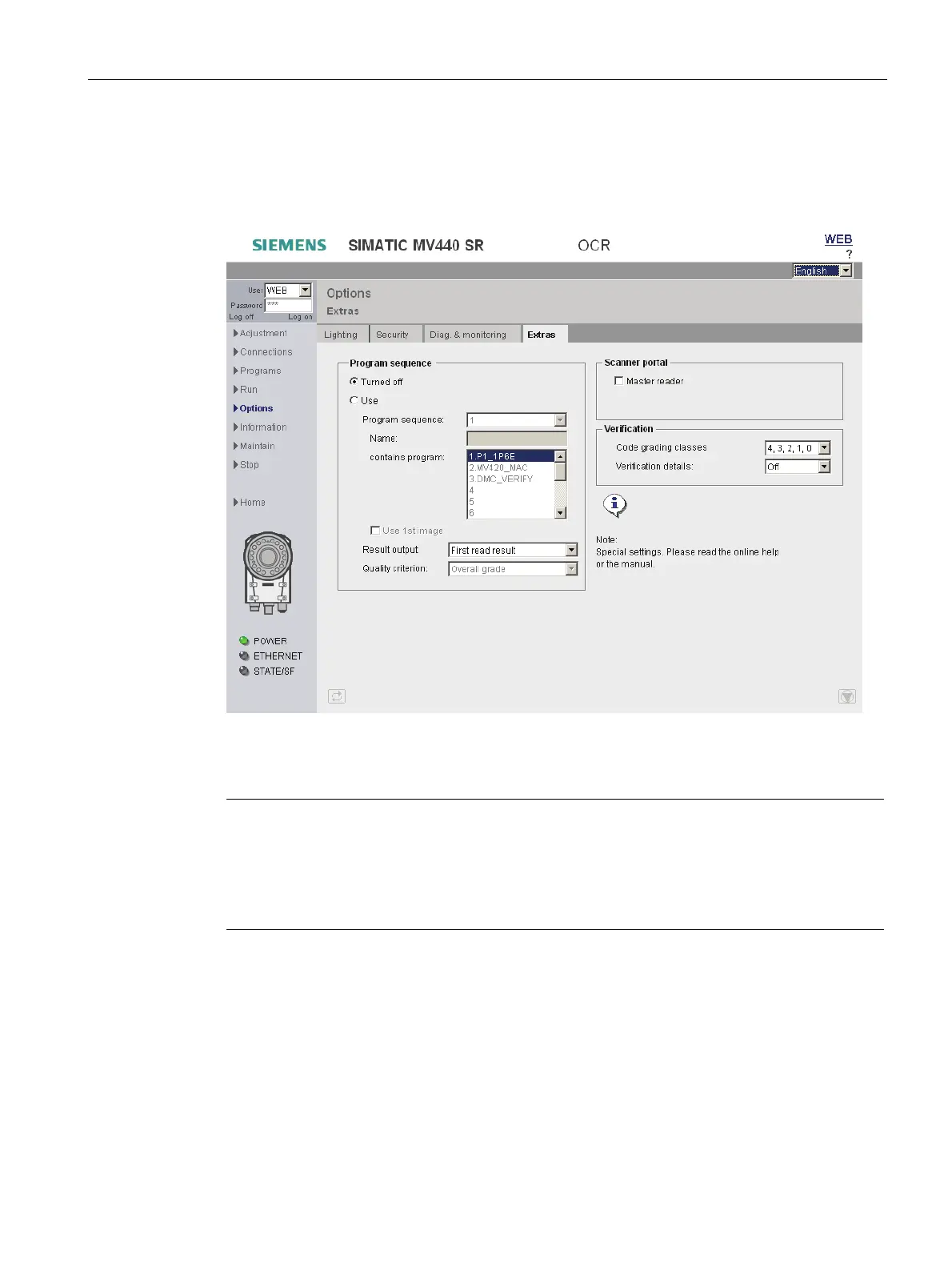
Options - "Extras" tab.
Figure 9-36 Options - "Extras" tab
Program sequence
Note
A non-existent/non-executable program number prevents processing
You cannot use a program sequence for processing:
• If the program sequence contains a program number which does not exist.
• If the program sequence contains a program number which cannot be executed.
"Program sequence" mode allows you to acquire and process several images at the same
time with one trigger.
1. Select a program sequence number (between 1 and 15) in the "Program sequence" drop-
down list.
2. Under "Contains the following programs", select the programs which are to be included in
the program sequence.












 To Next Page