Operator control and monitoring
9.2 Working with the user interface
SIMATIC MV420 / SIMATIC MV440
220 Operating Instructions, 04/2013, A5E02371045-06
Example
● Updating with a vsz file from firmware version V3.0.0 to V3.0.1 is possible.
● Updating with a vsz file from firmware version V3.0.0 to V3.1.0 or V4.0.0 is not possible.
"Full update..." button
Note
Full update: Saving all settings and programs
During a full update, all settings and programs are lost:
• Make sure that you save all settings and programs before running a full update.
You will find more detailed information on running a firmware update in the online help and
on the Web pages that open.
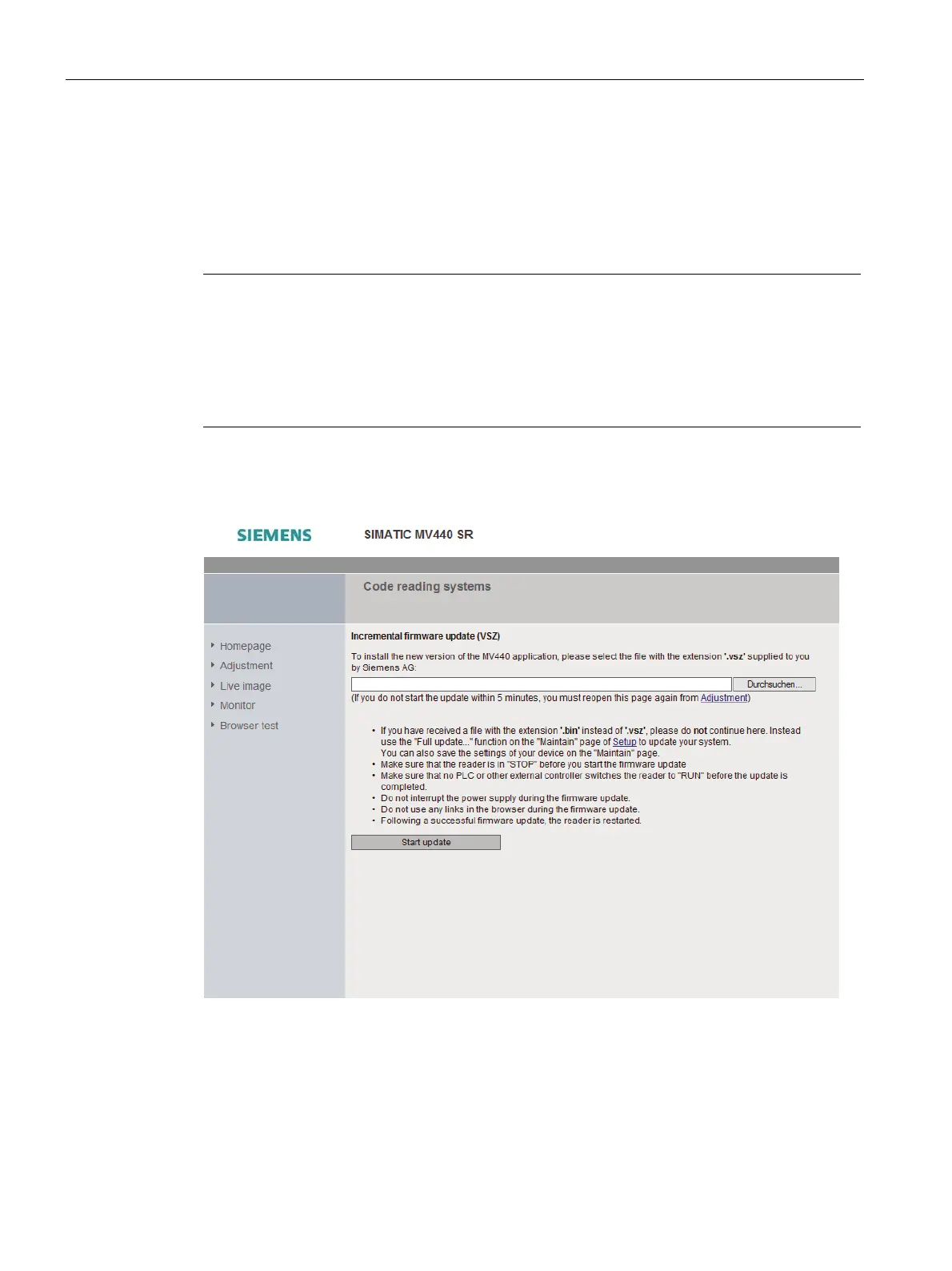
The "Full update..." button opens a Web page where you can update the firmware. To do
this, you require a bin file.
Figure 9-41 Updating the firmware of the reader












 To Next Page