Image processing
4.3 Optical character recognition with "Text-Genius" and "Text-Genius Plus" (SIMATIC MV440 only)
SIMATIC MV420 / SIMATIC MV440
Operating Instructions, 04/2013, A5E02371045-06
79
Remember the following
● Provide for adequate contrast for the text.
● The character height must be within the range of 15 to 55 pixels.
Character heights of up to 220 pixels are possible if you have configured the
undersampling function in the "Improve image" field.
● The text orientation should be approximately horizontal. The deviation from the horizontal
must be <± 5°.
● If possible, avoid dirty backgrounds and interfering edges in the text field.
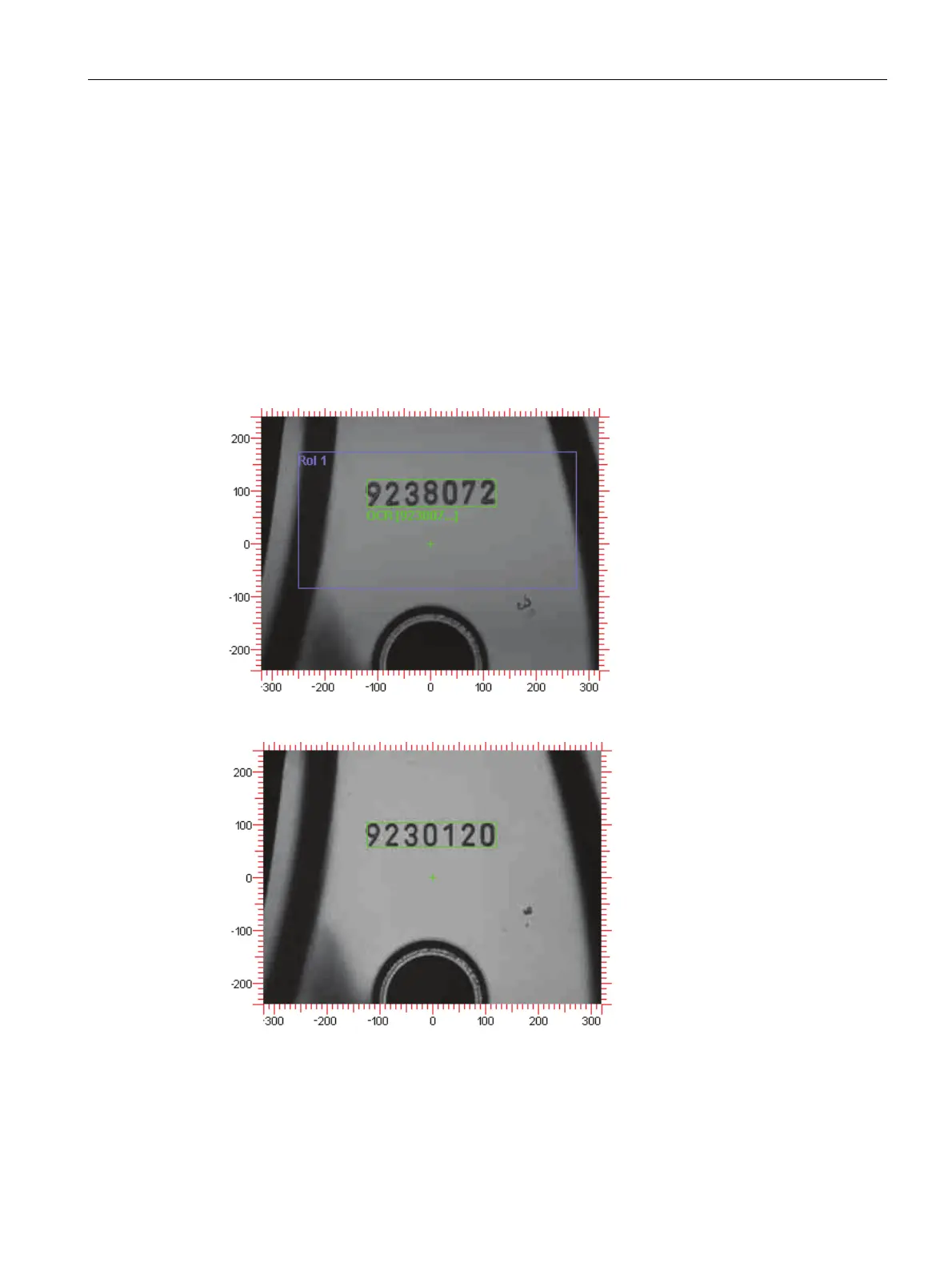
The follows images illustrate capability for reading with the default settings using a real
example:
Figure 4-9 Read results: 9238072
Figure 4-10 Read results: 9230120












 To Next Page