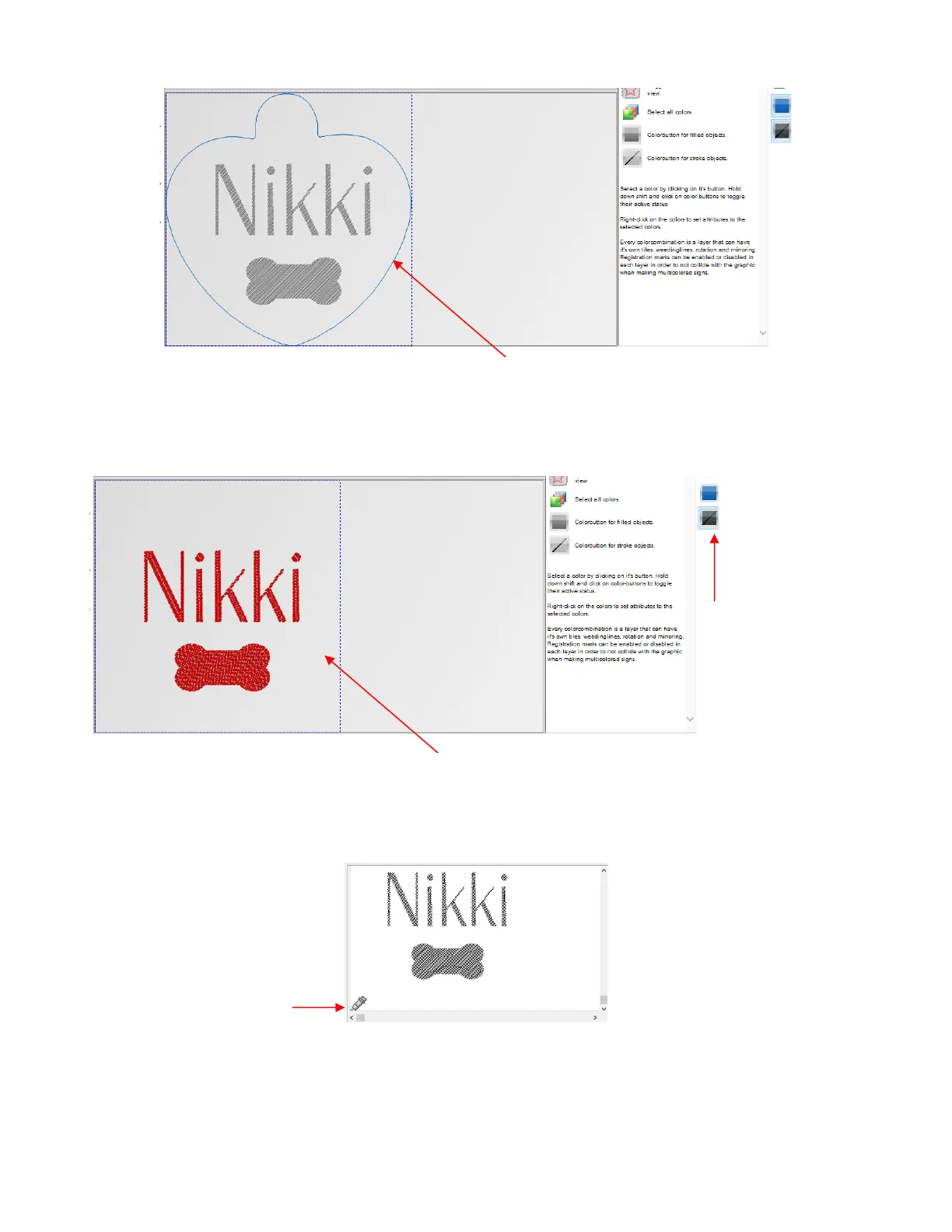
• Left click on the black color and the heart will no long appear but the shapes to be engraved will retain their
same position relative to the heart:
• Click on the Cut out icon and select the Tool settings tab. Note the engrave pattern shows the position
and orientation relative to the origin you set on the Skycut:
• Enter the settings for engraving and create a preset, if desired:
The heart tag shape needs to be present,
even though it’s not sent to the cutter



 To Next Page