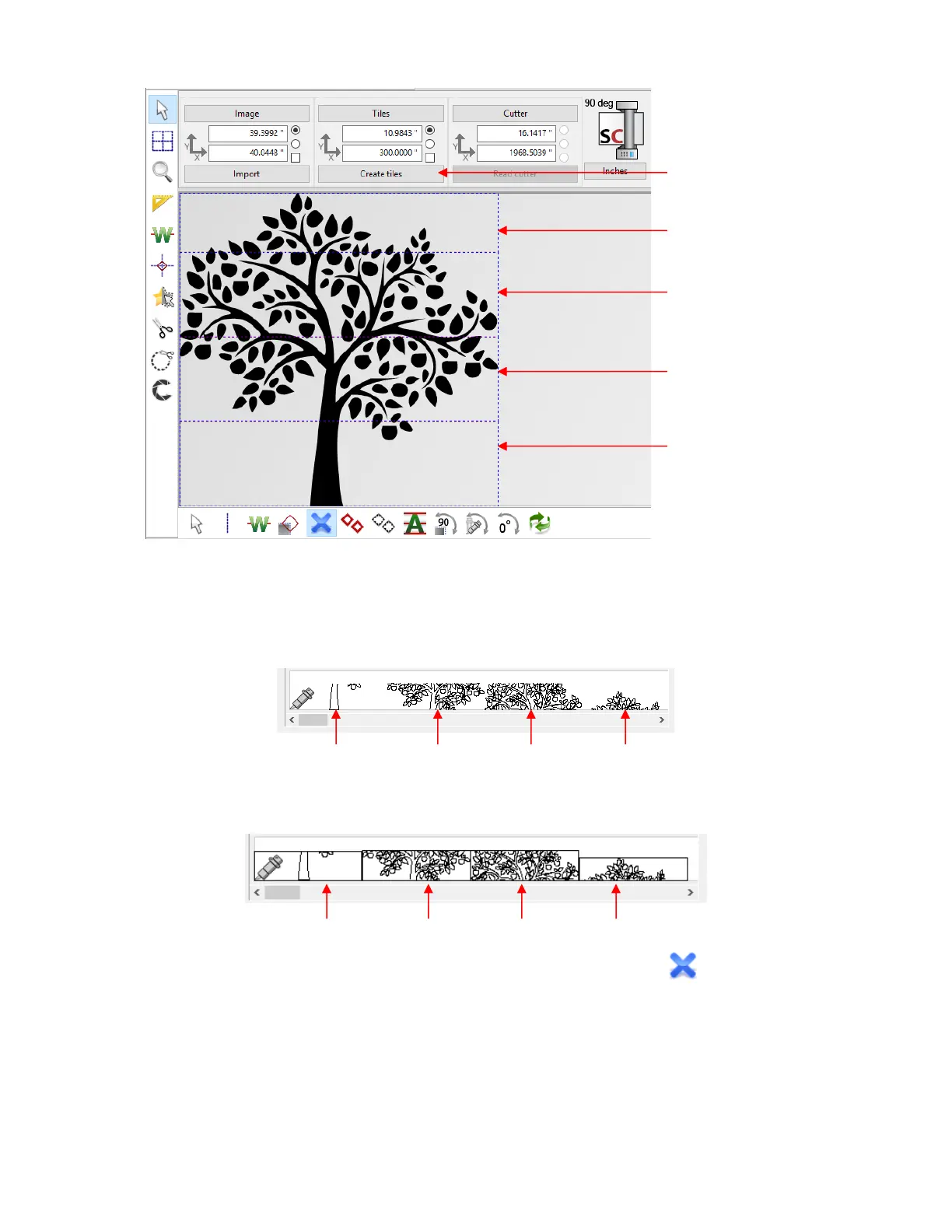
Note that the Width indicated as 10.9843” instead of 11” is a programming round-off error and is
neglible in size.
• At this point, if you were to send the project to cut, all four tiles will be cut, one after another, as shown in the
Cut Out window:
If the Mounting frame option has been marked in the Tile settings window, then each tile would have
been surrounded by a rectangle and the preview would appear like this:
• If you prefer to not cut all of the tiles, click on the Activate / deactive tiles icon located on the sub-
toolbar and click inside any tiles to deactivate:



 To Next Page