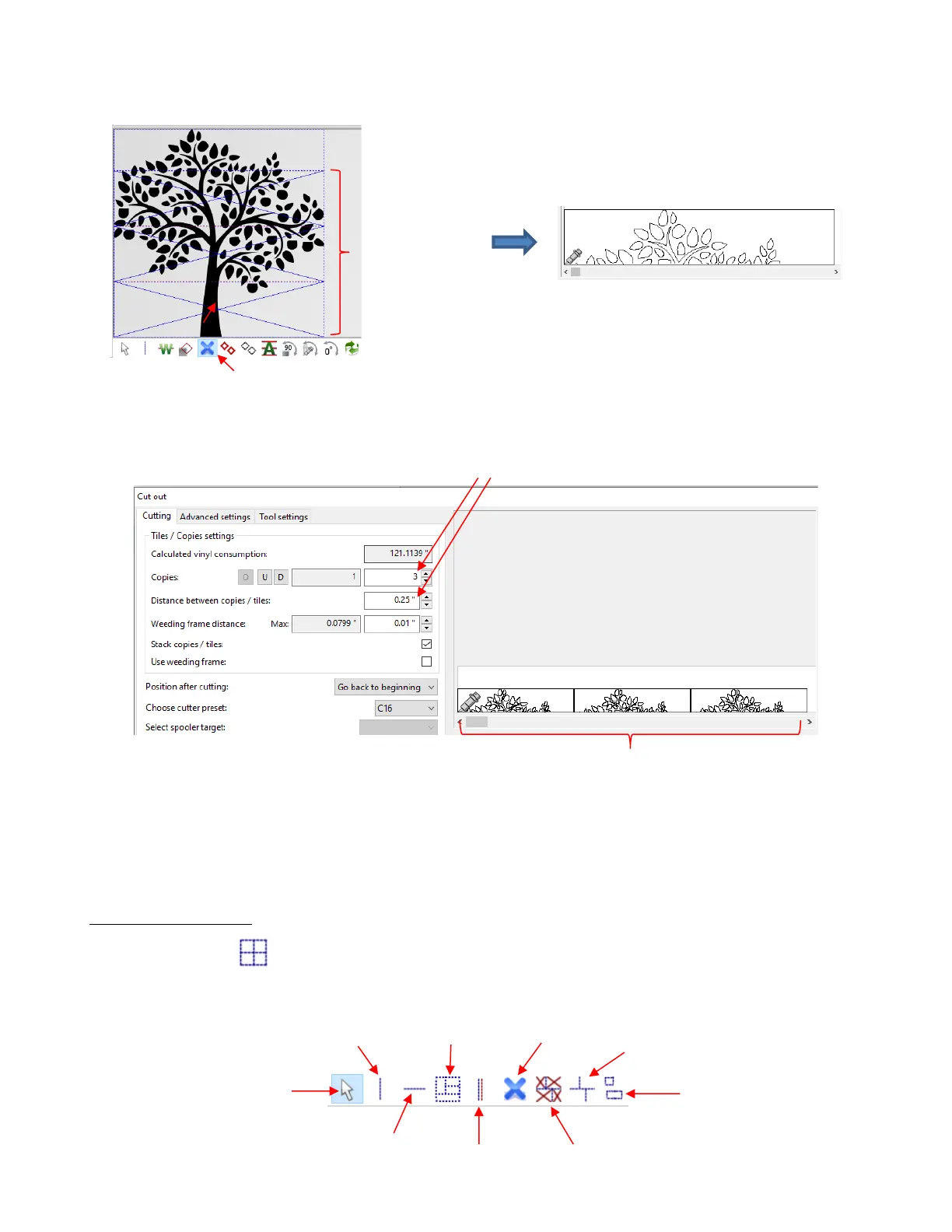
• The Cutout window has additional tile settings whereby you can have copies of tiles made and specify the
distance between each copy. For example:
Note the additional tile settings also available in this window:
o Use weeding frame and Weeding frame distance: Same as setting in the Tile window but
conveniently located here in case it was forgotten.
o Stack copies/ tiles: when checked, tiles will be arranged across the width of the cutter, if space
allows.
Manually Creating Tiles
• The Tiling tools in SignCut Pro allow you to break up the design by clicking in the Work Area to add
horizontal and/or vertical cut lines. Upon selecting the icon (or shortcut W), the sub-toolbar displays the
following options:



 To Next Page