31
7. Press q.
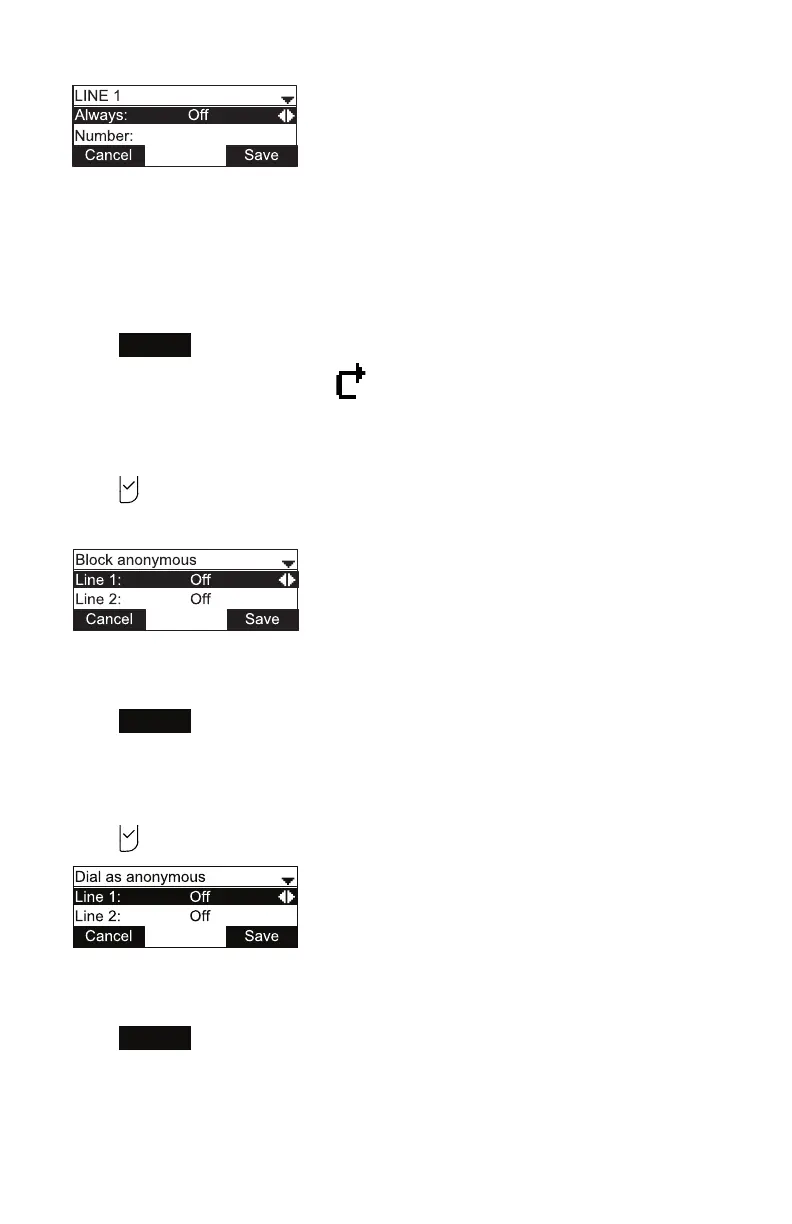
8. Enter the number to which you would like to forward calls.
9. (If you selected Call forward no ans earlier) Press q.
10. (If you selected Call forward no ans earlier) Press t or u to set the No answer
delay between 1 to 10 rings.
11. Press
Save
.
When Call forward always is on, appears on the idle screen.
Blocking anonymous callers:
1. From the Call menu, press q to highlight Block anonymous.
2. Press .
The Block anonymous menu appears.
3. Press p or q to highlight the desired line.
4. Press t or u to turn anonymous call blocking On or O for that line.
5. Press
Save
.
Dialing as an anonymous caller (hiding your caller ID):
1. From the Call menu, press q to highlight Dial as anonymous.
2. Press . The Dial as anonymous menu appears.
3. Press p or q to highlight the desired line.
4. Press t or u to turn anonymous call dialing On or O for that line.
5. Press
Save
.
Phone Features



 To Next Page