Paramount ME User’s Guide
112
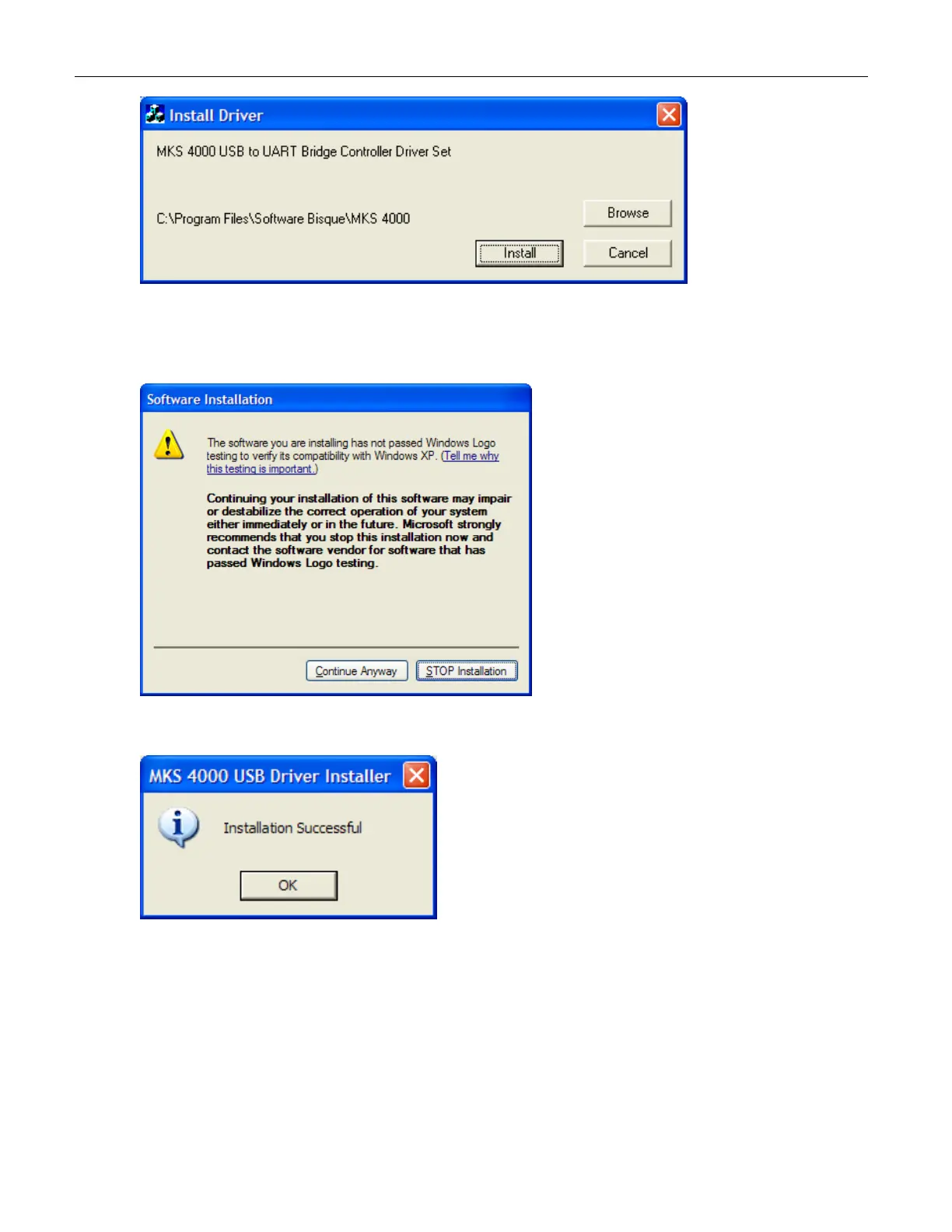
6. Click Install to install the MKS 4000 USB to UART Bridge Controller Driver Set.
7. During driver installation, the following screen appears twice. Click Continue
Anyway each time.
8. Click OK on the on Installation Successful screen.
9. Restart the computer.
10. Important: After the computer is restarted, plug the USB cable into the mount. The
message “Found New Hardware” should appear in the Task bar and the Windows
Add Hardware Wizard should appear to complete the installation of the MKS 4000
USB drivers. The USB driver installation is not complete just yet.



 To Next Page