Paramount ME User’s Guide
40
Determining the Paramount ME’s Equatorial Coordinates
The Paramount ME does not employ conventional “setting circles.” Instead, use TheSky6
Professional Edition to determine where the mount is pointing. From TheSky6
Professional Edition, click the Status Bar command from the View menu, mark the
Telescope Position option and then click OK. The equatorial coordinates of the telescope
are displayed in the Status Bar.
Adding Counterweights
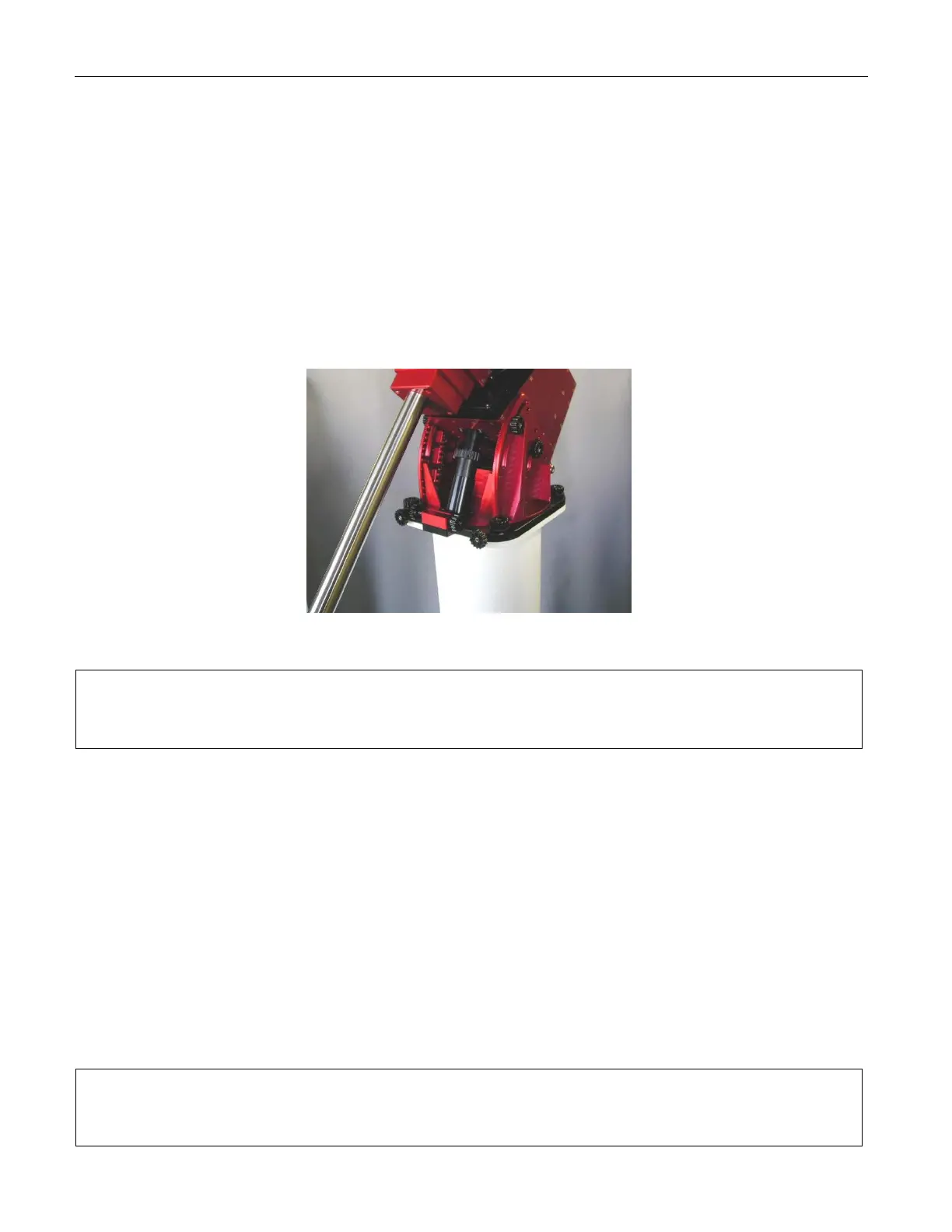
Counterweights should be added to the counterweight shaft only if the counterweight shaft
is vertical, or the right ascension gear and worm are disengaged. See “XDisengaging the
WormX” on page X43X for more information.
Figure 20: Orientation of the counterweight shaft that exerts the minimum stress on the worm.
Add the estimated amount of counterweight to balance
your equipment before attaching the optical tube
assembly to the Versa-Plate.
The amount of counterweight required to achieve balance depends on the weight of the
optical tube assembly and accessories. Estimate how much counterweight is required,
and then add this amount to the counterweight shaft. Err on the heavy side. That is,
better the counterweights “outweigh” the optical tube assembly by being too far down the
shaft. This way, when fine-tuning the balance, the counterweights will tend rotate
downward, instead of your expensive optical tube assembly.
Once sufficient counterweights are added, the right ascension axis should be very “bottom
heavy.” At this point, adding the optical tube assembly should result in a system that is
somewhat close to being balanced.
After the counterweights are added, firmly tighten each of the counterweight knobs to
ensure they do not slip. Also, make sure to install the counterweight safety knob on the
bottom of the counterweight shaft.
Each counterweight weighs approximately 9 kg (20 lb).
Use extreme caution so that you do not accidentally
drop one and injure yourself or others!



 To Next Page