Paramount ME User’s Guide
17
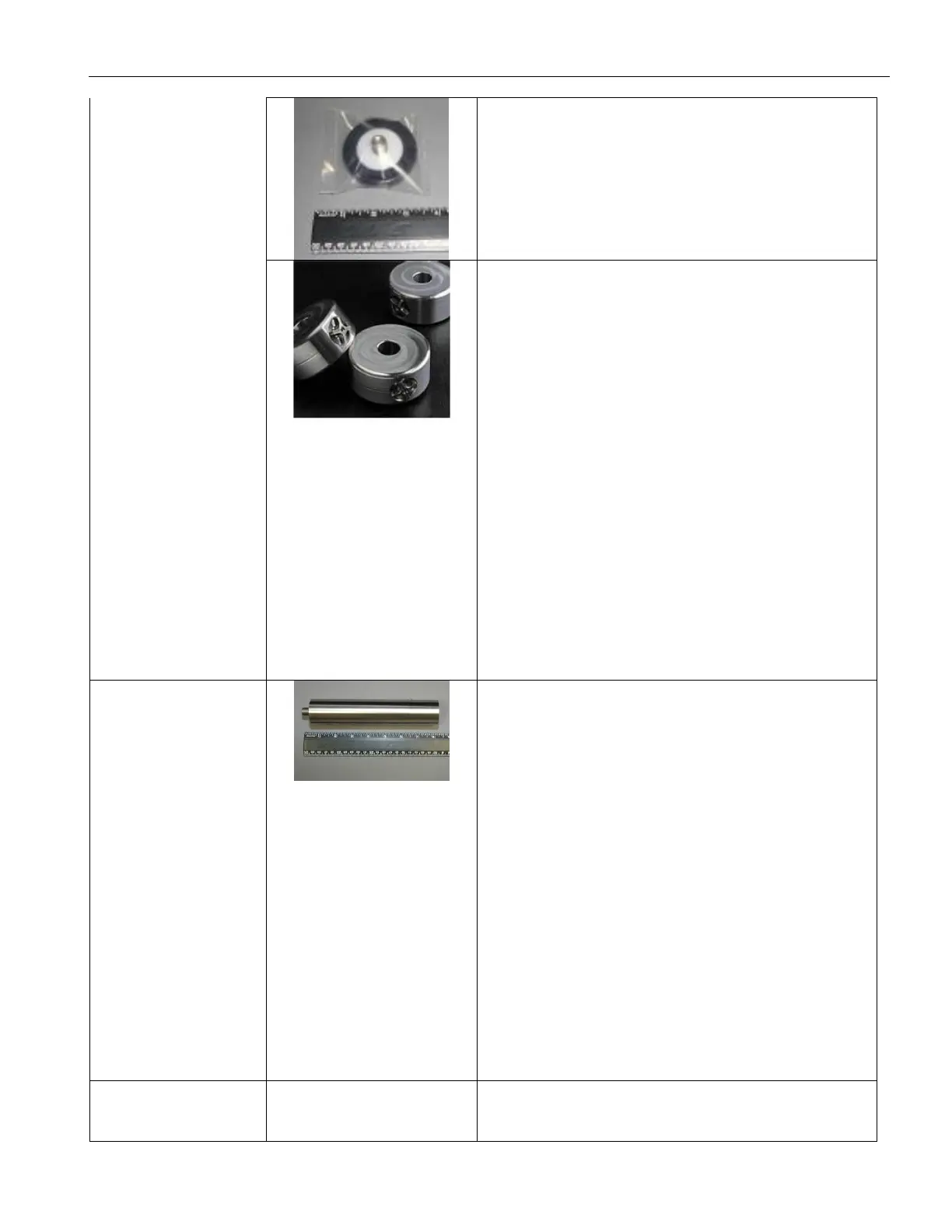
One Counterweight Safety Knob
Screw this knob into the end of the
Counterweight Shaft after adding
counterweights. This knob prevents the
counterweight from sliding off the shaft. See
“XAttaching the Counterweight ShaftX” for
details. (Page X27.)
Counterweights
Two 9 kg (20 lb.) counterweights. Note that
two counterweights are supplied with the
“standard” Paramount ME. Contact Software
Bisque if you need to order additional
counterweights.
Additional counterweights are shipped
separately, in a 30.5 x 30.5 x 30.5 cm (12 x
12 x 12 in.) box that can hold up to three
total counterweights. The weight of this box
is either 9 kg (20 lbs.) for one counterweight,
18 kg (40 lbs.) for two additional
counterweights, or 27 kg (40 or 60 lbs.) for
three additional counterweights.
Attach the counterweights to the
counterweight shaft. See “XAdding
CounterweightsX” for details. (Page X40)
Counterweight Extension Shaft Bar
This is an optional accessory and is not
included with the Paramount ME unless
ordered separately. The Counterweight Shaft
Extension Bar screws into the end of the
Standard Counterweight Shaft for additional
counterweight capacity.
Dimensions: 178 mm (7 in.) long and 38 mm
(1.5 in.) in diameter.
The combined length of the standard
counterweight shaft plus the counterweight
extension shaft (178 mm or 24-in.) holds up
to eight (8) 9 kg (20 lb.) counterweights.
This product can be purchased from the
Software Bisque Store at bisque.com.
Paramount ME Software Suite
This box contains:



 To Next Page