Paramount ME User’s Guide
50
Telescope Mapping and Polar Alignment Procedure
1. Set the local time as accurately as possible each night before observing.
2. Insert a New TPoint model into TheSky6 Professional Edition (Edit > Insert >TPoint
Model).
3. After accurately synchronizing the telescope, slew to a nearby star (by identifying the
star in TheSky6 Professional Edition and click Slew To on the Object Information
dialog box), center the actual star in the eyepiece, and then click Map on the Object
Information dialog box. This constitutes one data point.
4. When you have mapped six data points that are close together in the sky, TPoint can
begin correcting for errors in the mount and the pointing will improve. Now, you’re
ready to begin mapping stars over a larger portion of the actual night sky.
5. After 15-20 data points are collected, add more terms to the TPoint model so that the
RMS value is as small as possible. From TPoint, click Suggest Terms to quickly
determine one to four new terms that improve the pointing most significantly.
6. From TPoint, determine the current polar alignment of the telescope by clicking Model
> Polar Alignment Information.
7. Adjust the mount according to the TPoint polar alignment information.
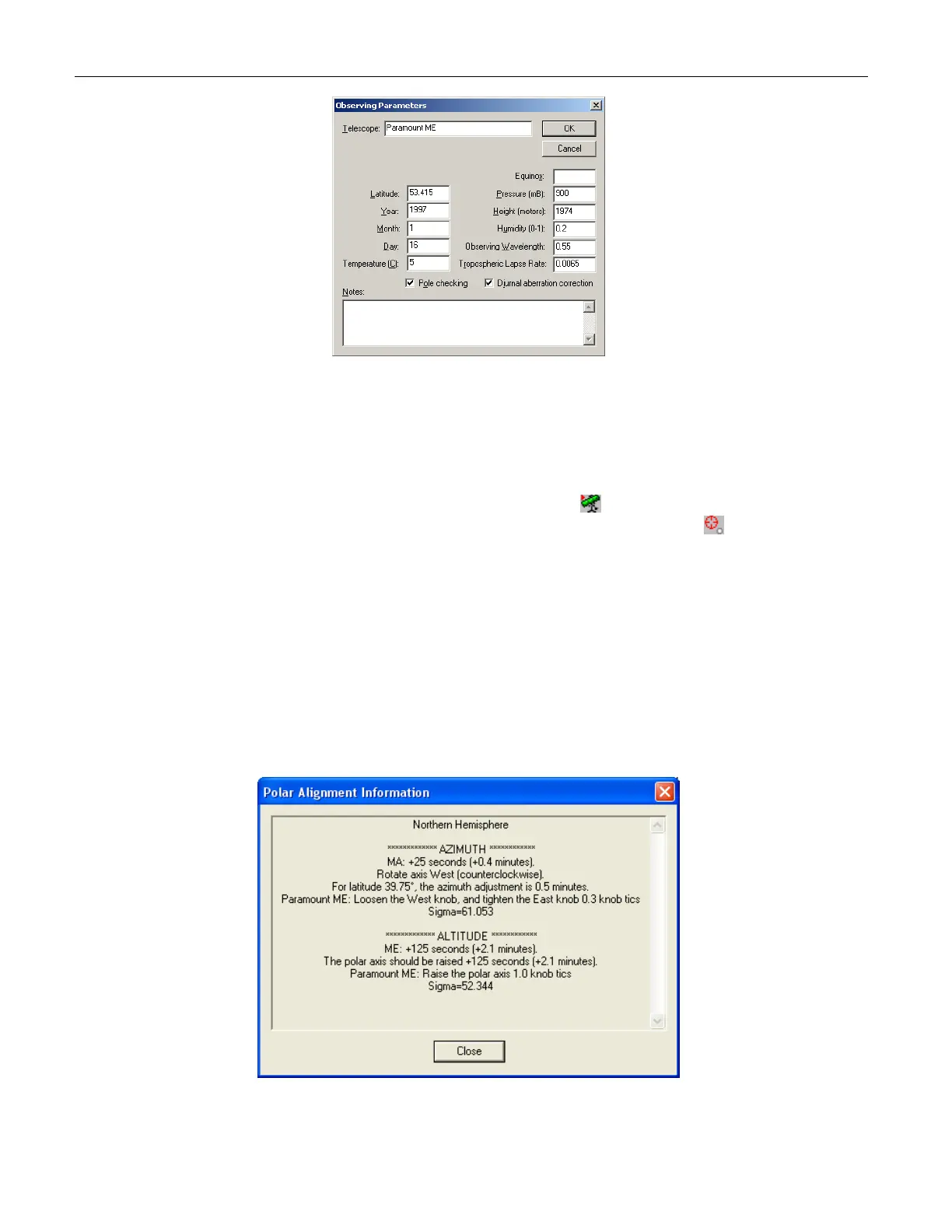
Figure 31: Polar Alignment Information dialog box (TPoint).



 To Next Page