Paramount ME User’s Guide
115
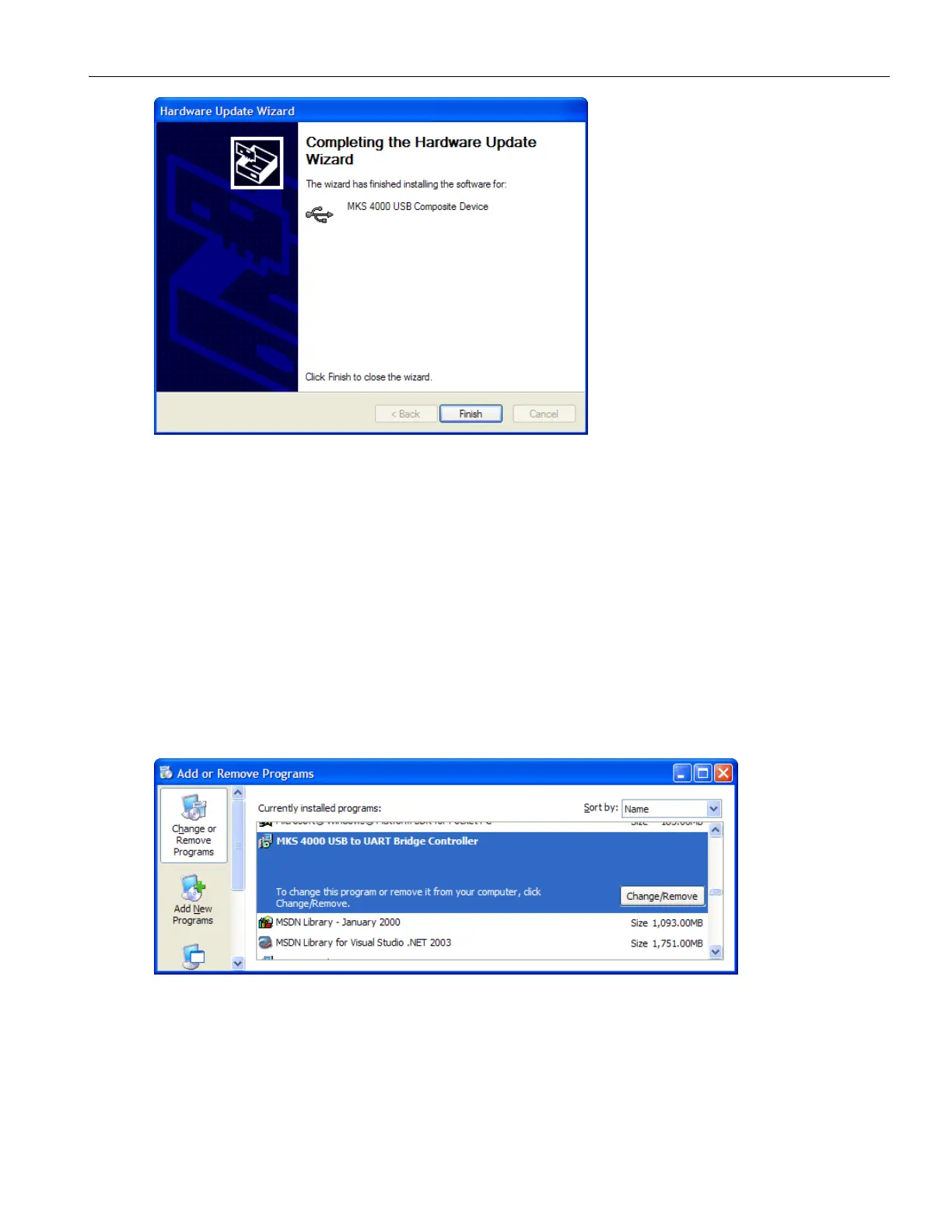
The MKS 4000 USB drivers should now be installed and ready to use.
The following drivers are copied to the Windows System32 folder:
Slabbus.sys
SlabWH.sys
SlabWNT.sys
MKSUSBUn.u2k
MKSUSBUn2K.exe
To Uninstall the MKS 4000 USB Drivers
1. Click Start > Control Panel > Add or Remove Programs.
2. On the Add or Remove Programs window, select the MKS 4000 USB to UART
Bridge Controller and then click Change/Remove.
3. When prompted, click Yes to complete the removal process.
4. You’ll be notified when the “uninstall” is complete.



 To Next Page