Paramount ME User’s Guide
72
Advanced Tab
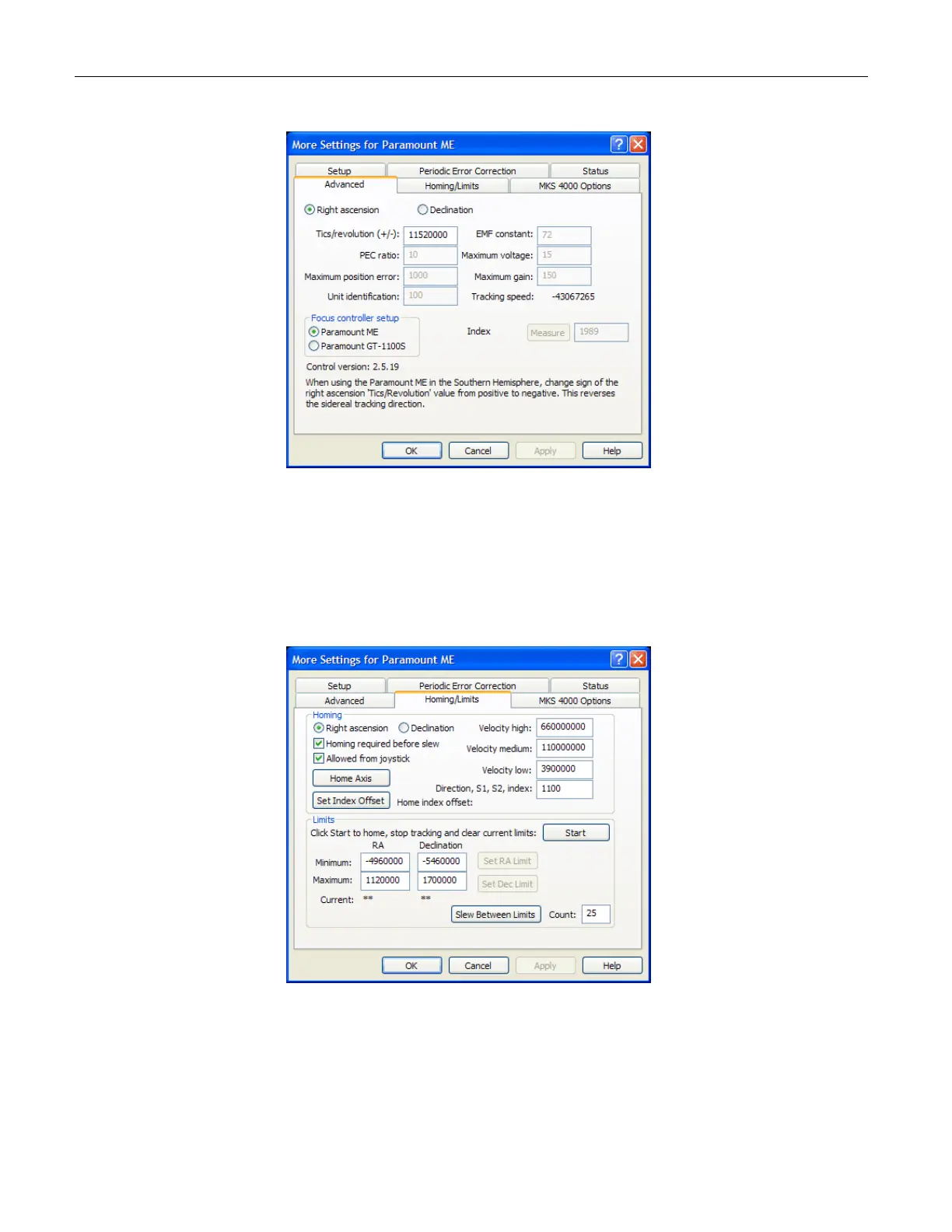
Figure 45: The Advanced Tab of the More Settings dialog box (TheSky6 Professional Edition).
Click Telescope > Options > More Settings, and then click the Advanced tab to access
these options. The only two options that can be changed are the Tics/Revolution and
Focus axis prompts. The remaining options show the status of various control system
parameters.
Homing/Limits Tab
Figure 46: Homing/Limits tab of the More Settings dialog box (TheSky6 Professional Edition).
Click Telescope > Options > More Settings, and then click the Homing/Limits tab to
access these options. The Homing/Limits tab allows you to change some of the default
options of the Paramount ME’s control system.



 To Next Page