Paramount ME User’s Guide
38
Homing Troubleshooting
Remember, the home position is a mechanically fixed orientation near hour angle 2 and
declination 0. If, after homing the mount, TheSky6 Professional Edition reports that the
mount is pointing elsewhere, then the mount is not synchronized correctly. See
“XSynchronizing the Paramount MEX” on page X77X for more information about synchronizing
the Paramount ME.
The Joystick
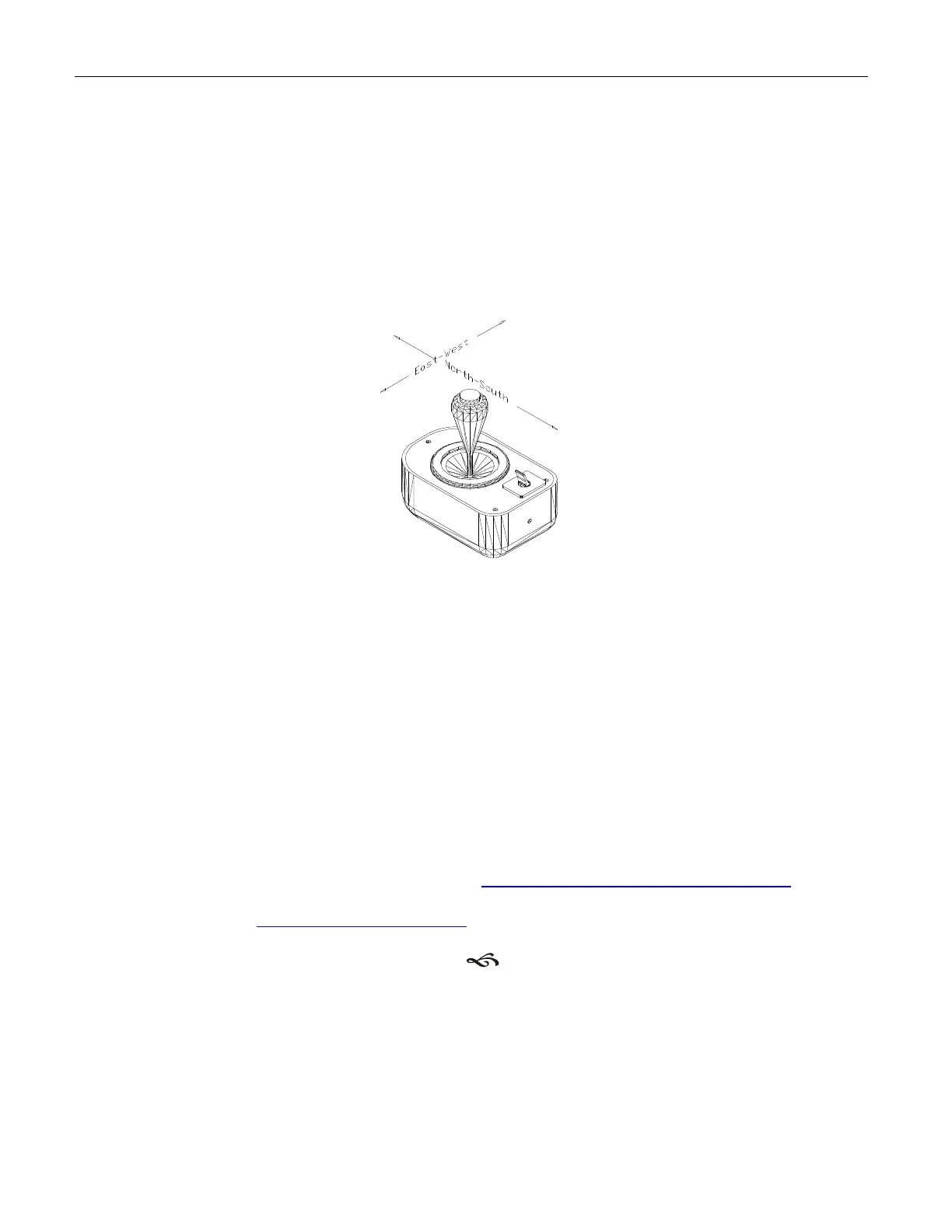
In addition to homing the mount, the joystick can be used to manually slew each axis.
Figure 18: Slewing the Paramount ME with the joystick.
The speed of the slew increases the further the joystick is moved from the center position.
A total of fifteen different speeds are traversed as the joystick handle is tilted from center to
the outer limit. The first two speeds are slower than the sidereal rate, and they increase
up to the maximum speed, as specified in the Bisque Telescope Control SystemP
TM
P (TCS)
Setup dialog box (page X61X).
The joystick box has a built-in red LED “flashlight” for use at the telescope. The switch on
the top of the joystick control box turns this LED on and off.
TReplacement Joystick Switch InformationT
Use the information below to order a replacement joystick switch if necessary.
Manufacturer: Omron Electronic Components (HTUhttp://www.components.omron.comUTH)
Manufacturer Part number: B3W-1050
Mouser Electronics (HTUhttp://www.mouser.comUTH) part number: 653-B3W-1050
Connecting the Paramount ME to Your Computer
TheSky6 Professional Edition can control the Paramount ME using either Universal Serial
Bus (USB) or RS232 interface.



 To Next Page