Paramount ME User’s Guide
16
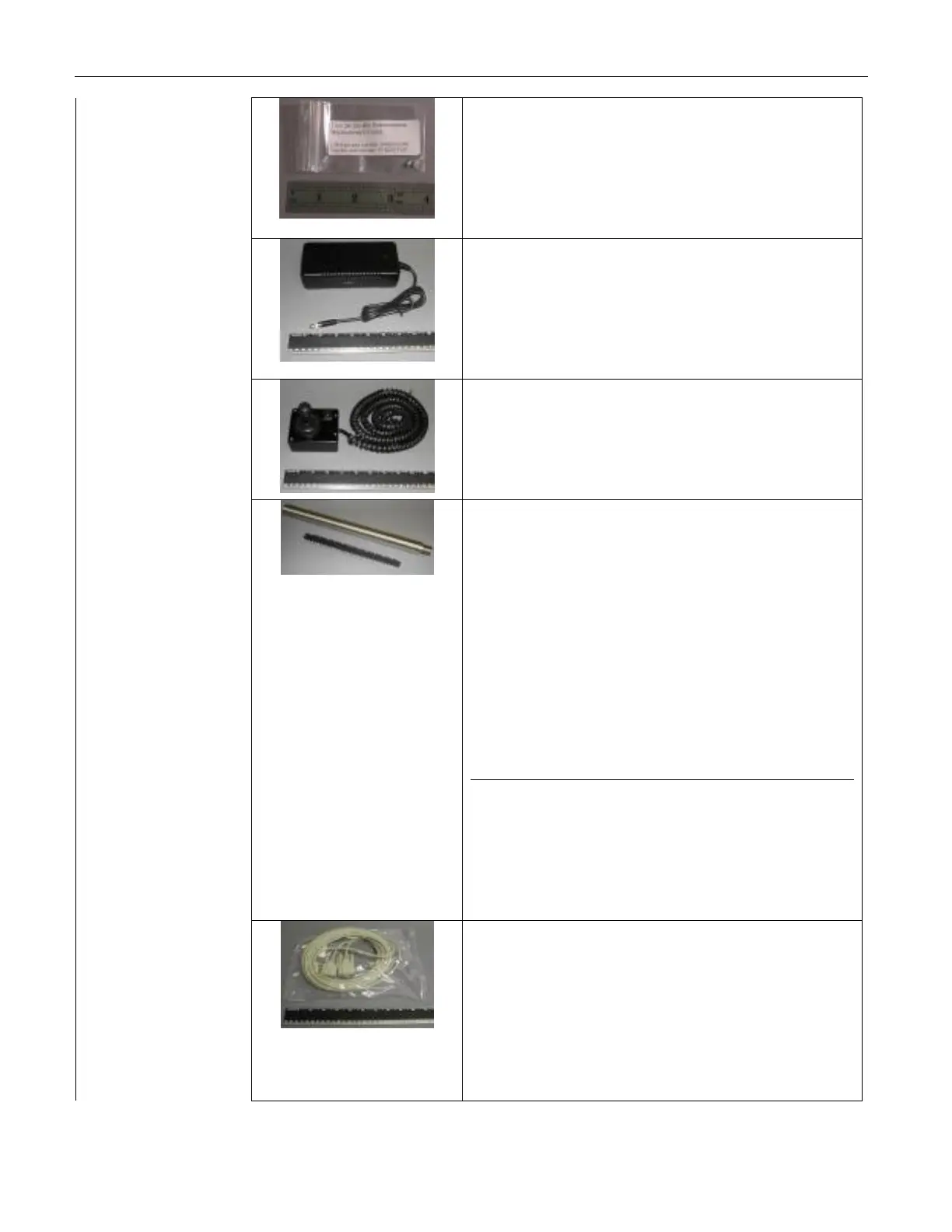
Replacement Fuses
Two 3A Slo-Blo fuses for the adaptor panel.
See “XAuxiliary Port 1 and 2 Fuse
ReplacementX” for replacement details. (Page
X103X.)
One 48V Power Supply Unit
Plug the small, round tip into the port
labeled Power on the Adaptor Panel. (Page
X21X) Plug the power supply cable into the
power supply’s three-prong port.
One Joystick
Insert the RJ11 plug into the joystick port on
the Paramount ME Adaptor Panel. See “XThe
JoystickX” for details. (Page X38X)
One Counterweight Shaft
Dimensions: 460 mm (18 in.) long and 38
mm (1.5 in.) in diameter.
This shaft holds up to six (6) 9 kg (20 lb.)
counterweights.
Attach the counterweight shaft to the base of
the counterweight attachment block. See
“XAttaching the Counterweight ShaftX” for
details. (Page X27)
1 1/8-inch x 12 threads per inch
(TPI), 60 degree form, UNF
1/2-inch x 24 threads per inch
(TPI)
One 3 m (10-foot) RS232 Serial Cable
The Paramount ME uses either USB or serial
communication for software-based mount
control. This cable runs from the computer’s
RS232 port to the port labeled RS232 on the
Paramount ME Adaptor Panel. (Page X21X.)



 To Next Page