Paramount ME User’s Guide
90
4. Locate the name of a target satellite; for now, any one that is above the horizon will
do for this exercise. Click Edit > Find, and mark the Object Information option.
This will automatically show the Object Information dialog box for any object that is
selected.
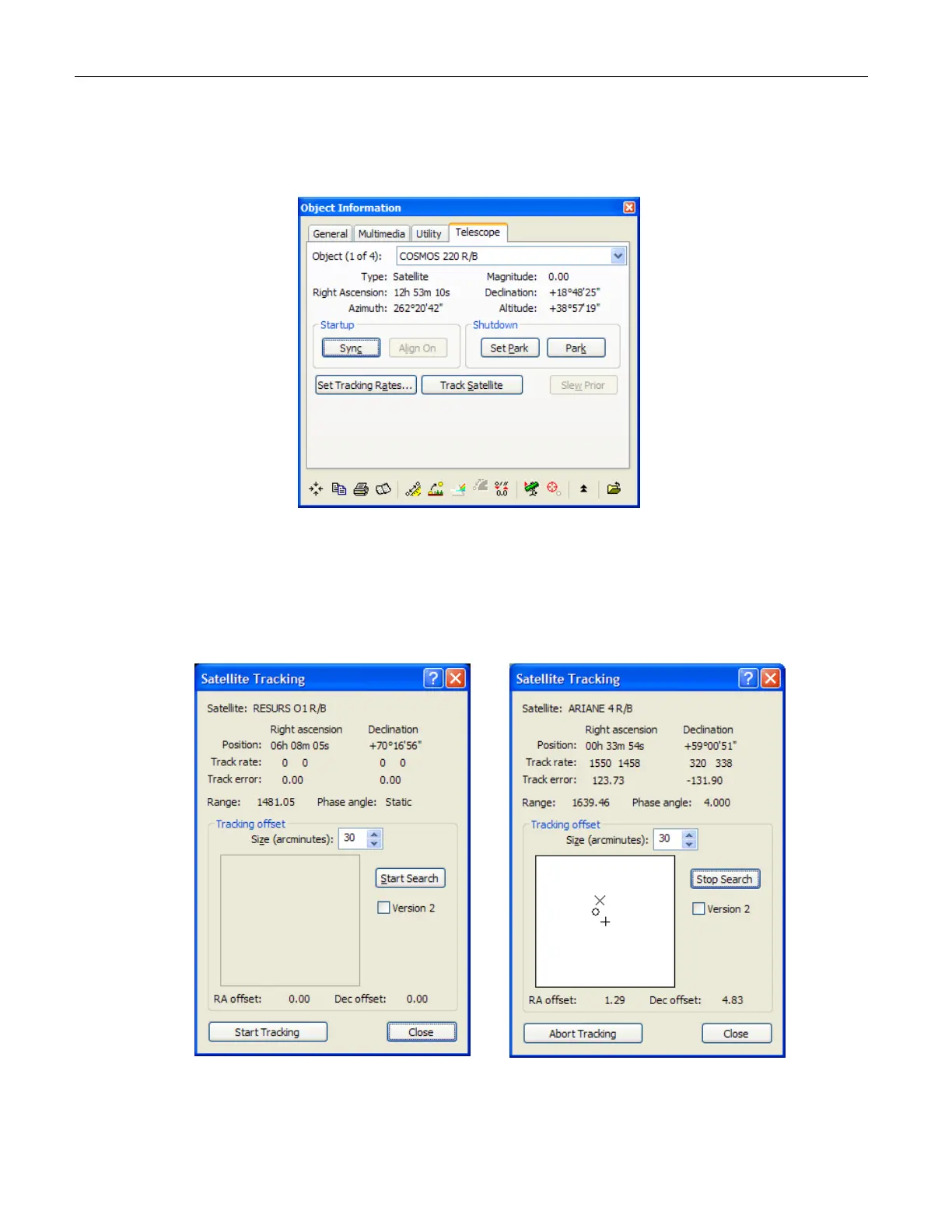
Figure 58: The Track Satellite button on the Object Information dialog box.
5. On the Find dialog box, navigate to the Solar System > Satellites node, and then
click the name of the target satellite in the satellite list. From the large Object
Information dialog box, click the Telescope tab, and then click Track Satellite to
display the Satellite Tracking dialog box.
Figure 59: The Satellite Tracking dialog box before and after clicking the Start
Search button.



 To Next Page