4-6 Receiving and Inspecting
Packing the Laser System for Transportation or Return to Spectra-Physics
Opening the Chiller Box
If told to do so:
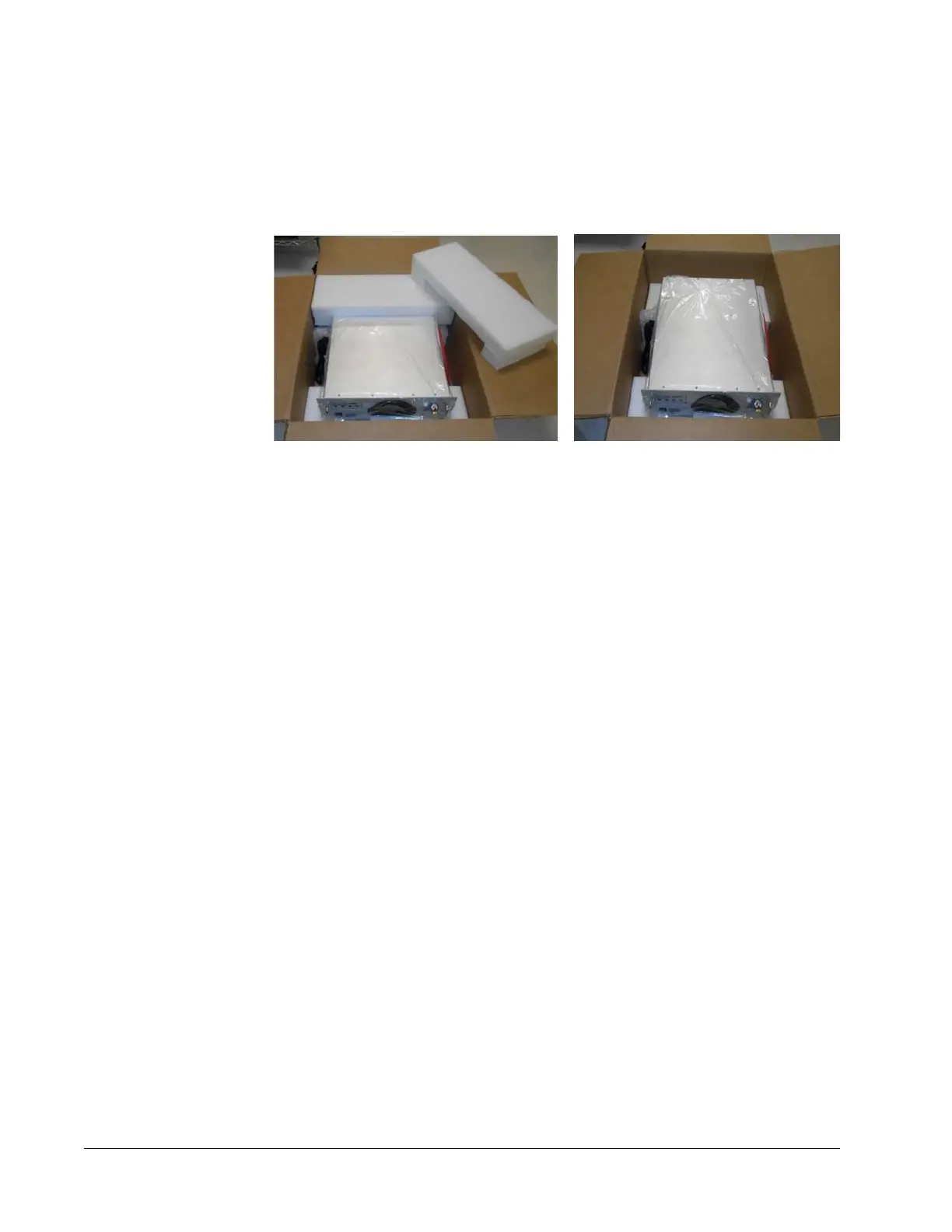
1. Open the chiller box and remove the white packing foam on either end of the chiller
(
Figure 4-8, left).
Figure 4-8 Chiller box opened with foam pieces removed
2. Lift the chiller out of the box by grasping the center of the chiller (refer to
Figure 4-8, right) and lift it out of the box and place it on a sturdy surface for
inspection.
3. Remove the bottom packing foam.
4. The installation engineer instructs you on how to inspect the chiller for damage. If
damage is found, they may ask you to photograph the damage and send the photos
to them via email or smartphone.
5. If no damage is found, the installation engineer may instruct you to return the chiller
to its box and seal it. Wait for the Spectra-Physics installation engineer to arrive who
will install your system as part of the sales agreement.
Packing the Laser System for Transportation or Return to
Spectra-Physics
To return the InSight X3 system to Spectra-Physics for service, repair, or upgrade, retain
the original crates, boxes, bags, and packing material for the engineers to repack the
system.
We encourage you to use the original crates and packing material to secure the
instruments during shipment. If shipping crates, boxes, bags, or packing material have
been lost or destroyed, we recommend that you order new ones. A kit is available for
repacking the laser system. Replacement shipping materials can be found on the FRU
list in
“Replacement Parts.” We can return instruments to you only in Spectra-Physics
containers.
Refer to “Instrument Repair” for instructions on shipping the system back to
Spectra-Physics.



 To Next Page