Operating the System Using the GUI Control Software
Operation 6-5
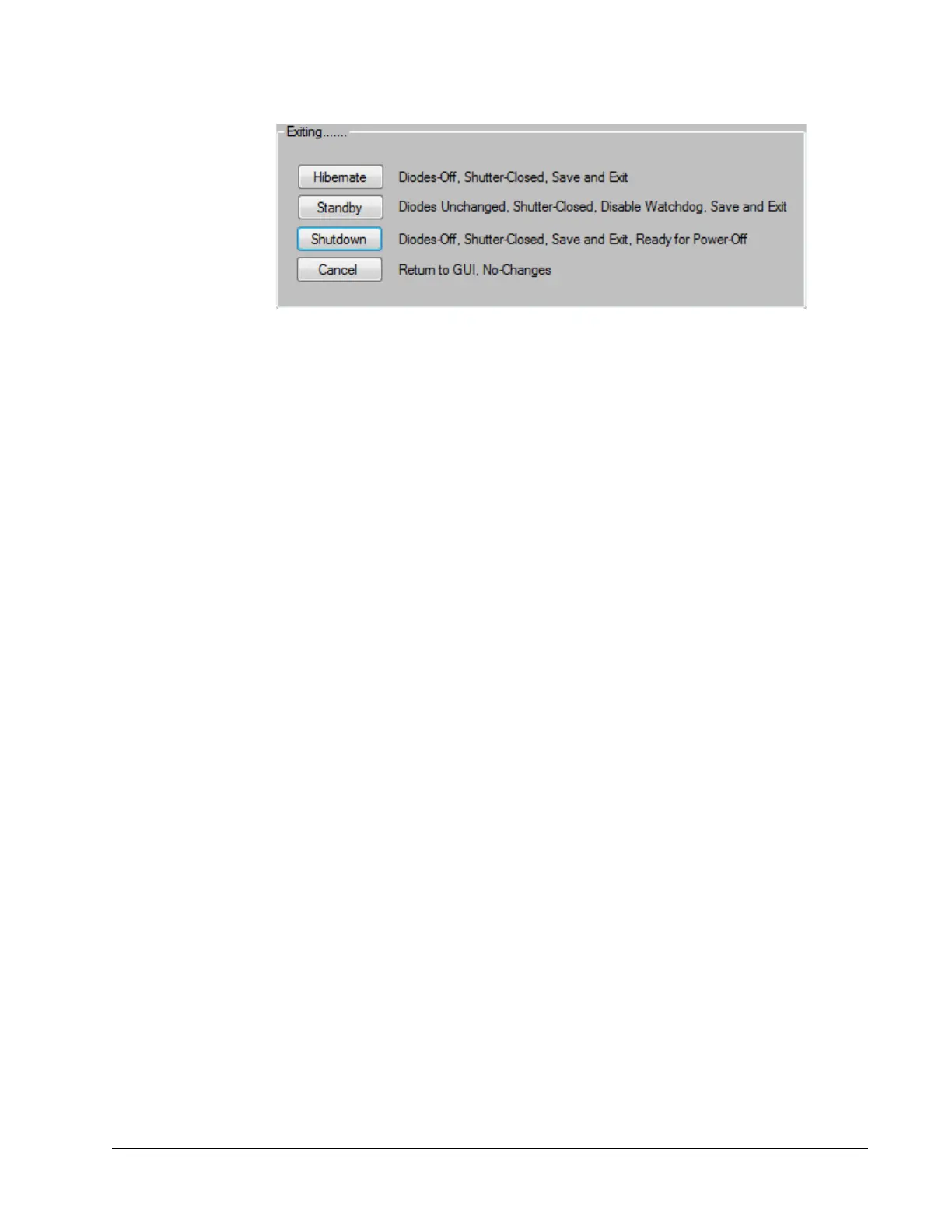
Figure 6-2 GUI shutdown choices
Hibernate—This is the default day-to-day operating mode. Shuts off the laser diode,
closes the shutters, and saves the wavelength and motor positions. It also closes the GUI.
Using Hibernate DOES NOT shut down the laser internal computer operations, so the
laser can be restarted without the delay of the internal computers rebooting. Because
Hibernate does not shut down the internal computers, the power supply MUST BE
LEFT ON when using the Hibernate mode. DO NOT TURN OFF THE POWER!
Standby—Does not shut off the laser diode. It closes the shutters and disables the
watchdog timer so that the laser does not stop when the GUI is closed. It also saves the
last set wavelength and motor positions, and it leaves all other components powered up
and operating. Because the laser diode is operating, simply opening the shutter results
in laser emission. DO NOT leave the laser unattended in this mode.
Shutdown—Turns the laser off completely. This options shuts off the diode, closes any
shutters, saves any changes to calibration tables, stores the last set wavelength and
motor positions, and shuts down the laser internal computers. It then closes the GUI.
This option must be used prior to turning off the power supply.
Cancel—Aborts the shutdown sequence. It closes the shutdown options box and returns
the GUI to operation at the point just before the user clicked the close button to exit.
The Left Panel
Figure 6-3 shows the left portion of the Main panel. This panel is always displayed no
matter which tab is open. It contains the emission indicator, the on/off diode laser
control, the open/close shutter control, and the fault indicator. A standard system display
is shown on the left; a system that includes the optional 1045
nm second output and,
thus, a second shutter, is shown on the right.



 To Next Page