Operating the System Using the GUI Control Software
Operation 6-7
The Right Panel
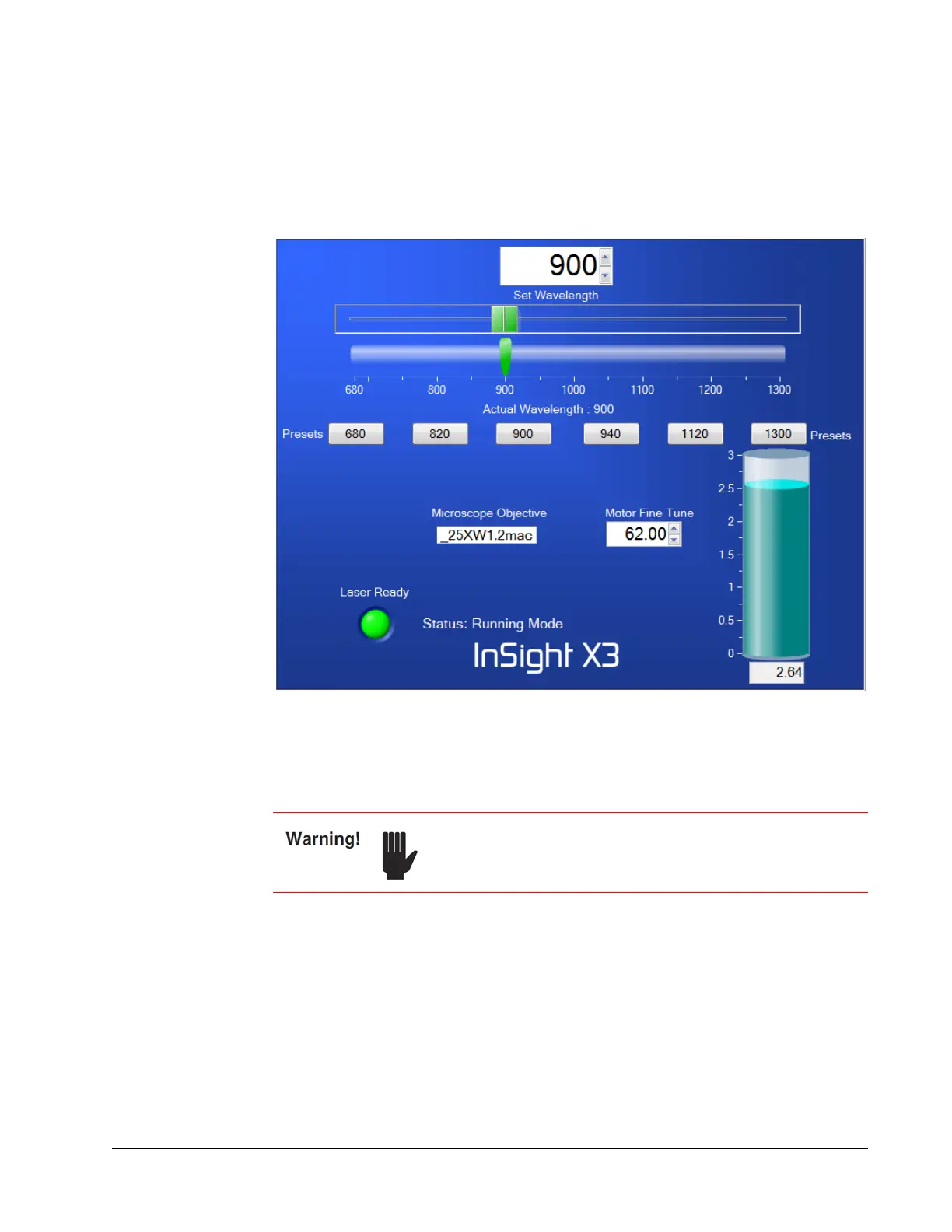
The right panel shows the Main, Objectives, Diagnostics, and About tabs. Select a tab
by clicking it, and the controls on that tab are shown. The Main tab is shown in
Figure 6-4.
Figure 6-4 Right panel, Main tab
Turning On the System
1. Verify that all connectors are plugged into the laser head; they should NEVER be
disconnected.
2. Verify that the chiller reservoir is full.
3. If the chiller was turned off, turn it on and verify that it is set to 21° C.
4. Turn the power supply’s AC power switch to ON.
When power is applied to the system, all internal computer components boot up and
the motor goes to a “home” location before it moves to the commanded position.
This process typically takes between 30 and 60 seconds, but in some cases can take
as much as 4 minutes. Allow 5 minutes before cycling power if boot-up is delayed.
The chiller must always be on when the IPS-300 power supply
is on, even if the diode laser is not switched on!



 To Next Page