Position / Button Meaning
‘No. of Sections’ : Number of sections
‘Boom Width’ : Total width of the toolbar
The value results automatically from the sections.
‘Section Width’ : Sections
Sections for each row
Half width for the outer rows, when cultivating in outward and return travel.
NOTE: This data is automatically transferred to the software when the congured
hoeing machine is electrically connected to the tractor with the operation terminal.
‘Default’ : Enter the value for the default row width.
‘APPLY’ : Apply. The value for the rows is accepted.
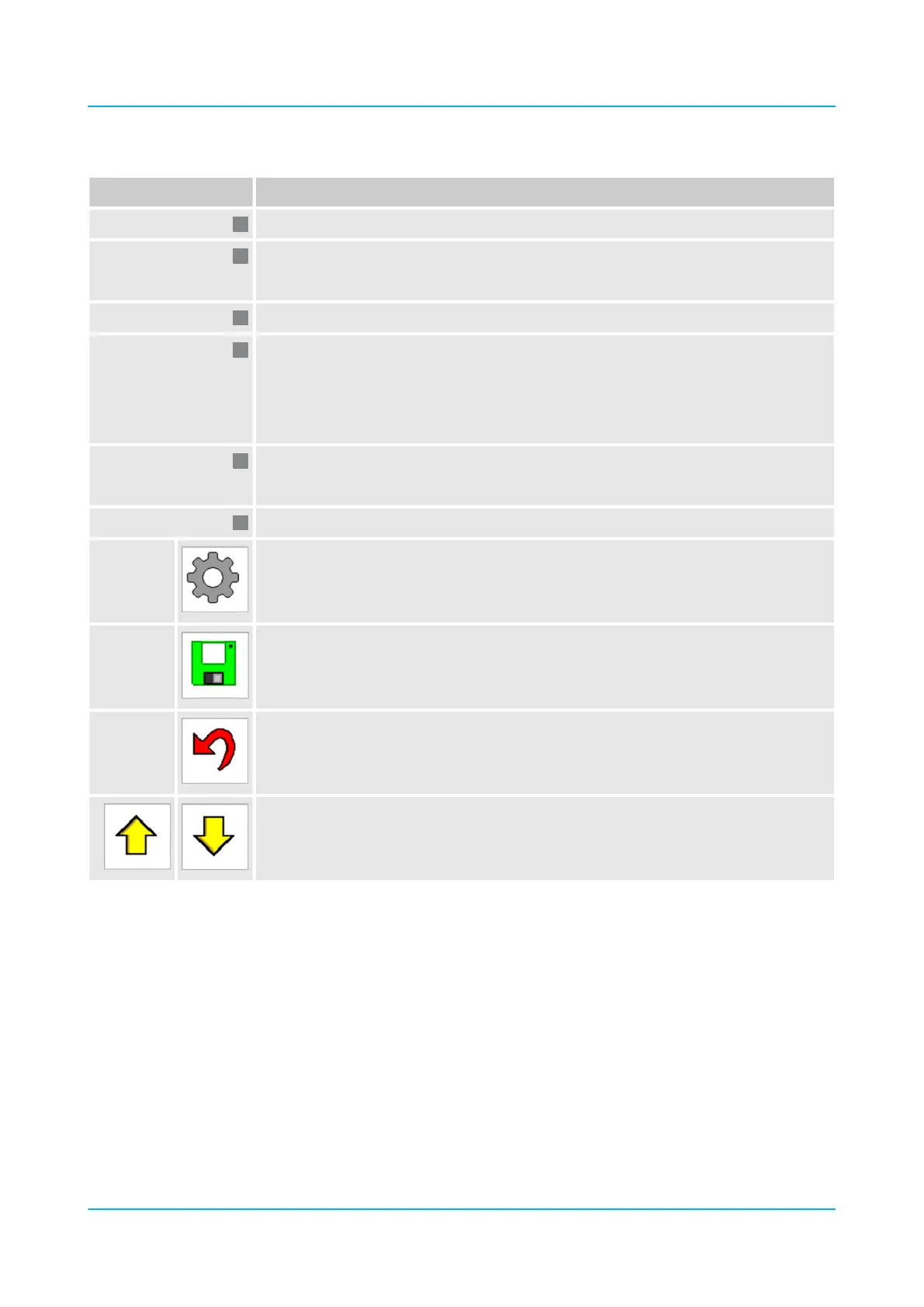
Buttons:
Open the ‘Settings’ menu.
Save values.
Back to main menu
Scroll up and down to show all rows.
Operation
en-GB | Item no. 17513597 | BA 02/05-2022 90



 To Next Page