42
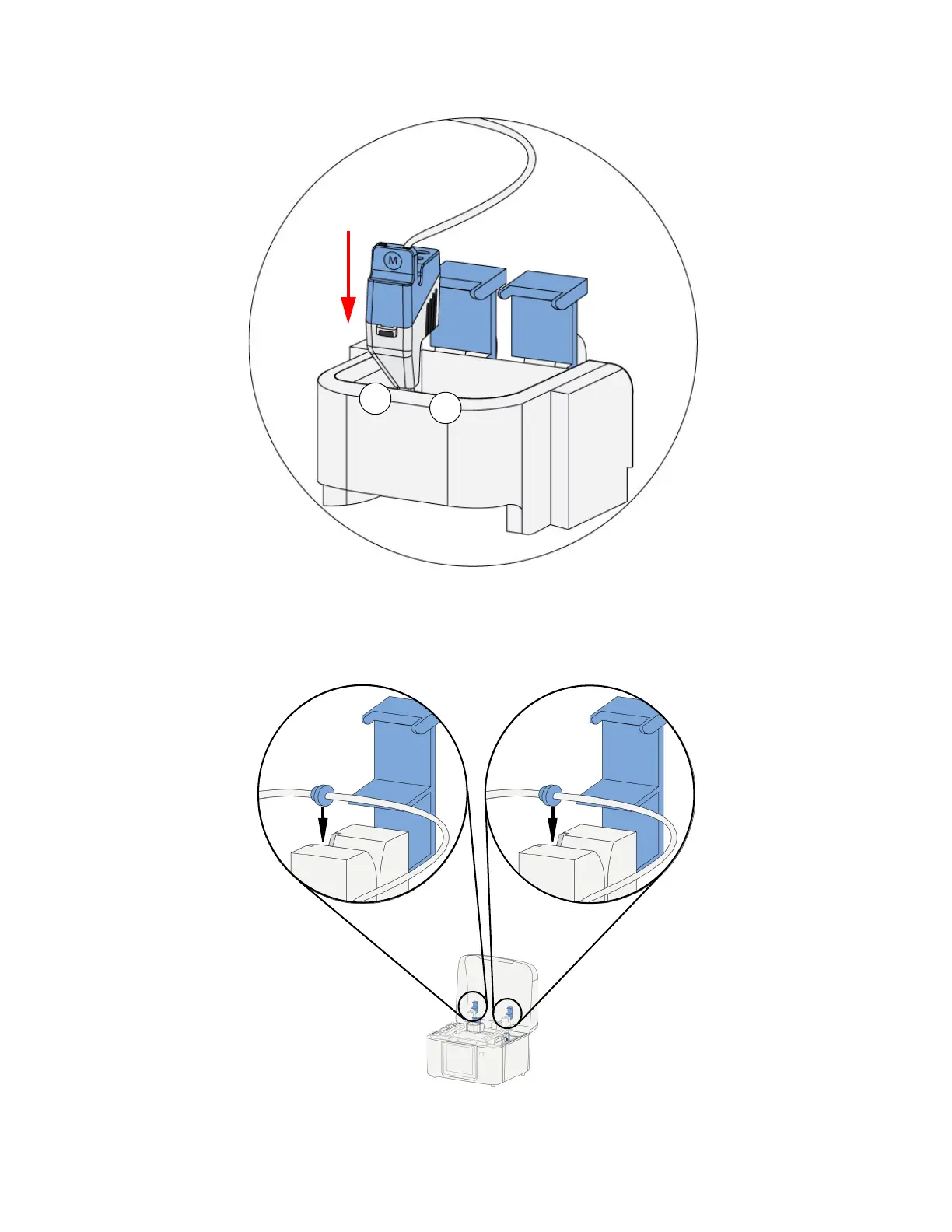
11. Insert the head in the appropriate head socket and close the lid.
Figure 4-59: Inserting the head (model head shown)
12. Install the model material tube guide into the key in the model material sensor and close the lid.
Install the support material tube guide into the key in the support material sensor and close the
lid.
Figure 4-60: Inserting model material
13. Replace the corresponding tip wipe assembly when replacing a QuickPack Print Engine. (See
“Removing and installing tip wipes” on page 43.)















 To Next Page