Objet260 User Guide 5 Using Objet Studio
DOC-37004 Rev.E 5-78
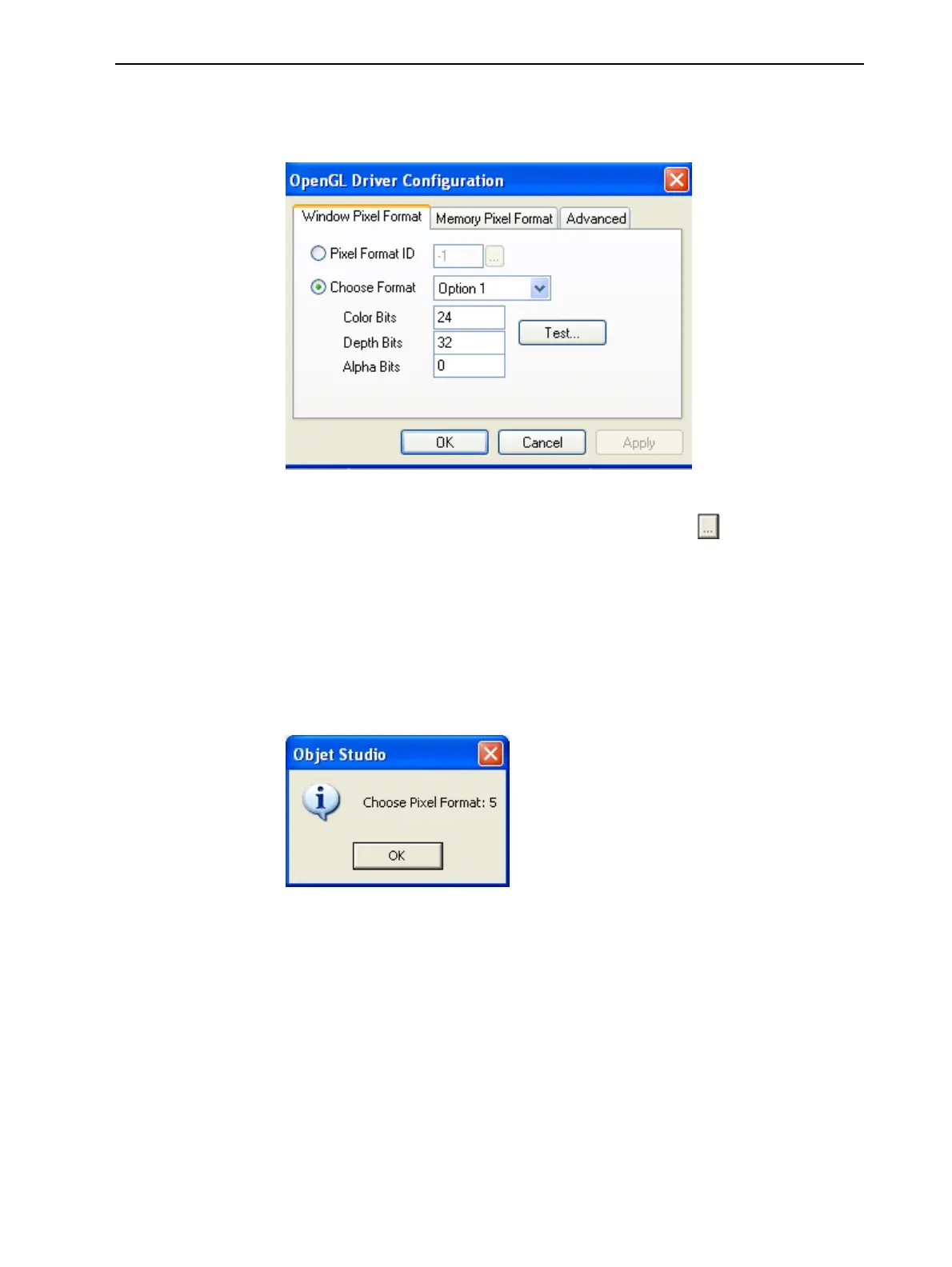
3. ClickOpenGLDriverConfiguration.
ThedialogboxthatopensdisplaysdetailsofthepixelformatID(index)for
thewindowandthememory.
Figure5-97OpenGL Driver Configurationdialogbox
Ifyouwanttodisplaythevaluesandchangethem,click .Alternately,you
canselectChooseFormatandchangethevaluesinthisdialogbox.
Toperformatestofthedriverconfigurationandenterthesuggestedpixelformat
ID:
1. SelectChooseFormat.
2. ClickTest.
ObjetStudioreturnstherecommendedpixelformatID.
Figure5-98RecommendedpixelformatID
3. ClickOK.
4. IntheOpenGL Driver Configurationdialogbox(Figure5-97),selectPixel
FormatIDandenterthisnumber.
5. ClickApply.
6. Displaytheotherpixelformattab,andrepeatthisprocedure.













 To Next Page