Objet260 User Guide 5 Using Objet Studio
DOC-37004 Rev.E 5-29
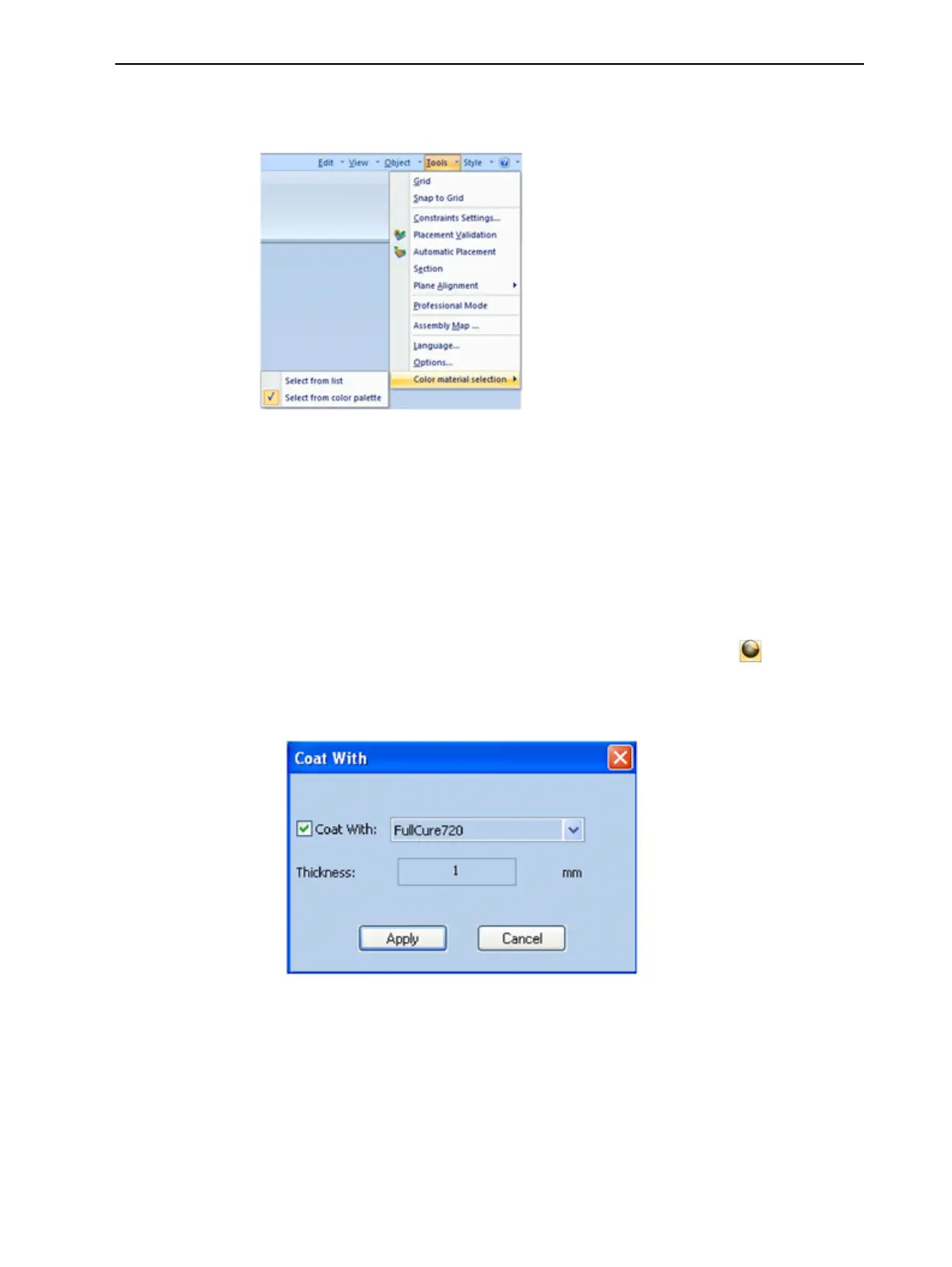
Tochangethematerialselectionmethod—colorpaletteormateriallist:
➢ FromtheToolsmenu,selectColormaterialselection.
Figure5-33Settingthecolormaterialselectionmethod
Coating
Objects
Youcanprintcompositemodelswherethesurfacelayerisadifferentmaterial
thantheinside.Thiscanbeusefultoachieveuniquemechanicalandtextural
characteristics.Thistechniqueiscalled“coating.”
Tocoatanobjectwithadifferentmodelmaterial:
1. Selectanobjectonthebuildtray.
2. OntheModelToolbarortheModel Settingsribbon,click .
TheCoat withdialogboxopens.
3. SelectCoatWithand,fromthedrop-downlist,selectthecoatingmaterial.
Figure5-34Coatingmaterialselected
4. IntheThicknessfield,enteracoatingthicknessbetween0.3and3
millimeters.
Note: Thecoatingthicknessdoesnotaffecttheexternaldimensionsofthe
object,whichremainunchanged.Thecoatinglayerreplacespartofthemain
modelmaterial.













 To Next Page