Objet260 User Guide 5 Using Objet Studio
DOC-37004 Rev.E 5-40
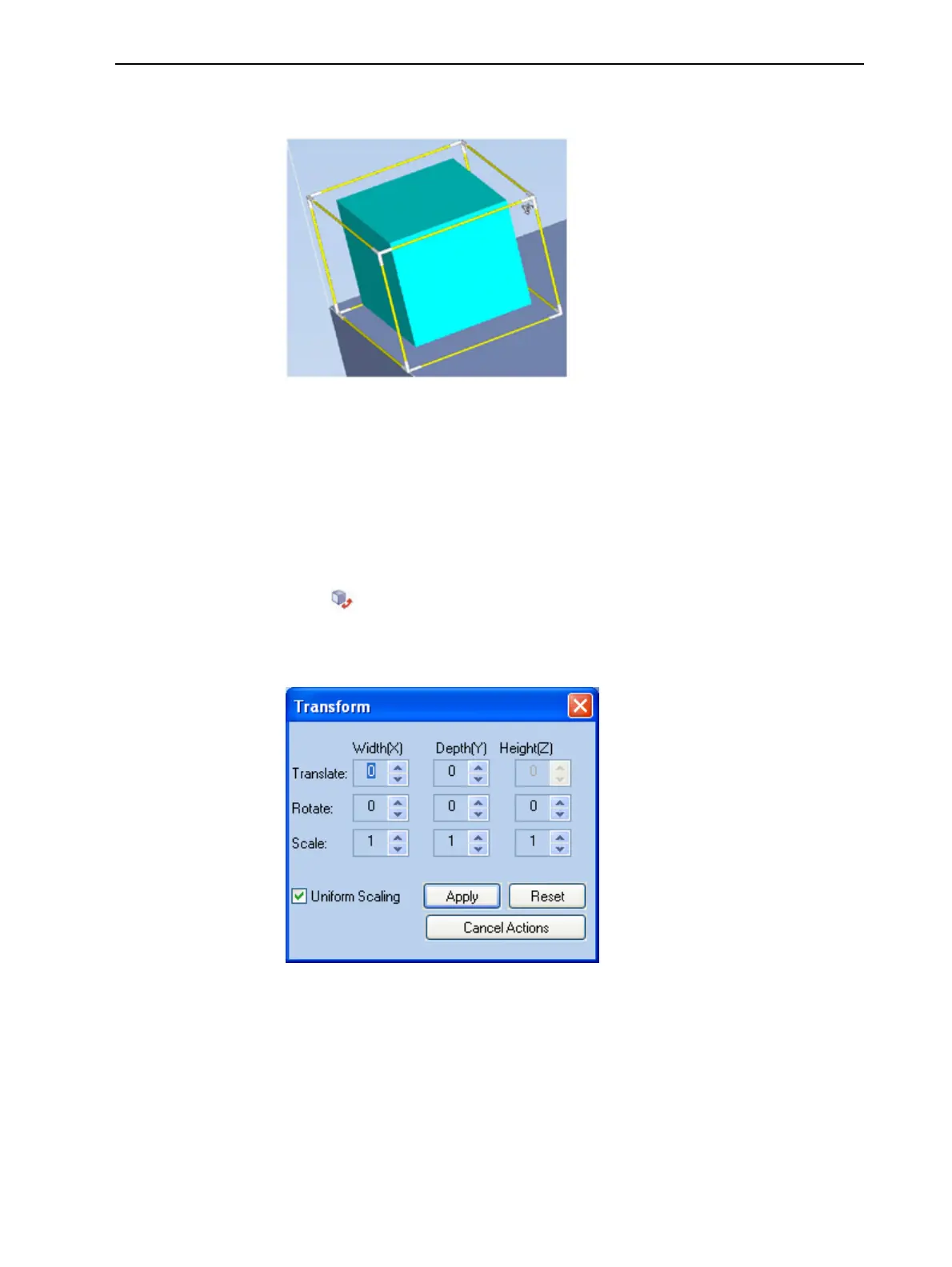
3. Ifyouclickonacorneroftheframe,thecursorchangestoindicatethat
theobjectcanberotated.
Figure5-46Manuallyrotatinganobject
4. Manipulatetheobjectwiththearrowkeysorwiththemouse.
Usingthe
Transform
DialogBox
Youcanmakeprecisechangestoanobjectbychangingthepropertiesinthe
Transformdialogbox.
ToaccesstheTransformdialogbox(whenanobjectisselected):
•Click ontheModelToolbarorontheModel Settings ribbon.
•Fromtheright-clickcontextmenu,selectTransform.
•FromtheObjectmenu,selectTransform.
Figure5-47Transformdialogbox
TochangeanobjectwiththeTransformdialogbox:
➢ Changeanyofthevalues,thenclickApplytoseehowtheobjectchanges
onthebuildtray.
Note: ThechangedvaluesremaininthedialogboxafterclickingApply.
Therefore,youcanmakesmallchangestovaluesinthedialogboxtoseehow
theobjectchangesonscreeneachtimeyouclickApply.













 To Next Page