Removing and Replacing a DVD Drive
Installing and Replacing System Components
5-47
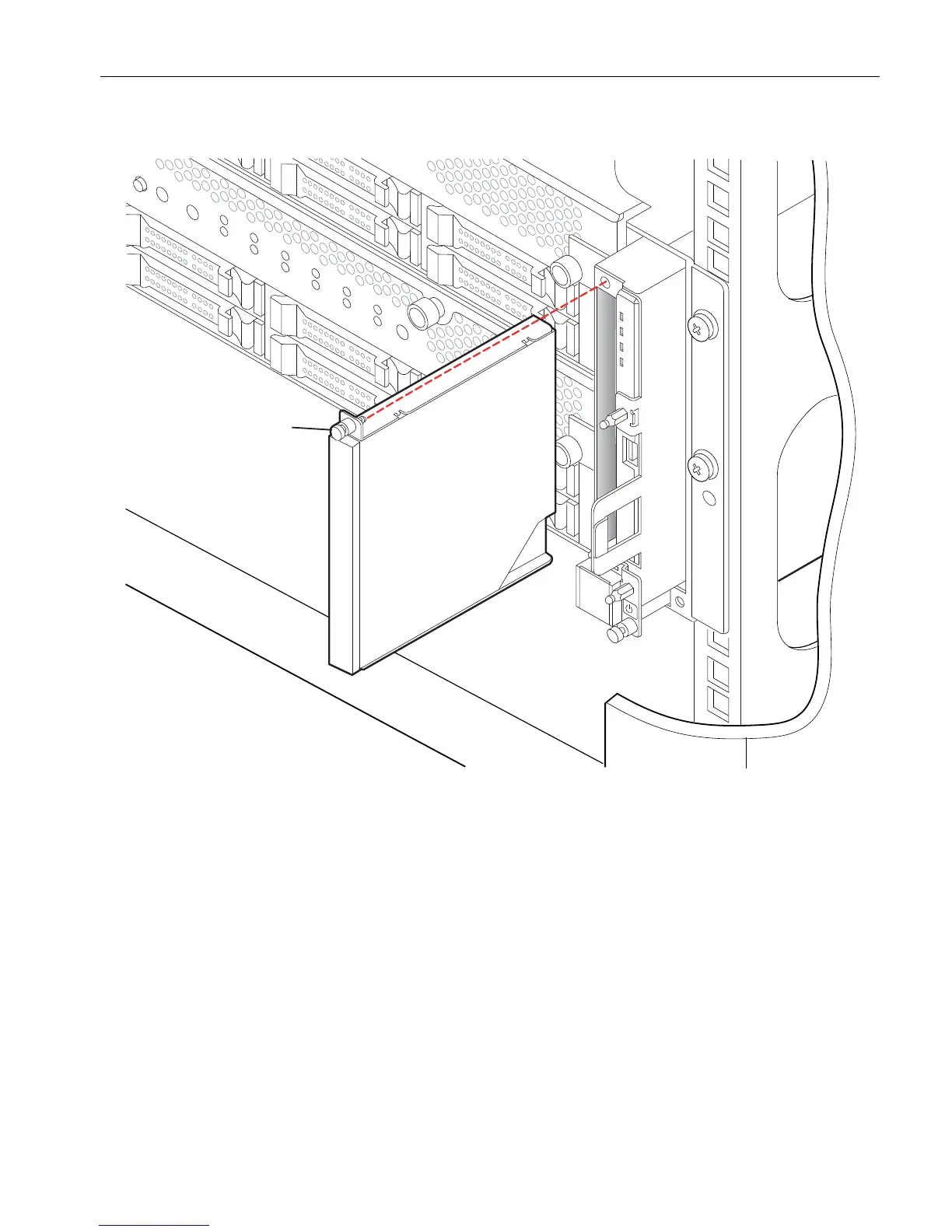
Figure 5-26. Replacing a DVD Drive
4. Pull the drive from the front panel assembly.
If you are replacing a defective drive, set it aside for repacking. See “Repacking CRUs”
on page 4-3.
Replacing a DVD Drive
1. Insert the drive into the drive bay. Push firmly to engage the drive connector.
2. Tighten the captive screw (number 1 in Figure 5-26).
3. See “Replacing the Front Panel” on page 5-8 to reinstall the front panel.
4. Replace the bezel.
1 Thumbscrew



 To Next Page