General Hard Disk Drive Problems and Solutions
Troubleshooting the Hardware
3-19
General Hard Disk Drive Problems and Solutions
Ta bl e 3- 9 lists some problems that the internal SAS disk drives may encounter, as well
as some corrective actions. For more information, see your system administration
documentation.
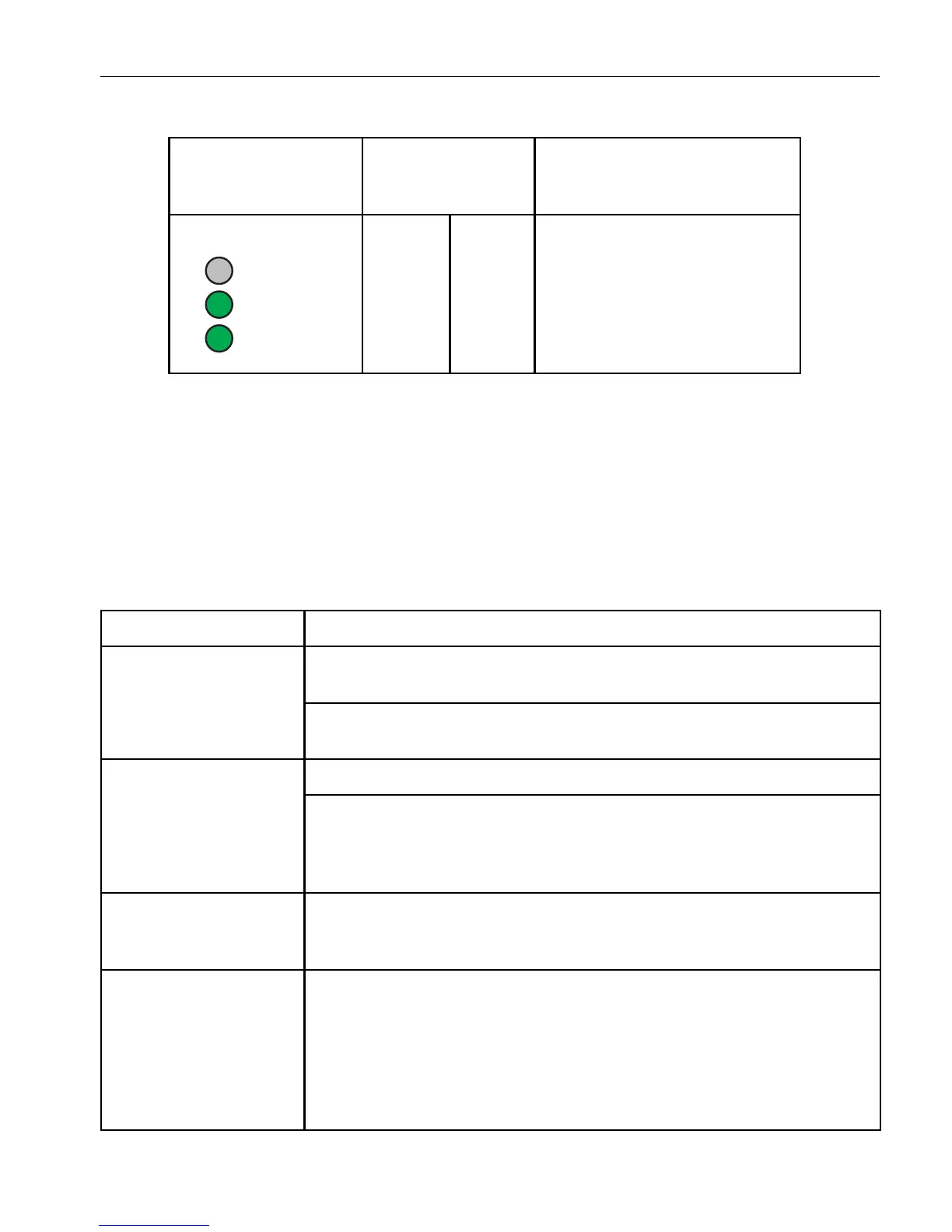
On I - On MPS, TVS L-N Fuse Blown
Replace the PDU.
Table 3-9. Troubleshooting Disk Drives
Problem Action
System will not boot
from system disk
Ensure that booting from a disk drive is enabled through the BIOS Setup
program.
Try to boot from the system disk’s mirrored partner. To do so, unlatch the
suspected faulty system disk.
Cannot access data Some files might contain viruses. Run a virus-scan utility on the disk drive.
Some files might be corrupted. If possible, restore the files from a backup.
If there is a problem with the system files on a Windows system, and you
have an Automated System Recovery (ASR) backup, use the ASR backup
to repair the system files. See the Help for Windows for more information.
Disk drive fails, or disk
status LED is steady
yellow
Use the system diagnostic software to try to determine what might have
caused the disk drive to fail. If you cannot resolve the problem, contact the
CAC or your authorized Stratus service representative.
System does not
recognize disk drive
Ensure that the disk drive was installed correctly. See “Removing and
Inserting an Internal Hard Disk Drive” on page 5-44 for information about
installing a disk drive. For external USB disk drives, ensure that the USB
cable is plugged into the USB connectors on the system backplane
assembly or front panel. You cannot connect a USB disk drive or
solid-state drive to the system through the USB connectors on the
keyboard.
Table 3-8. Model AA-P87600 PDU Status LEDs
(Continued)
LEDs Input Power
States
Description



 To Next Page